About
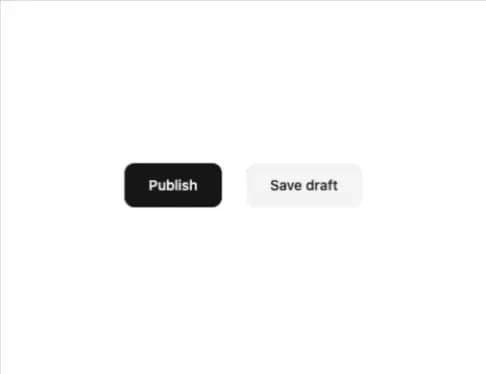
A button whose front face tilts back like a hinged flap on hover, focus, or loading, revealing a progress bar underneath that fills to a given percentage or sweeps indeterminately.
Built with React and Tailwind. Copy the prompt and paste it into Claude Code, Cursor or Lovable: your agent adds Progress Fold Button to your project and fits it to your theme.
Code
How Progress Fold Button is used: the demo's code. The component's own source comes with a free account.
Usage.tsx
import { ProgressFoldButton } from "@/components/ui/progress-fold-button";

export default function ProgressFoldButtonDemo() {
  return (
    <div className="flex w-full h-full items-center justify-center bg-background">
      <div className="flex flex-wrap items-center justify-center gap-6">
        <ProgressFoldButton variant="primary">Publish</ProgressFoldButton>
        <ProgressFoldButton variant="secondary">Save draft</ProgressFoldButton>
      </div>
    </div>
  );
}
More by lucasbassetti
View all

Multi Button
19
Magic Button
8
Mask Button
7
Animated Tooltip
6
Bento Grid
More in Buttons
View all

Button
14
Texture Button
92

Button
63
Button
34
Button Save
46

Button


App Store Button
453

Notification Button
103

