
About
Upgaraded shadcn/ui Input
Built with React and Tailwind. Copy the prompt and paste it into Claude Code, Cursor or Lovable: your agent adds Input to your project and fits it to your theme.
Code
How Input is used: the demo's code. The component's own source comes with a free account.
Usage.tsx
import { Input } from "@/components/ui/input";
import { Label } from "@/components/ui/label";
import { Send } from "lucide-react";
import { useId } from "react";

function Component() {
  const id = useId();
  return (
    <div className="space-y-2 min-w-[300px]">
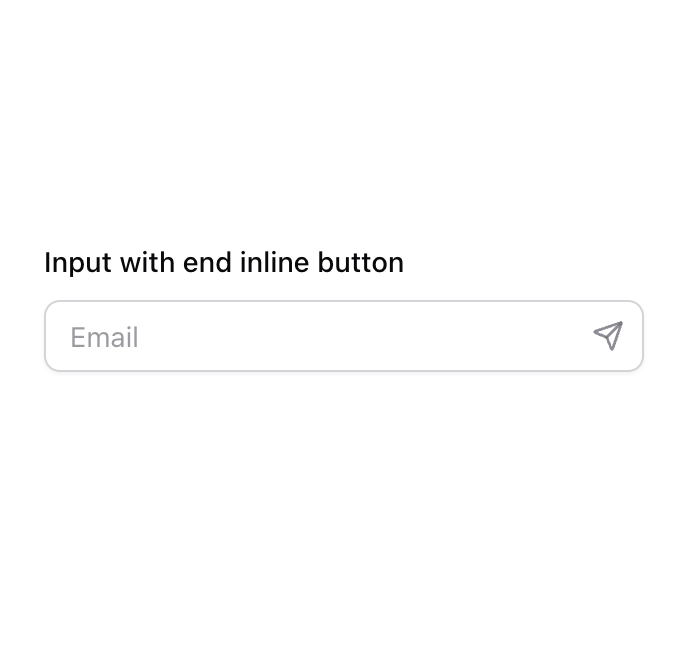
      <Label htmlFor={id}>Input with end inline button</Label>
      <div className="relative">
        <Input id={id} className="pe-9" placeholder="Email" type="email" />
        <button
          className="absolute inset-y-0 end-0 flex h-full w-9 items-center justify-center rounded-e-lg border border-transparent text-muted-foreground/80 outline-offset-2 transition-colors hover:text-foreground focus-visible:outline focus-visible:outline-2 focus-visible:outline-ring/70 disabled:pointer-events-none disabled:cursor-not-allowed disabled:opacity-50"
          aria-label="Subscribe"
        >
          <Send size={16} strokeWidth={2} aria-hidden="true" />
        </button>
      </div>
    </div>
  );
}

export { Component };
More by Origin UI
View all
Dialog
1.2K
Avatar
950
useImageUpload
926
usePagination
622
Popover
384
Button
361
Command
320
Accordion
256
More in Buttons
View all

Button
5

App Store Button
453

Button
47

Eclipse Button
39
Texture Button
92
Split Button
14

Button
4

Button
32

