About
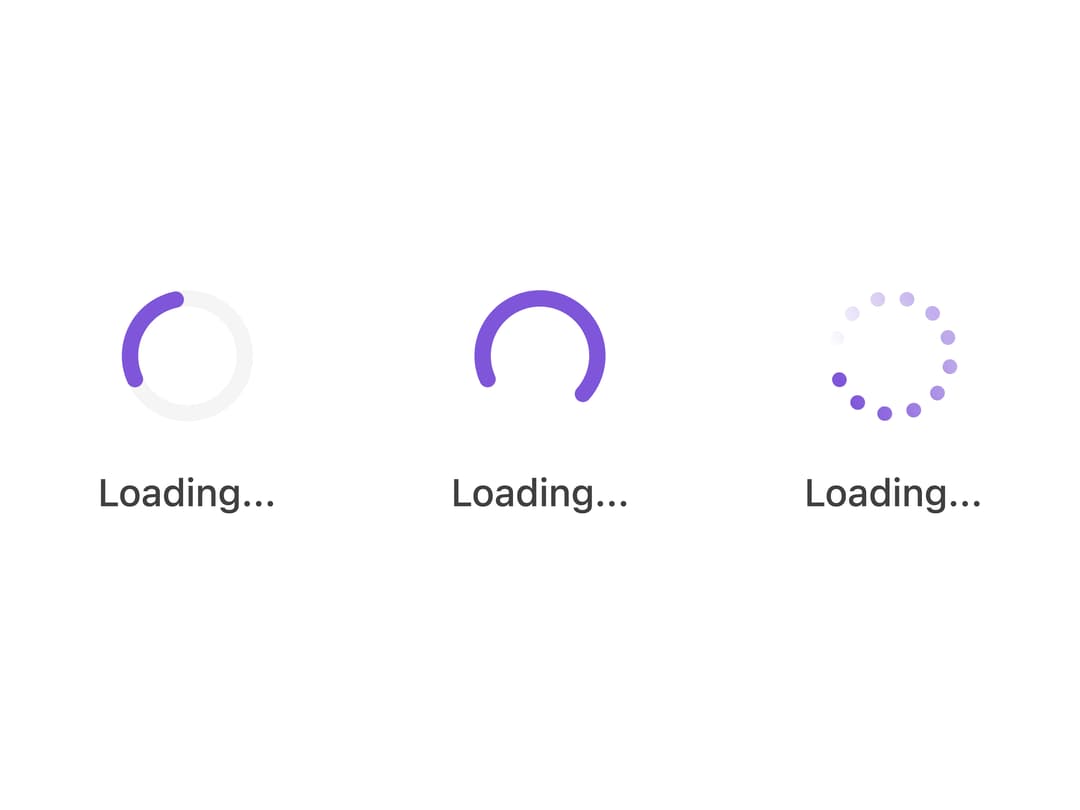
A spinner shown while content is loading or a background action is in progress, with line, spinner and dot-circle styles, optional label and size variants.
Built with React and Tailwind. Copy the prompt and paste it into Claude Code, Cursor or Lovable: your agent adds Loading Indicator to your project and fits it to your theme.
Code
How Loading Indicator is used: the demo's code. The component's own source comes with a free account.
Usage.tsx
import LoadingIndicator from "@/components/ui/loading-indicator";

export default function LoadingIndicatorDemo() {
  return (
    <div className="flex flex-col items-start gap-8 md:flex-row md:gap-16">
      <LoadingIndicator type="line-simple" size="md" label="Loading..." />
      <LoadingIndicator type="line-spinner" size="md" label="Loading..." />
      <LoadingIndicator type="dot-circle" size="md" label="Loading..." />
    </div>
  );
}
More by properui
View all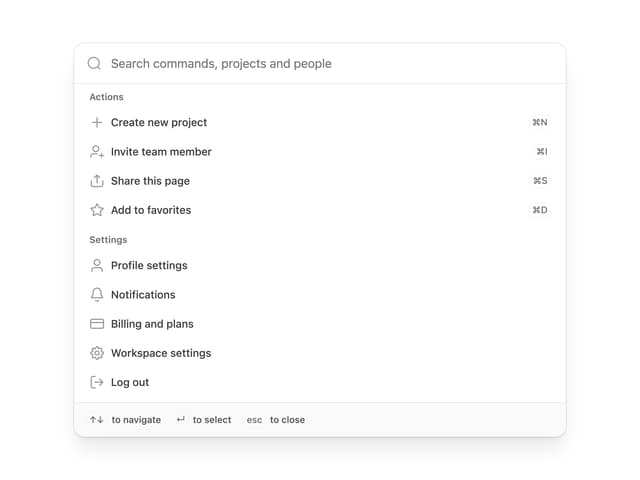

Command Menu
13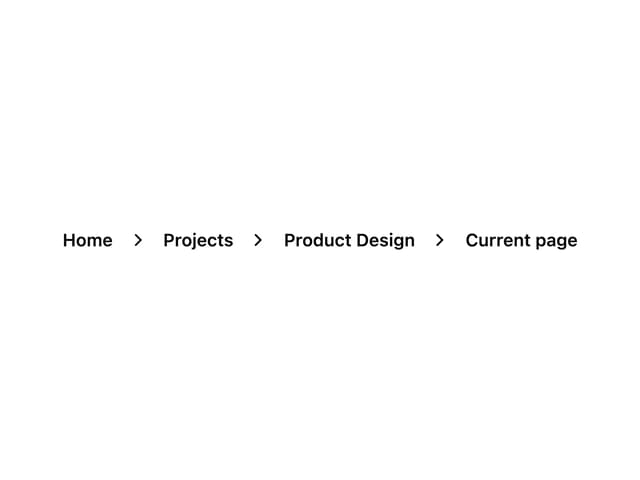
Breadcrumbs
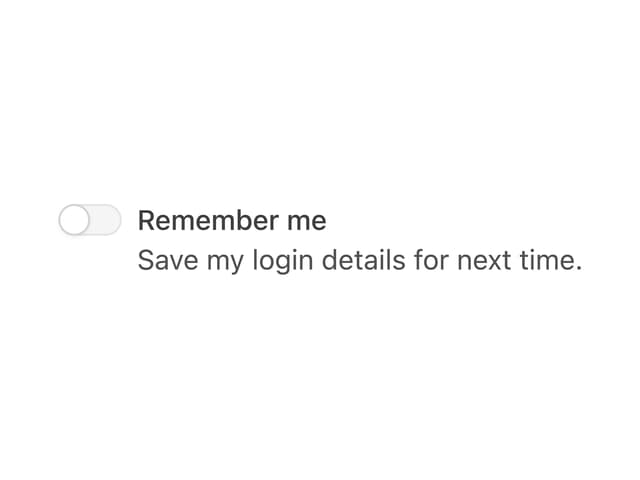
Toggle
Tags
Progress Indicators
Radio Buttons
Button
Badge