
About
A group of chip-style tags built with React Aria that a user can select, filter by, or remove, with optional avatars, status dots, and counts.
Built with React and Tailwind. Copy the prompt and paste it into Claude Code, Cursor or Lovable: your agent adds Tags to your project and fits it to your theme.
Code
How Tags is used: the demo's code. The component's own source comes with a free account.
Usage.tsx
"use client";

import { Tag, TagGroup, TagList } from "@/components/ui/tags";
import { useState } from "react";
import type { Selection as AriaSelection } from "react-aria-components";

const AU_FLAG =
  "https://cdn.21st.dev/assets/localized/cbb2206c5e59a25d79228306af973666a191e163f0ae337681f447977e6edb18.svg";
const AVATAR_SRC =
  "https://cdn.21st.dev/assets/localized/aef1dddf3f0a7db7576b169903741465d2f7afebd0666243376970fa95f6e00a.svg";

export default function SelectableTagsWithCountDemo() {
  const [selectedTags, setSelectedTags] = useState<AriaSelection>(
    new Set(["tag-01", "tag-02"]),
  );

  return (
    <TagGroup
      label="Tags"
      size="md"
      selectionMode="multiple"
      selectedKeys={selectedTags}
      onSelectionChange={setSelectedTags}
    >
      <TagList className="flex flex-col items-start gap-4 md:flex-row">
        <Tag id="tag-01" count={5}>
          Label
        </Tag>
        <Tag id="tag-02" avatarSrc={AU_FLAG} count={5}>
          Label
        </Tag>
        <Tag id="tag-03" avatarSrc={AVATAR_SRC} count={5}>
          Label
        </Tag>
        <Tag id="tag-04" dot={true} count={5}>
          Label
        </Tag>
      </TagList>
    </TagGroup>
  );
}
Dependencies
More by properui
View all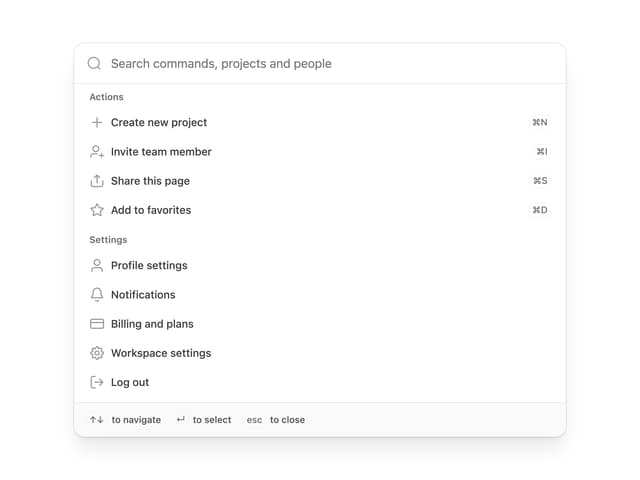

Command Menu
12
Loading Indicator
7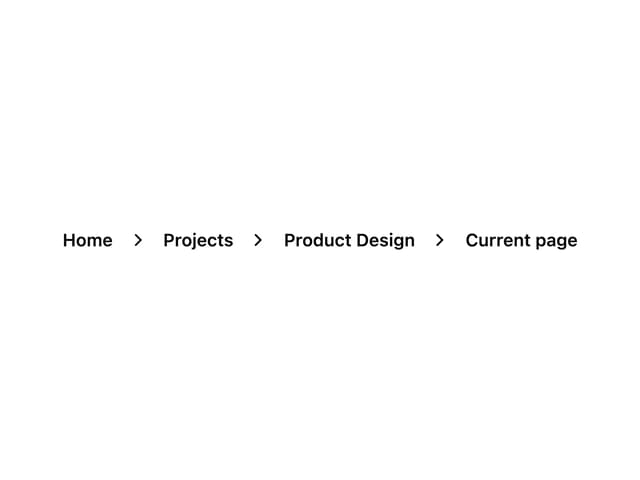
Breadcrumbs
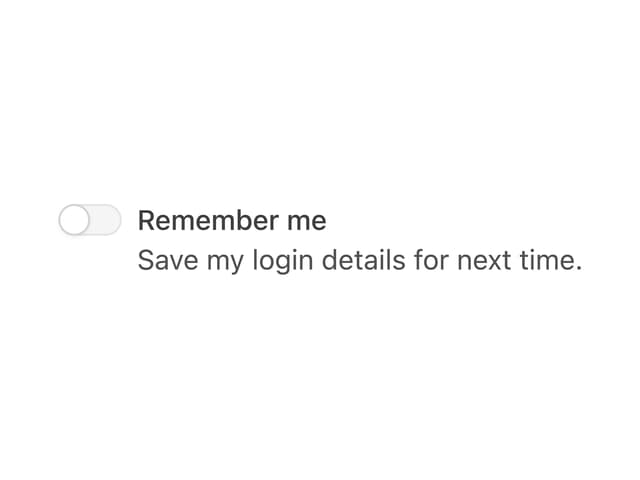
Toggle
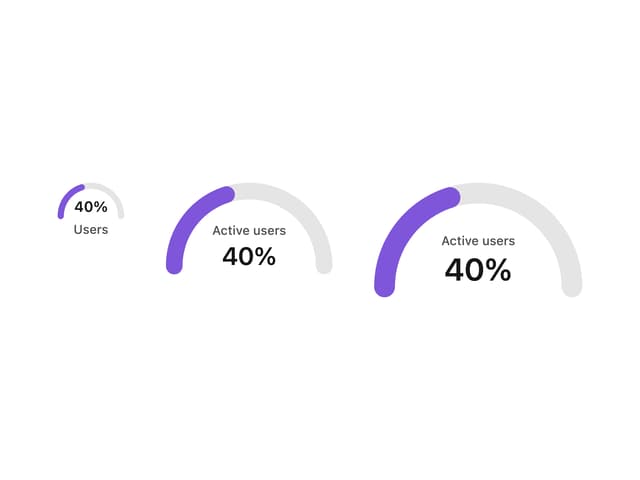
Progress Indicators

Radio Buttons
Button
Badge