
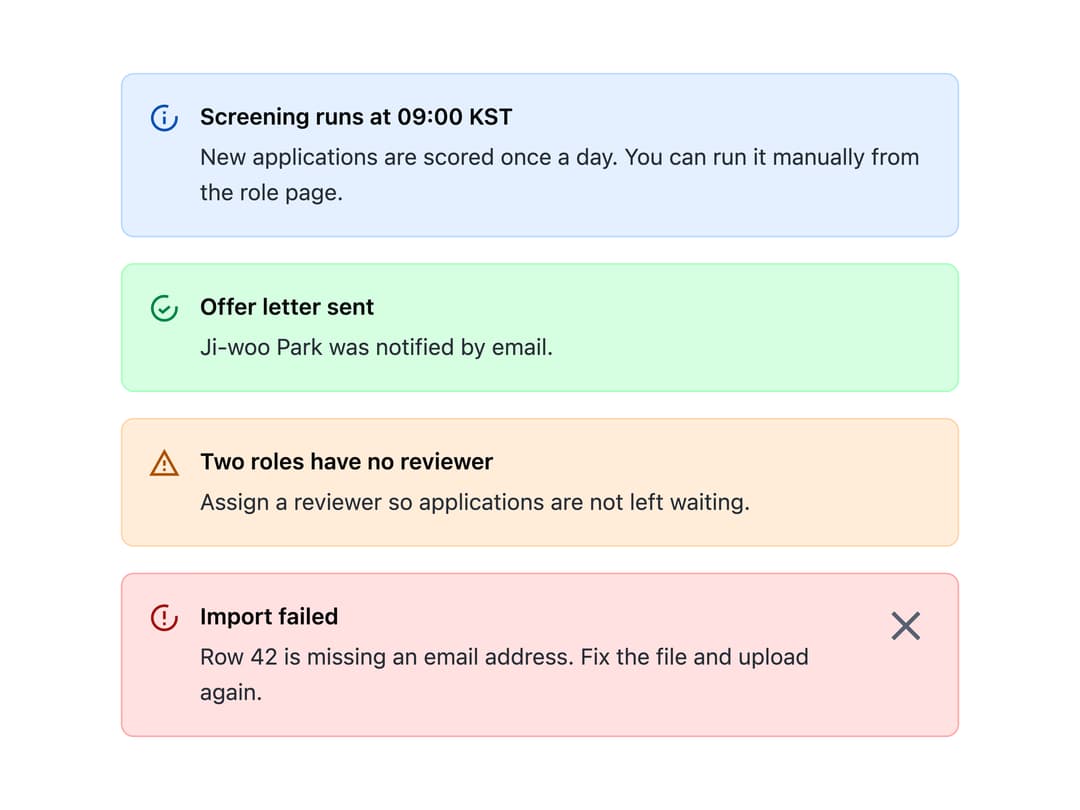
About
An inline status message that stays in place next to the content it refers to until a person dismisses or acts on it, with info, success, warning and danger tones.
Built with React and Tailwind. Copy the prompt and paste it into Claude Code, Cursor or Lovable: your agent adds Alert to your project and fits it to your theme.
Code
How Alert is used: the demo's code. The component's own source comes with a free account.
Usage.tsx
import Alert from "@/components/ui/alert";

export default function AlertDemo() {
  return (
    <div
      style={{
        display: "flex",
        flexDirection: "column",
        gap: "16px",
        width: "520px",
      }}
    >
      <Alert tone="info" title="Screening runs at 09:00 KST">
        New applications are scored once a day. You can run it manually from the
        role page.
      </Alert>
      <Alert tone="success" title="Offer letter sent">
        Ji-woo Park was notified by email.
      </Alert>
      <Alert tone="warning" title="Two roles have no reviewer">
        Assign a reviewer so applications are not left waiting.
      </Alert>
      <Alert tone="danger" title="Import failed" onClose={() => {}}>
        Row 42 is missing an email address. Fix the file and upload again.
      </Alert>
    </div>
  );
}
More by redrob-labs
View all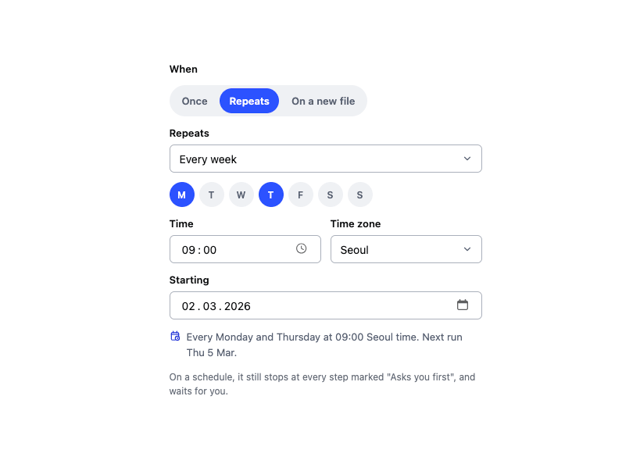
Schedule Picker
15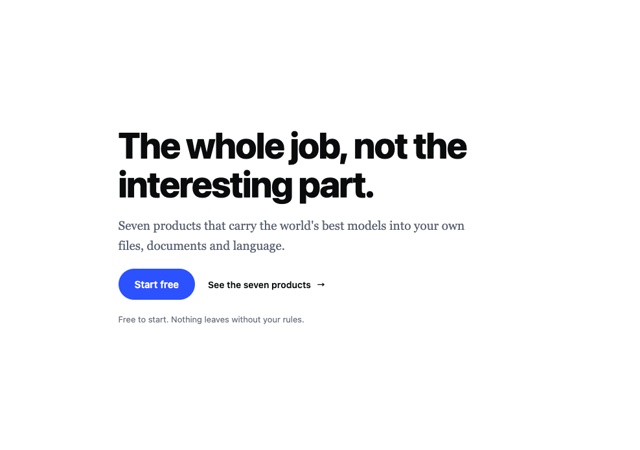
Hero Section
7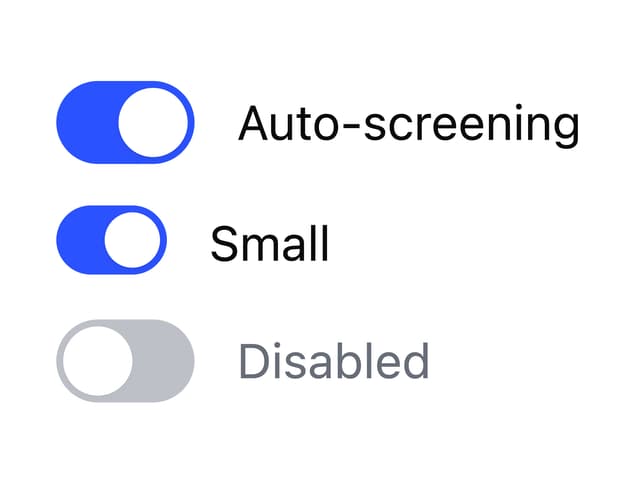
Switch
5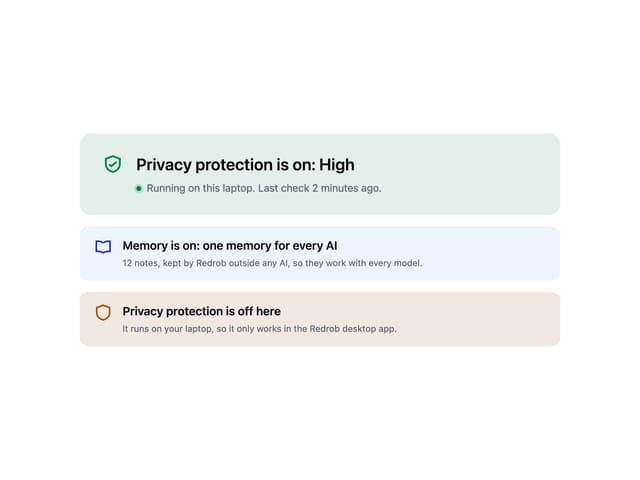
Status Card
4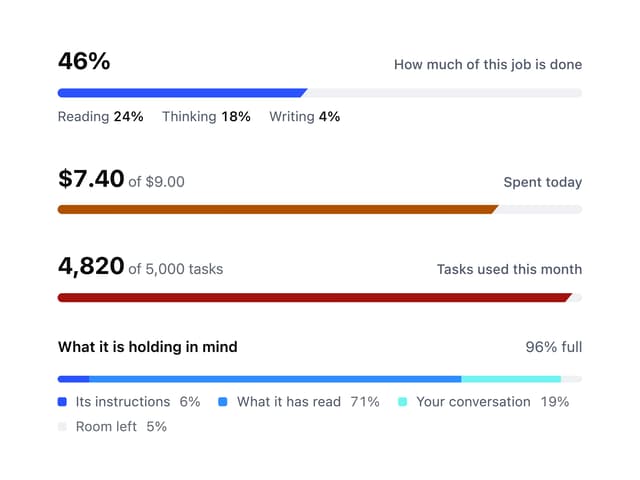
Meter
2
Memory Scope
2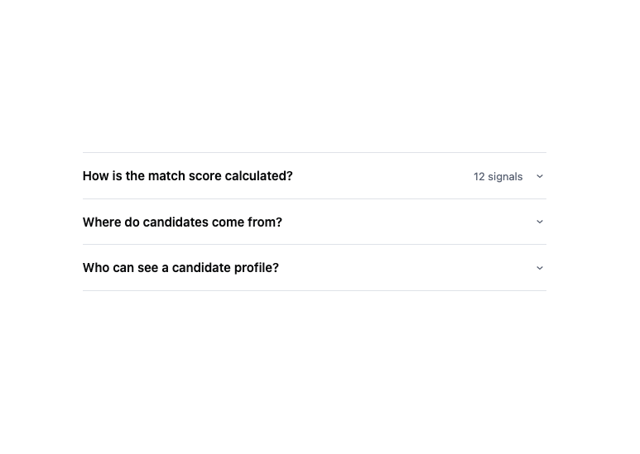
Accordion
2
Checkbox