
About
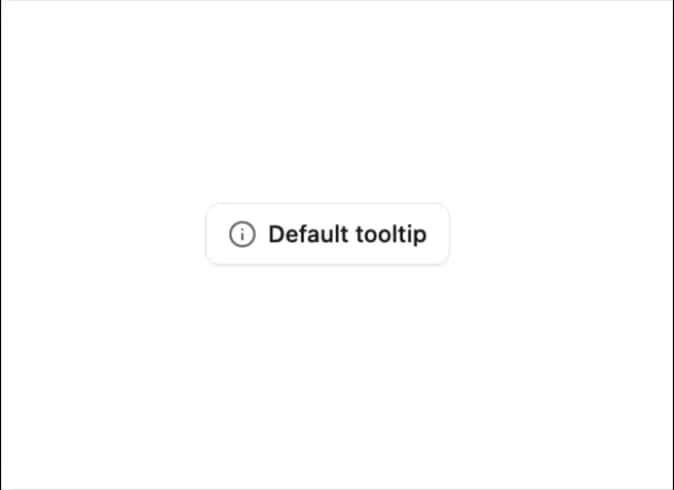
Displays brief, contextual information when hovering over or focusing on an element, improving clarity without cluttering the interface.
Built with React and Tailwind. Copy the prompt and paste it into Claude Code, Cursor or Lovable: your agent adds Tooltip to your project and fits it to your theme.
Code
How Tooltip is used: the demo's code. The component's own source comes with a free account.
Usage.tsx
import { Button } from '@/components/ui/button-1';
import { Tooltip, TooltipContent, TooltipProvider, TooltipTrigger } from '@/components/ui/tooltip';
import { Info } from 'lucide-react';

export default function TooltipDemo() {
  return (
    <TooltipProvider>
      <Tooltip>
        <TooltipTrigger asChild>
          <Button variant="outline">
            <Info className="h-4 w-4" />
            Default tooltip
          </Button>
        </TooltipTrigger>
        <TooltipContent>
          <p>Get detailed information about this feature.</p>
        </TooltipContent>
      </Tooltip>
    </TooltipProvider>
  );
}
Dependencies
More by Sean Hello
View all

3D Testimonails
3.3K
Line Charts 9
632
Alert
492
Area Charts 1
384
Line Charts 6
383
Scroll Area
376
Area Charts 2
316
Navigation Menu
305
More in Buttons
View all
Button
5
Texture Button
92

App Store Button
453

Eclipse Button
39

Button
47
Split Button
14

Button
4

Button Group
37

