
About
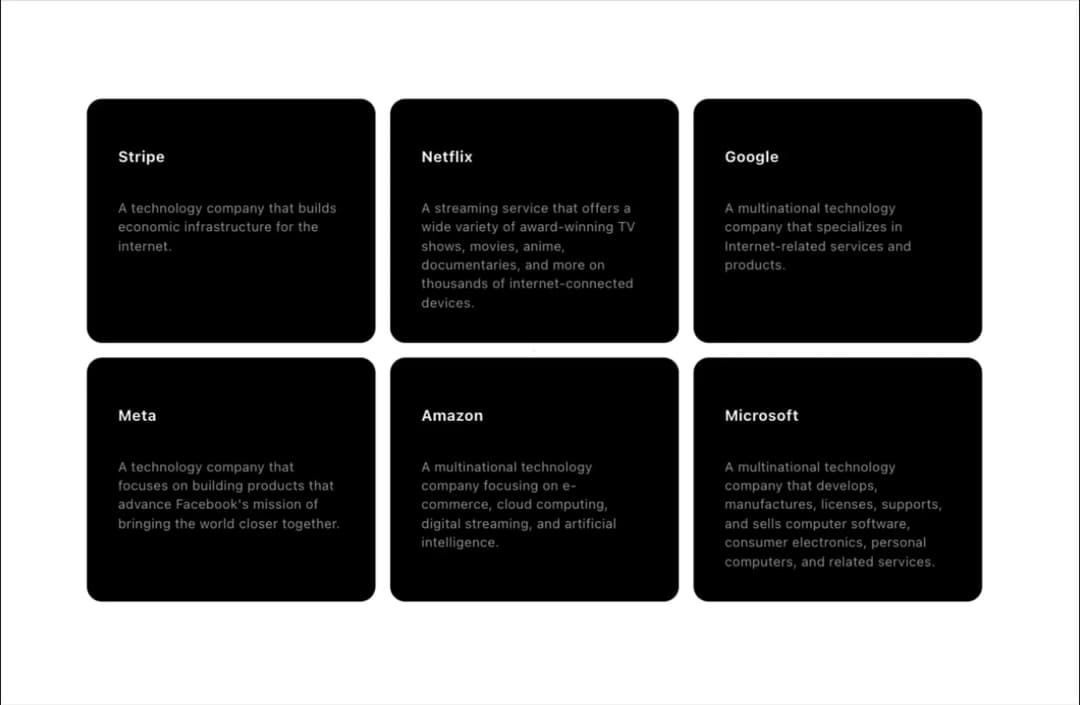
Hover over the cards and the effect slides to the currently hovered card.
Built with React and Tailwind. Copy the prompt and paste it into Claude Code, Cursor or Lovable: your agent adds Hover Effect to your project and fits it to your theme.
Code
How Hover Effect is used: the demo's code. The component's own source comes with a free account.
Usage.tsx
import { HoverEffect } from "@/components/ui/hover-effect"

export function CardHoverEffectDemo() {
  return (
    <div className="max-w-5xl mx-auto px-8">
      <HoverEffect items={projects} />
    </div>
  );
}
export const projects = [
  {
    title: "Stripe",
    description:
      "A technology company that builds economic infrastructure for the internet.",
    link: "https://stripe.com",
  },
  {
    title: "Netflix",
    description:
      "A streaming service that offers a wide variety of award-winning TV shows, movies, anime, documentaries, and more on thousands of internet-connected devices.",
    link: "https://netflix.com",
  },
  {
    title: "Google",
    description:
      "A multinational technology company that specializes in Internet-related services and products.",
    link: "https://google.com",
  },
  {
    title: "Meta",
    description:
      "A technology company that focuses on building products that advance Facebook's mission of bringing the world closer together.",
    link: "https://meta.com",
  },
  {
    title: "Amazon",
    description:
      "A multinational technology company focusing on e-commerce, cloud computing, digital streaming, and artificial intelligence.",
    link: "https://amazon.com",
  },
  {
    title: "Microsoft",
    description:
      "A multinational technology company that develops, manufactures, licenses, supports, and sells computer software, consumer electronics, personal computers, and related services.",
    link: "https://microsoft.com",
  },
];
Dependencies
More by Serafim
View all
Spline Scene
9.5K
Testimonials with Marquee
2.3K
Gradient Button
1.9K
Pixel Canvas
900
Animated Blur Number
830
Empty State
775
Balloons
755
Status Badge
646
More in Cards
View all

Statistics Card 2
263
Stats cards with links
39
Card
70

Course Design Cards
1.1K
The Item one
3

Card Studio
7
Statistics Card 7
291

Item
10
