
About
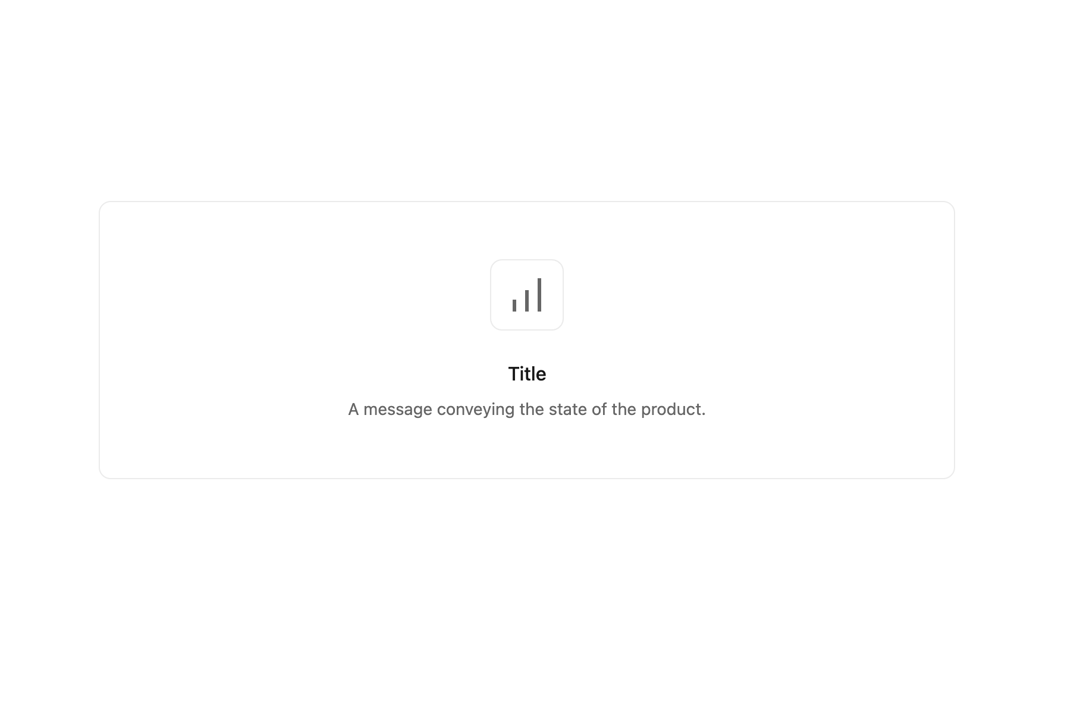
Fill spaces when no content has been added yet, or is temporarily empty due to the nature of the feature and should be designed to prevent confusion.
Built with React and Tailwind. Copy the prompt and paste it into Claude Code, Cursor or Lovable: your agent adds Empty State to your project and fits it to your theme.
Code
How Empty State is used: the demo's code. The component's own source comes with a free account.
Usage.tsx
import { EmptyState } from "@/components/ui/empty-state";

const ChartBarPeak = () => (
  <svg
    height="16"
    strokeLinejoin="round"
    viewBox="0 0 16 16"
    width="16"
    className="w-8 h-8"
  >
    <path
      fillRule="evenodd"
      clipRule="evenodd"
      d="M14 1V1.75V14.25V15H12.5V14.25V1.75V1H14ZM8.75 6V6.75V14.25V15H7.25V14.25V6.75V6H8.75ZM3.5 10.75V10H2V10.75V14.25V15H3.5V14.25V10.75Z"
    />
  </svg>
);

export default function DefaultDemo() {
  return (
    <div className="w-3/4">
      <EmptyState.Root
          description="A message conveying the state of the product."
          icon={<EmptyState.Icon icon={<ChartBarPeak />} />}
          title="Title"
        />
    </div>
  )
}
More by tigran tumasov
View all
Product Hunt Badge
1.8K
Book
162
Calendar
152
Theme Switcher
135
Snippet
124
Table
123
Toggle
89
Feedback
88
More in Cards
View all

Statistics Card 2
264

Course Design Cards
1.1K
Card
70
Stats cards with links
39
The Item one
3

Card Studio
7
Statistics Card 7
292

Item
10
