
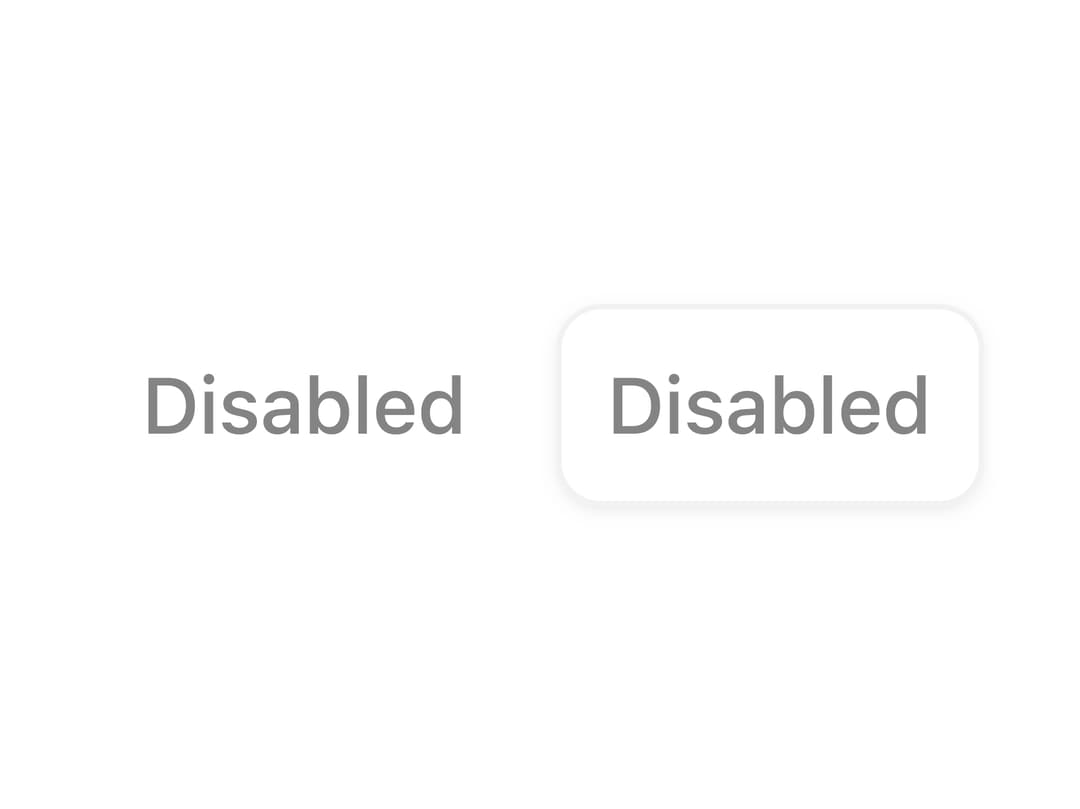
About
A toggle button pre-rendered in a disabled, non-interactive state, shown in both default and outline styles.
Built with React and Tailwind. Copy the prompt and paste it into Claude Code, Cursor or Lovable: your agent adds Disabled Toggle to your project and fits it to your theme.
Code
How Disabled Toggle is used: the demo's code. The component's own source comes with a free account.
Usage.tsx
import ToggleDisabled from "@/components/ui/toggle-disabled";

export default function Demo() {
  return <ToggleDisabled />;
}
More by uiable
View all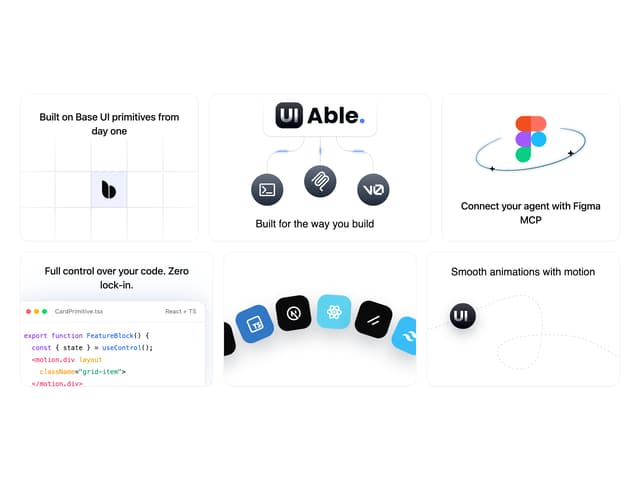

Feature Highlights Grid
332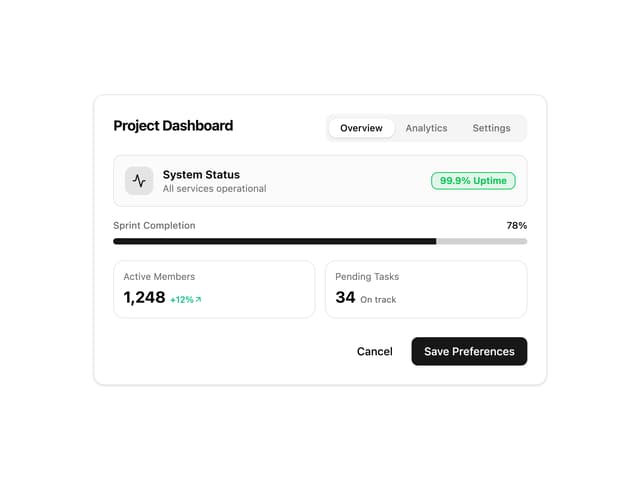
Card Tabs
97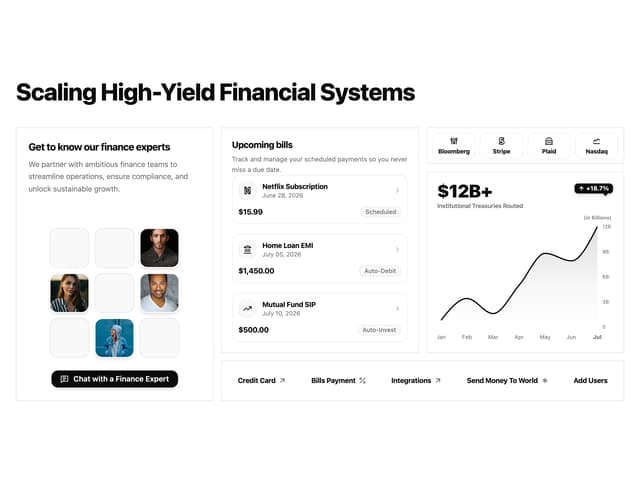
Financial Bento Grid
65
Chart Tooltip
65
Marketing Hero Section
58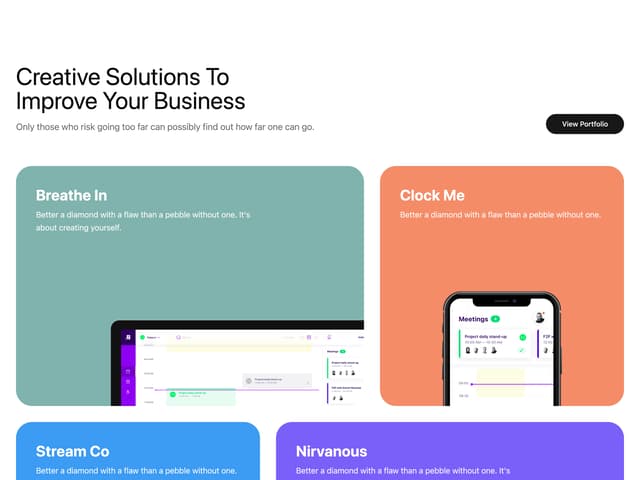
Portfolio Showcase Grid
55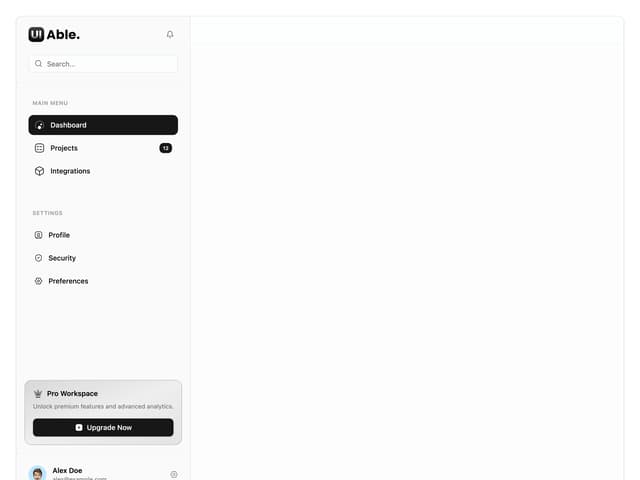
Sidebar with Search and Profile
47
Position Sonner
47
More in Buttons
View all

Button
4

Button
47

App Store Button
452

Eclipse Button
39
Texture Button
92
Split Button
14
Native Button
12
Button Save
46


