
About
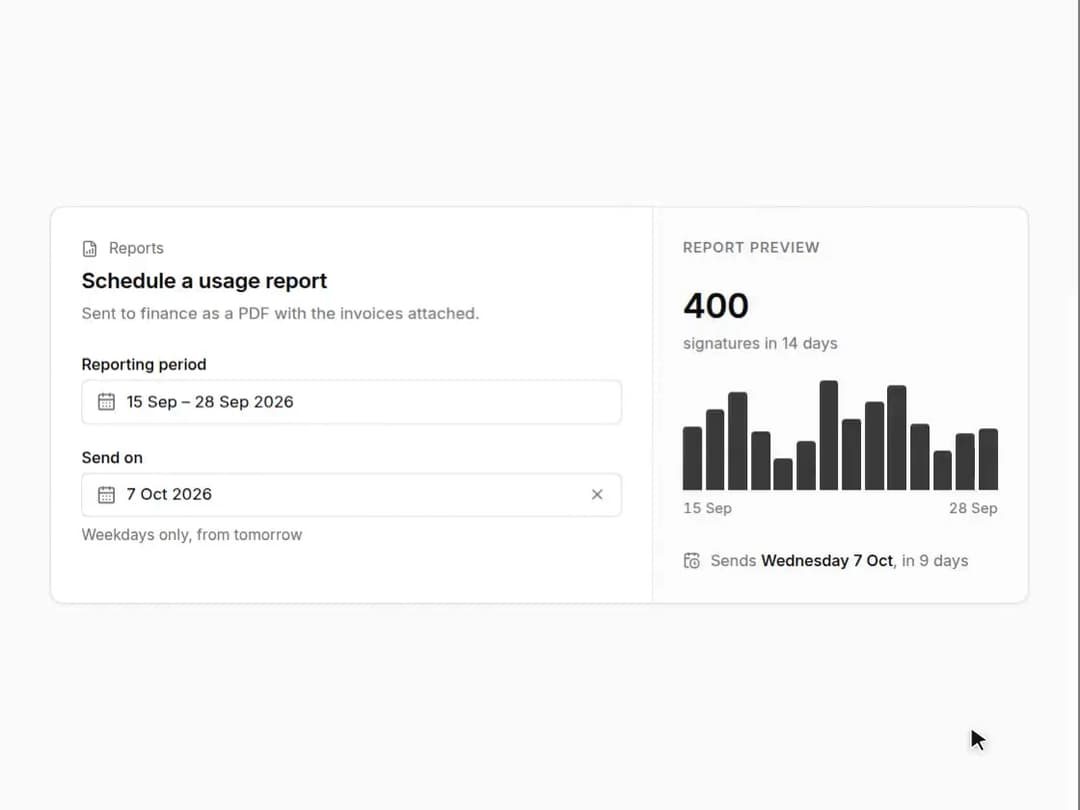
Date picker and date range picker on react-day-picker 9: presets beside a two-month calendar, disabled days by rule (weekends, the past), and a clear button. Works with Field labels and hints. Part of the Layro System: layro.vercel.app.
Built with React and Tailwind. Copy the prompt and paste it into Claude Code, Cursor or Lovable: your agent adds Date & Range Picker to your project and fits it to your theme.
Code
How Date & Range Picker is used: the demo's code. The component's own source comes with a free account.
Usage.tsx
import * as React from "react";
import { addDays, differenceInCalendarDays, eachDayOfInterval, format, startOfMonth, subDays } from "date-fns";
import { DatePicker, DateRangePicker, Field, type DateRange } from "@/components/ui/date-range-picker-presets";
import { CalendarClock, FileBarChart } from "lucide-react";

/* Scheduling a usage report. The reporting period has presets beside a
   two-month calendar, because that is how most ranges are chosen. The send
   date skips weekends and the past. The panel on the right follows both. */

const TODAY = new Date(2026, 8, 28);
/* signatures per day, repeatable so the chart is the same on every load */
const usage = (d: Date) => 18 + ((d.getDate() * 7 + d.getMonth() * 13) % 23) + (d.getDay() === 0 || d.getDay() === 6 ? -12 : 6);

export default function DatePickerDemo() {
  const [due, setDue] = React.useState<Date | undefined>(addDays(TODAY, 9));
  const [range, setRange] = React.useState<DateRange | undefined>({ from: subDays(TODAY, 13), to: TODAY });
  const days = range?.from && range.to ? eachDayOfInterval({ start: range.from, end: range.to }) : [];
  const values = days.map(usage);
  const total = values.reduce((a, b) => a + b, 0);
  const max = Math.max(1, ...values);

  return (
    <div className="flex min-h-screen w-full items-center justify-center bg-background p-6">
      <div className="grid w-full max-w-[780px] min-w-0 overflow-hidden rounded-[18px] [corner-shape:squircle] bg-card shadow-sm ring-1 ring-border sm:grid-cols-[minmax(0,1fr)_300px]">
        <div className="p-6">
          <p className="flex items-center gap-2 text-[12px] text-muted-foreground">
            <FileBarChart className="size-3.5" aria-hidden /> Reports
          </p>
          <h2 className="mt-1 text-[17px] font-semibold tracking-[-0.01em]">Schedule a usage report</h2>
          <p className="mt-1 text-[13px] text-muted-foreground">Sent to finance as a PDF with the invoices attached.</p>
          <div className="mt-6 grid gap-5">
            <Field label="Reporting period">
              <DateRangePicker
                value={range}
                onValueChange={setRange}
                presets={[
                  { label: "Last 7 days", range: () => ({ from: subDays(TODAY, 6), to: TODAY }) },
                  { label: "Last 14 days", range: () => ({ from: subDays(TODAY, 13), to: TODAY }) },
                  { label: "Last 30 days", range: () => ({ from: subDays(TODAY, 29), to: TODAY }) },
                  { label: "This month", range: () => ({ from: startOfMonth(TODAY), to: TODAY }) },
                ]}
              />
            </Field>
            <Field label="Send on" hint="Weekdays only, from tomorrow">
              <DatePicker value={due} onValueChange={setDue} clearable disabledDays={[{ dayOfWeek: [0, 6] }, { before: addDays(TODAY, 1) }]} />
            </Field>
          </div>
        </div>

        <aside className="flex flex-col border-t border-border bg-muted/40 p-6 sm:border-t-0 sm:border-l" aria-label="Report preview" aria-live="polite">
          <p className="text-[11.5px] font-medium tracking-[0.06em] text-muted-foreground uppercase">Report preview</p>
          {days.length ? (
            <>
              <p className="mt-4 text-[28px] font-semibold tracking-[-0.02em] tabular-nums">{total.toLocaleString("en-US")}</p>
              <p className="text-[12.5px] text-muted-foreground">
                signatures in {days.length} {days.length === 1 ? "day" : "days"}
              </p>
              <div className="mt-5 flex h-[88px] items-end gap-[3px]" role="img" aria-label={`Signatures per day, ${format(days[0], "d MMM")} to ${format(days[days.length - 1], "d MMM")}`}>
                {values.map((v, i) => (
                  <span key={i} className="min-w-0 flex-1 rounded-t-[3px] bg-foreground/80" style={{ height: `${Math.max(6, (v / max) * 100)}%` }} />
                ))}
              </div>
              <div className="mt-1.5 flex justify-between text-[11.5px] text-muted-foreground tabular-nums">
                <span>{format(days[0], "d MMM")}</span>
                <span>{format(days[days.length - 1], "d MMM")}</span>
              </div>
            </>
          ) : (
            <p className="mt-4 text-[13px] text-muted-foreground">Pick a period to see the report.</p>
          )}
          <p className="mt-auto flex items-start gap-2 pt-6 text-[12.5px] text-muted-foreground">
            <CalendarClock className="mt-0.5 size-3.5 shrink-0" aria-hidden />
            {due ? (
              <span>
                Sends <span className="font-medium text-foreground">{format(due, "EEEE d MMM")}</span>, in {differenceInCalendarDays(due, TODAY)} days
              </span>
            ) : (
              <span>No send date yet</span>
            )}
          </p>
        </aside>
      </div>
    </div>
  );
}
Dependencies
More by Mohamed Uvaish
View all

Signature Pad
420
Folder Card
336
Share Dialog
308
Kanban Board
249
Notification Panel
102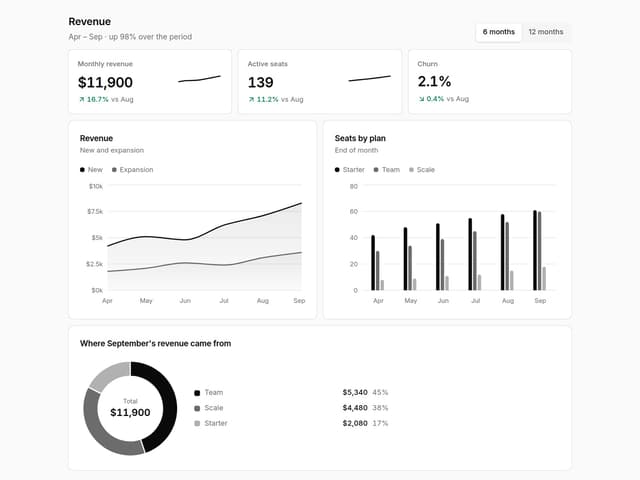
Charts & KPI Cards
86
Rich Text Editor
44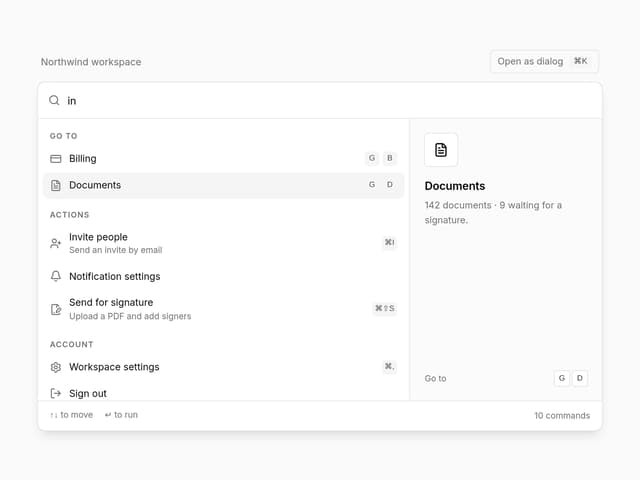
Command Menu
34