
About
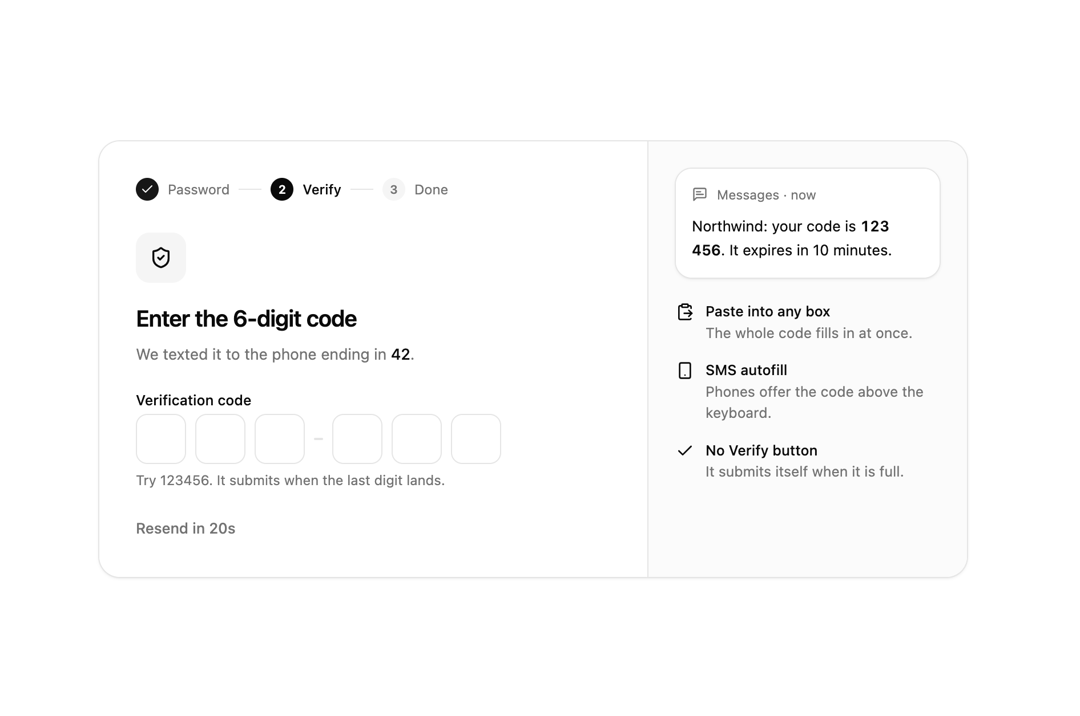
One-time code input on input-otp: paste into any box, SMS autofill, Backspace walks back, boxes grouped 3 + 3, and it submits itself when full. Turns invalid with the Field's error. Part of the Layro System: layro.vercel.app.
Built with React and Tailwind. Copy the prompt and paste it into Claude Code, Cursor or Lovable: your agent adds OTP Input to your project and fits it to your theme.
Code
How OTP Input is used: the demo's code. The component's own source comes with a free account.
Usage.tsx
import * as React from "react";
import { Field, OtpInput } from "@/components/ui/otp-input-verification";
import { Check, ClipboardPaste, MessageSquareText, ShieldCheck, Smartphone } from "lucide-react";

/* Two-step sign-in. The code submits itself when the last digit lands, so
   there is no Verify button to find. The right code is 123456; anything else
   marks the boxes invalid and says what to do. Paste works in any box, and
   Resend waits 30 seconds, counting down. */

const wait = (ms: number) => new Promise<void>((r) => setTimeout(r, ms));
const STEPS = ["Password", "Verify", "Done"];

export default function OtpDemo() {
  const [code, setCode] = React.useState("");
  const [state, setState] = React.useState<"idle" | "checking" | "wrong" | "ok">("idle");
  const [cooldown, setCooldown] = React.useState(30);
  React.useEffect(() => {
    if (cooldown <= 0) return;
    const t = setTimeout(() => setCooldown((c) => c - 1), 1000);
    return () => clearTimeout(t);
  }, [cooldown]);
  const step = state === "ok" ? 2 : 1;

  return (
    <div className="flex min-h-screen w-full items-center justify-center bg-background p-6">
      <div className="grid w-full max-w-[760px] min-w-0 overflow-hidden rounded-[18px] [corner-shape:squircle] bg-card shadow-sm ring-1 ring-border sm:grid-cols-[minmax(0,1fr)_280px]">
        <div className="p-6 sm:p-8">
          <ol className="flex items-center gap-2 text-[12px] text-muted-foreground" aria-label="Sign-in steps">
            {STEPS.map((s, i) => (
              <li key={s} className="flex items-center gap-2" aria-current={i === step ? "step" : undefined}>
                <span
                  className={
                    "grid size-5 place-items-center rounded-full text-[10.5px] font-semibold " +
                    (i < step ? "bg-primary text-primary-foreground" : i === step ? "bg-foreground text-background" : "bg-muted")
                  }
                >
                  {i < step ? <Check className="size-3" aria-hidden /> : i + 1}
                </span>
                <span className={i === step ? "font-medium text-foreground" : ""}>{s}</span>
                {i < STEPS.length - 1 && <span aria-hidden className="h-px w-5 bg-border" />}
              </li>
            ))}
          </ol>

          <span className="mt-7 grid size-11 place-items-center rounded-[12px] [corner-shape:squircle] bg-muted">
            <ShieldCheck className="size-5" aria-hidden />
          </span>
          <h2 className="mt-4 text-[20px] font-semibold tracking-[-0.02em]">Enter the 6-digit code</h2>
          <p className="mt-1.5 text-[13.5px] text-muted-foreground">
            We texted it to the phone ending in <span className="font-medium text-foreground">42</span>.
          </p>

          <div className="mt-6">
            <Field
              label="Verification code"
              hint={state === "ok" ? "Verified. Signing you in…" : state === "checking" ? "Checking…" : "Try 123456. It submits when the last digit lands."}
              error={state === "wrong" ? "That code is not right. Check the latest message." : undefined}
            >
              <OtpInput
                value={code}
                disabled={state === "checking" || state === "ok"}
                onChange={(v) => {
                  setCode(v);
                  if (state === "wrong") setState("idle");
                }}
                onComplete={async (c) => {
                  setState("checking");
                  await wait(700);
                  setState(c === "123456" ? "ok" : "wrong");
                }}
              />
            </Field>
          </div>

          <button
            type="button"
            disabled={cooldown > 0}
            onClick={() => (setCooldown(30), setCode(""), setState("idle"))}
            className="mt-6 text-[13px] font-medium underline-offset-4 outline-none hover:underline focus-visible:ring-2 focus-visible:ring-ring disabled:text-muted-foreground disabled:no-underline"
          >
            {cooldown > 0 ? `Resend in ${cooldown}s` : "Send a new code"}
          </button>
        </div>

        <aside className="hidden flex-col gap-5 border-l border-border bg-muted/40 p-6 sm:flex" aria-label="How the code arrives">
          <div className="rounded-[14px] [corner-shape:squircle] bg-background p-3.5 shadow-sm ring-1 ring-border">
            <p className="flex items-center gap-2 text-[11.5px] text-muted-foreground">
              <MessageSquareText className="size-3.5" aria-hidden /> Messages · now
            </p>
            <p className="mt-2 text-[13px] leading-relaxed">
              Northwind: your code is <span className="font-semibold tabular-nums">123 456</span>. It expires in 10 minutes.
            </p>
          </div>
          <ul className="grid gap-3.5 text-[12.5px] text-muted-foreground">
            {[
              [ClipboardPaste, "Paste into any box", "The whole code fills in at once."],
              [Smartphone, "SMS autofill", "Phones offer the code above the keyboard."],
              [Check, "No Verify button", "It submits itself when it is full."],
            ].map(([Icon, title, text]: any) => (
              <li key={title} className="flex gap-2.5">
                <Icon className="mt-0.5 size-4 shrink-0 text-foreground" aria-hidden />
                <span>
                  <span className="block font-medium text-foreground">{title}</span>
                  {text}
                </span>
              </li>
            ))}
          </ul>
        </aside>
      </div>
    </div>
  );
}
Dependencies
More by Mohamed Uvaish
View all

Signature Pad
420
Folder Card
336
Share Dialog
308
Kanban Board
249
Notification Panel
102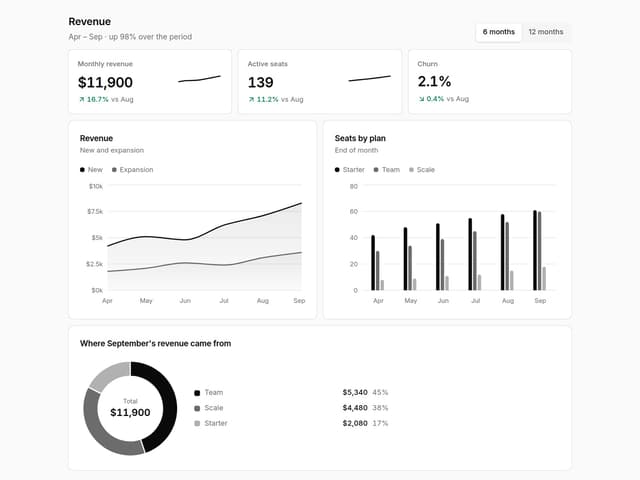
Charts & KPI Cards
87
Rich Text Editor
44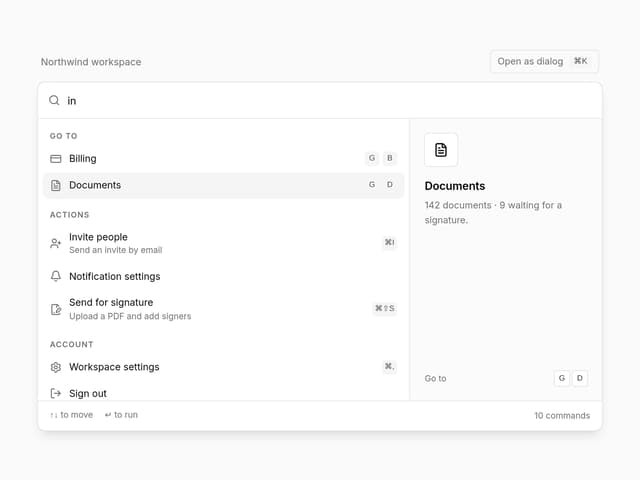
Command Menu
35