
About
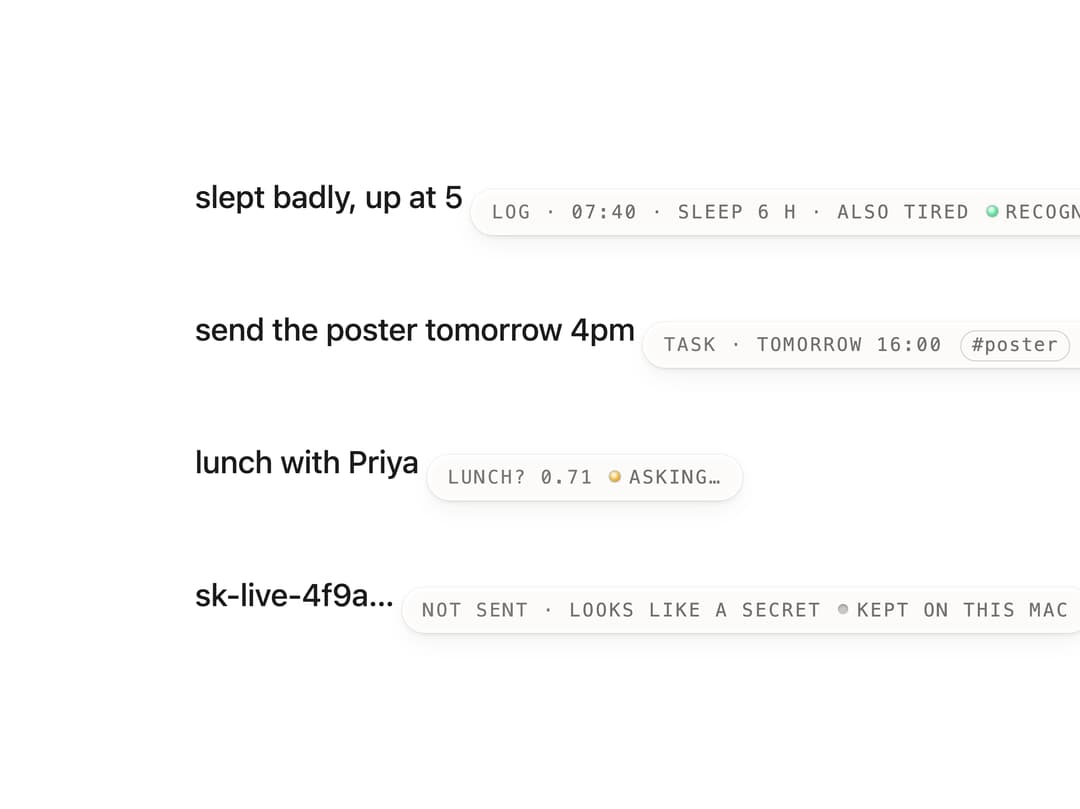
A frosted tooltip-like pill that reveals a block's metadata (kind, timestamps, derived tags, and a status LED) after the pointer dwells on it for 420ms, useful for annotating list items or notes without cluttering the UI.
Built with React and Tailwind. Copy the prompt and paste it into Claude Code, Cursor or Lovable: your agent adds Hover Engraving to your project and fits it to your theme.
Code
How Hover Engraving is used: the demo's code. The component's own source comes with a free account.
Usage.tsx
"use client";

import * as React from "react";
import HoverEngraving, {
  type EngravingStatus,
} from "@/components/ui/hover-engraving";

const LIST: {
  text: string;
  kind: string;
  details: string[];
  tags?: string[];
  status?: { led: EngravingStatus; text: string };
}[] = [
  {
    text: "slept badly, up at 5",
    kind: "LOG",
    details: ["07:40", "SLEEP 6 H", "ALSO TIRED"],
    status: { led: "live", text: "RECOGNIZER ✓" },
  },
  {
    text: "send the poster tomorrow 4pm",
    kind: "TASK",
    details: ["TOMORROW 16:00"],
    tags: ["poster"],
    status: { led: "live", text: "RECOGNIZER ✓" },
  },
  {
    text: "lunch with Priya",
    kind: "LUNCH? 0.71",
    details: [],
    status: { led: "waiting", text: "ASKING…" },
  },
  {
    text: "sk-live-4f9a…",
    kind: "NOT SENT",
    details: ["LOOKS LIKE A SECRET"],
    status: { led: "off", text: "KEPT ON THIS MAC" },
  },
];

export default function HoverEngravingDemo() {
  return (
    <div className="w-full h-screen flex items-center justify-center bg-[var(--background)] text-[var(--foreground)]">
      <div className="flex flex-col gap-8" data-testid="eng-list">
        {LIST.map((b, i) => (
          <div
            key={b.text}
            className="mu-icon-trigger relative w-fit rounded-plate py-4 pr-8"
            aria-describedby={`eng-${i}`}
            data-block={i}
          >
            <span className="type-content text-ink">{b.text}</span>
            <HoverEngraving
              id={`eng-${i}`}
              kind={b.kind}
              details={b.details}
              tags={b.tags}
              status={b.status}
              placement="beside"
            />
          </div>
        ))}
      </div>
    </div>
  );
}
More by vijayksingh
View all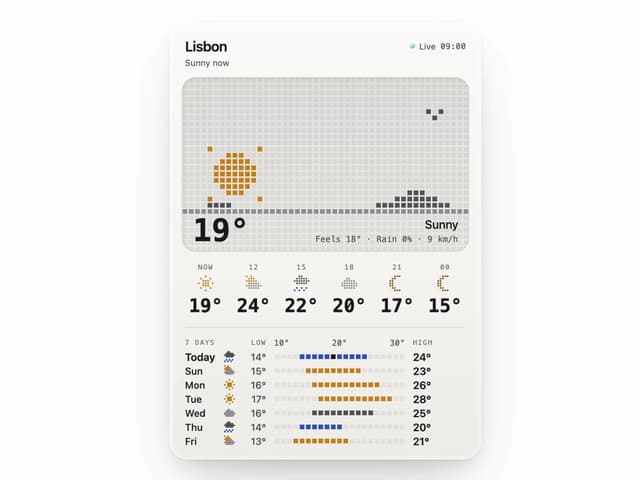
Weather Widget
75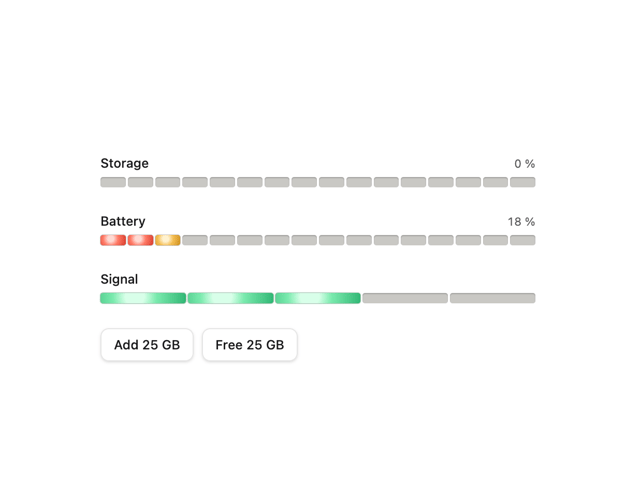
Meter
10
Skeleton Loader
9
Textarea
2
Well
1
Soft Hardware Spinner
1
Settings List
Perfect Preview
More in Cards
View all
Stats cards with links
33

Course Design Cards
1.1K

Card
70
Statistics Card 2
264
Statistics Card 10
263

Card
17

Card Studio
9
The Item one
3
