About
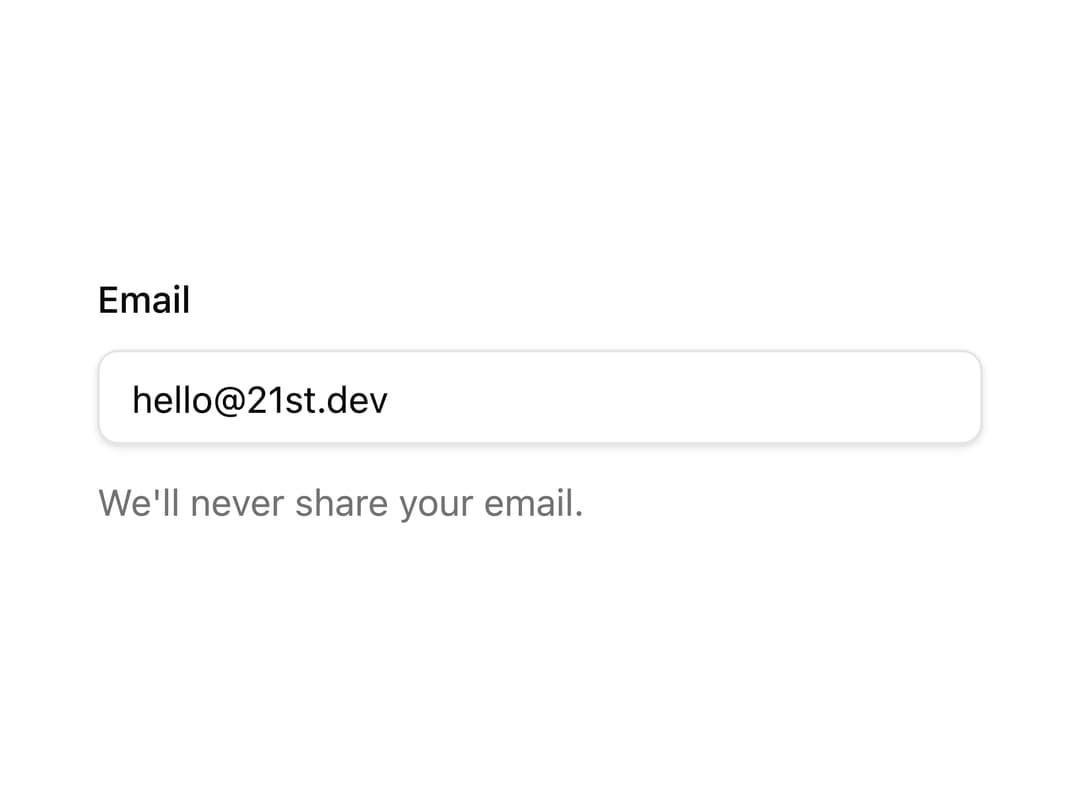
An accessible text field built on React Aria Components with shadcn styling, composing a label, input, description, and validation error.
Built with React and Tailwind. Copy the prompt and paste it into Claude Code, Cursor or Lovable: your agent adds Text Field to your project and fits it to your theme.
Code
How Text Field is used: the demo's code. The component's own source comes with a free account.
Usage.tsx
"use client";
import { TextField } from "@/components/ui/oui-text-field";
import { Input, Label, Text } from "react-aria-components";
export default function Demo() {
return (
<div className="w-full max-w-sm p-6">
<TextField name="email" type="email" defaultValue="hello@21st.dev">
<Label className="flex items-center gap-2 text-sm leading-none font-medium select-none">
Email
</Label>
<Input className="flex h-9 w-full rounded-md border border-input bg-transparent px-3 py-1 text-sm shadow-sm outline-none data-focus-visible:border-ring data-focus-visible:ring-[3px] data-focus-visible:ring-ring/50" />
<Text
slot="description"
className="text-sm font-normal text-muted-foreground"
>
We'll never share your email.
</Text>
</TextField>
</div>
);
}
Dependencies
More by oui
View all

Text Area
4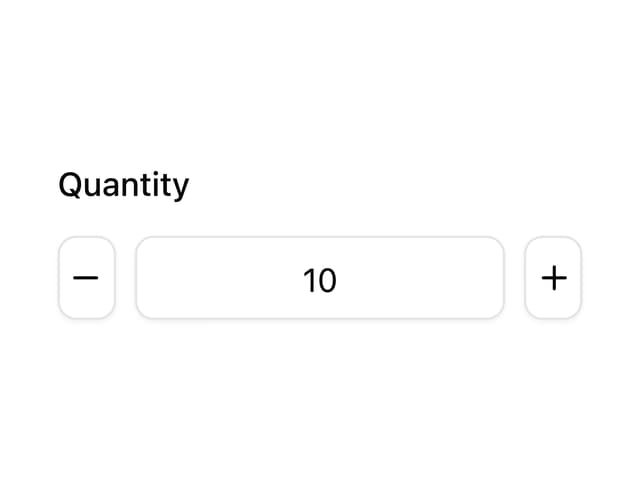
Number Field
Popover
Select
Keyboard
Dialog
More in Forms
View all

Premium Auth
500

Login 1
52
Authentication Card
47

Book A Demo 3
83
Book A Demo 1
69

Contact Card
1K

Login Card
32

Login 2
7
