
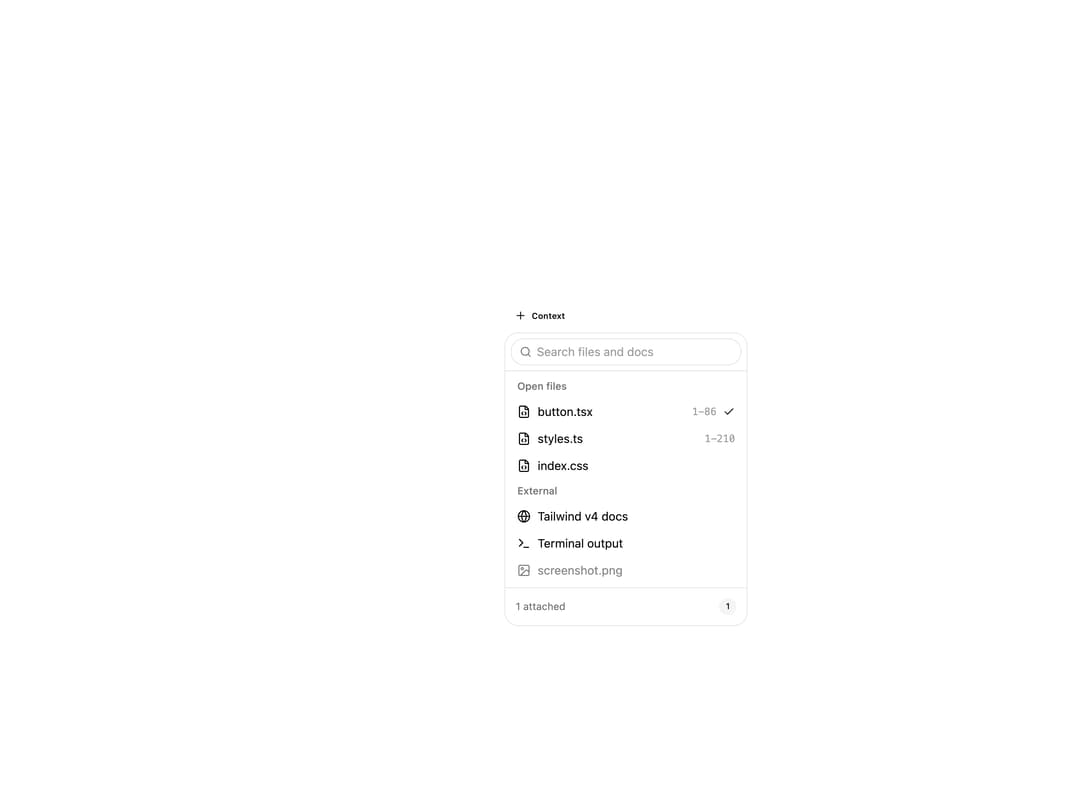
About
A dropdown menu for attaching files, docs or other context sources to an AI chat prompt, with search and multi-select ticks instead of a focus-stealing dialog.
Built with React and Tailwind. Copy the prompt and paste it into Claude Code, Cursor or Lovable: your agent adds Context Picker to your project and fits it to your theme.
Code
How Context Picker is used: the demo's code. The component's own source comes with a free account.
Usage.tsx
"use client";

import { ContextPicker } from "@/components/ui/context-picker";
import { FileCode, Globe, ImageIcon, Terminal } from "lucide-react";
import { useState } from "react";

function ContextPickerDemo() {
  const sources = [
    {
      id: "button",
      label: "button.tsx",
      group: "Open files",
      detail: "1-86",
      icon: <FileCode />,
    },
    {
      id: "styles",
      label: "styles.ts",
      group: "Open files",
      detail: "1-210",
      icon: <FileCode />,
    },
    {
      id: "index",
      label: "index.css",
      group: "Open files",
      icon: <FileCode />,
    },
    {
      id: "docs",
      label: "Tailwind v4 docs",
      group: "External",
      icon: <Globe />,
    },
    {
      id: "shell",
      label: "Terminal output",
      group: "External",
      icon: <Terminal />,
    },
    {
      id: "screenshot",
      label: "screenshot.png",
      group: "External",
      icon: <ImageIcon />,
      disabled: true,
    },
  ];
  const [attached, setAttached] = useState(["button"]);

  return (
    <div className="flex min-h-[320px] w-full items-start justify-center bg-background p-10">
      <ContextPicker
        sources={sources}
        selected={attached}
        onSelect={(id) => setAttached((a) => [...a, id])}
        onDeselect={(id) => setAttached((a) => a.filter((x) => x !== id))}
      />
    </div>
  );
}

export default ContextPickerDemo;
Dependencies
More by astralyxdev
View all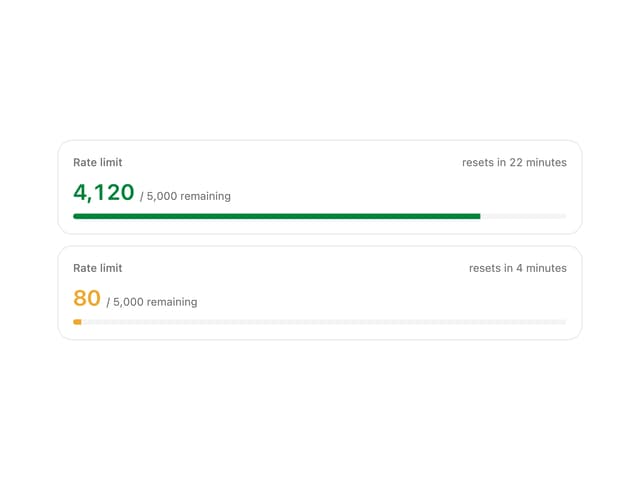
Rate Limit Meter
18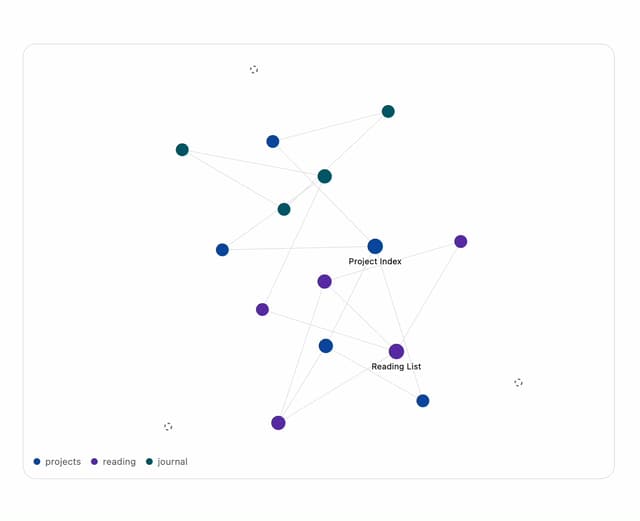
Note Graph
13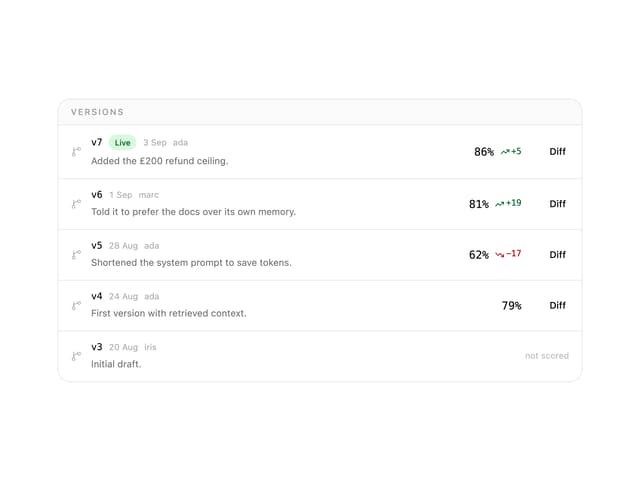
Prompt Versions
7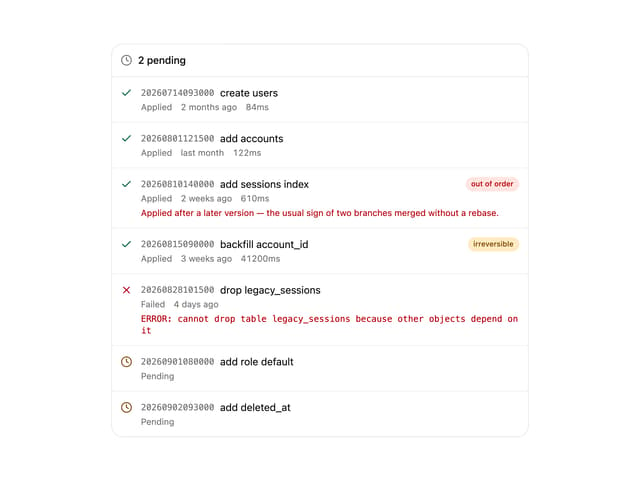
Migration List
7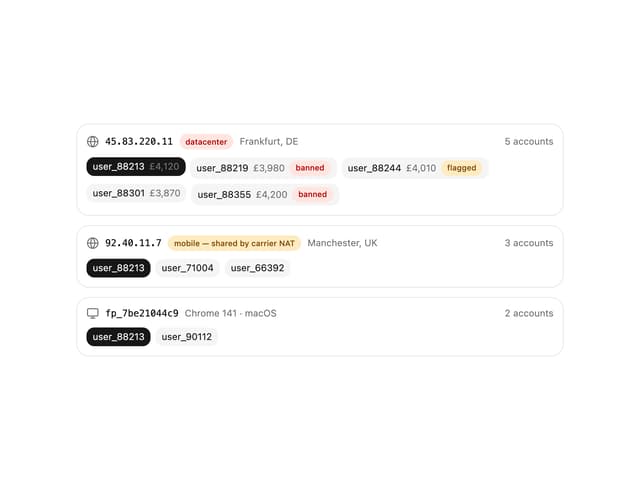
IP Cluster
7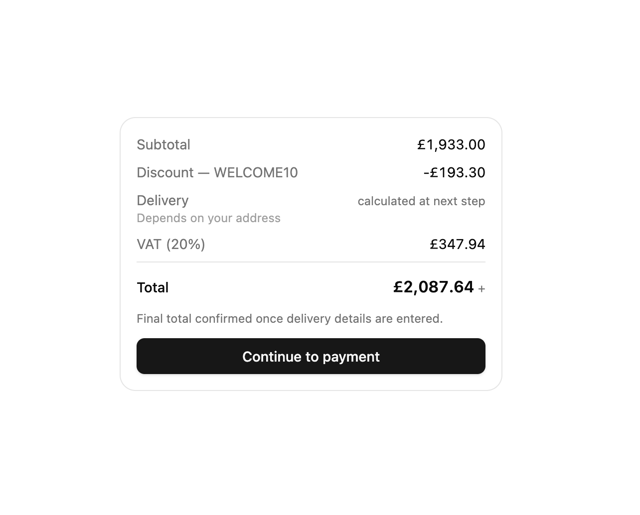
Checkout Summary
7
Odds Display
5
Budget Guard
5
More in AI chats
View all

AI Actions
318
Agent Chat
17
Message Thread
34

System Message
53

AI Task List
159
Color Picker
78
Code Block
8

Modal Card
99


