
About
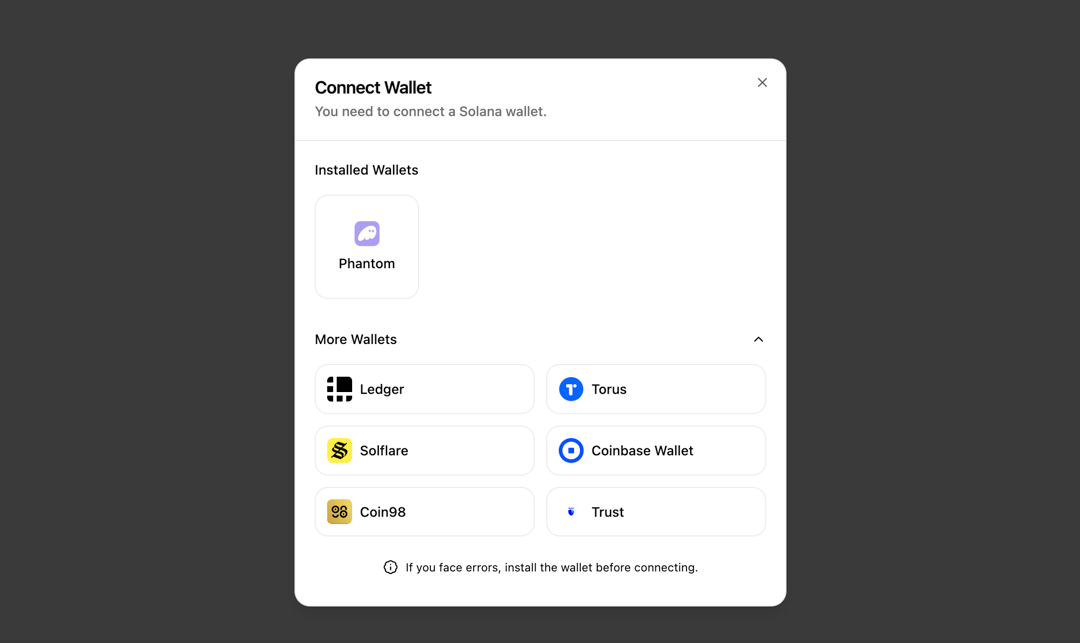
Responsive Solana wallet authentication modal built on top of @solana/web3.js with shadcn/ui
Built with React and Tailwind. Copy the prompt and paste it into Claude Code, Cursor or Lovable: your agent adds Authentication Modal to your project and fits it to your theme.
Code
How Authentication Modal is used: the demo's code. The component's own source comes with a free account.
Usage.tsx
import { Component } from "@/components/ui/authentication-modal";
import { useWalletConnection } from "@/hooks/useWalletConnection";
import { WalletName } from "@solana/wallet-adapter-base";
import { useMemo, useState } from "react";
import { WalletProvider, useWallet } from "@solana/wallet-adapter-react";
import { useAnimation } from "framer-motion"
import {
  Coin98WalletAdapter,
  CoinbaseWalletAdapter,
  LedgerWalletAdapter,
  PhantomWalletAdapter,
  SolflareWalletAdapter,
  TorusWalletAdapter,
  TrustWalletAdapter,
} from "@solana/wallet-adapter-wallets";

export default function DemoOne() {
  const providerWallets = useMemo(
    () => [
      new PhantomWalletAdapter(),
      new LedgerWalletAdapter(),
      new TorusWalletAdapter(),
      new SolflareWalletAdapter(),
      new CoinbaseWalletAdapter(),
      new Coin98WalletAdapter(),
      new TrustWalletAdapter(),
    ],
    [],
  );

  return (
    <div vaul-drawer-wrapper="true" className="bg-background h-screen w-screen flex items-center justify-center">
      <WalletProvider wallets={providerWallets} autoConnect={false}>
        <WalletSelector />
      </WalletProvider>
    </div>
  );
}

function WalletSelector() {
  const controls = useAnimation();
  const [openConnectModal, setOpenConnectModal] = useState(false);
  const { wallets, connect, connected } = useWallet();

  const installedWallets = useMemo(
    () => wallets?.filter((wallet) => wallet.readyState === "Installed"),
    [wallets],
  );

  const uninstalledWallets = useMemo(
    () => wallets?.filter((wallet) => wallet.readyState !== "Installed"),
    [wallets],
  );

  const handleConnect = async (walletName: WalletName) => {
  // Initiates connection to the selected wallet using the useWallet hook
  console.log(`Attempting to connect to wallet: ${walletName}`);
};

  return (
    <Component
      controls={controls}
      installedWallets={installedWallets}
      uninstalledWallets={uninstalledWallets}
      onConnect={handleConnect}
      open={openConnectModal}
      onOpenChange={setOpenConnectModal}
    />
  );
}
Dependencies
More by Ayman Echakar
View all
Pricing Section
1.6K
User Dropdown
910
Blog Posts
363
Pricing Tab
192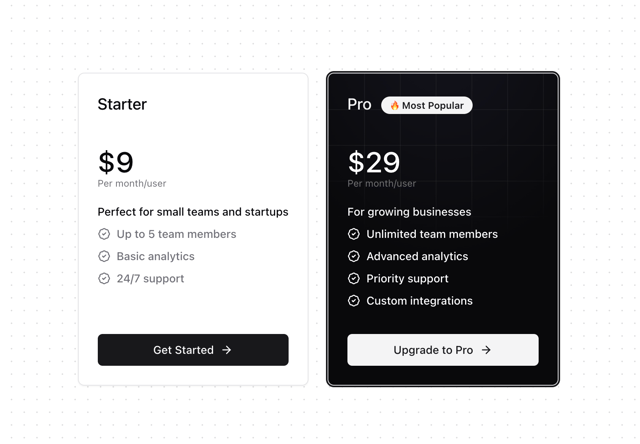
Pricing Card
8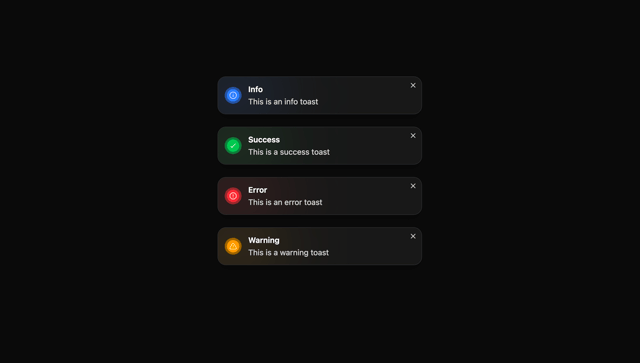
Toast
More in Sign-in
View all
SignInPage
631

Modern & Stunning sign in
1.6K

Sign In Form
201
Clean & Minimal sign in
617
Sign In
97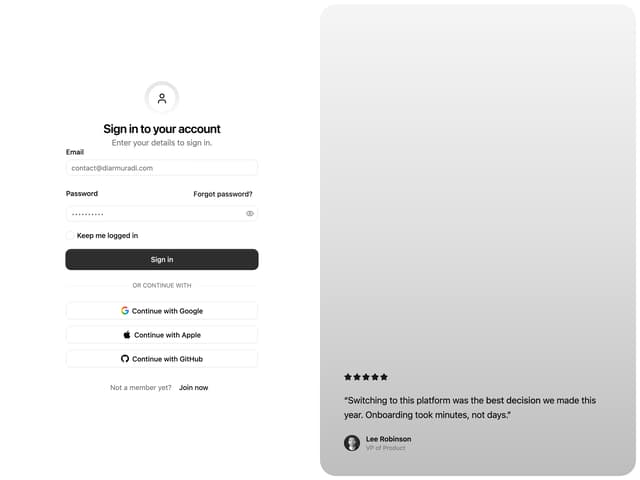

Split Sign In Form
16

Login 2
7
Modern Animated Sign In
1.1K


