

About
WebGL dotted grid background with a two-color trail that follows the cursor and fades when it rests. Surface colors follow light/dark theme tokens, reduced motion shows a still grid, and every trail, blend and grid setting is a live control.
Built with React and Tailwind. Copy the prompt and paste it into Claude Code, Cursor or Lovable: your agent adds Dotted Trail Cursor to your project and fits it to your theme.
Code
How Dotted Trail Cursor is used: the demo's code. The component's own source comes with a free account.
Usage.tsx
"use client";

import DottedTrailCursor from "@/components/ui/dotted-trail-cursor";

const settings = {
  colorA: "#ff4fd8",
  colorB: "#8b5cf6",
  headRadius: 80,
  glowRadius: 300,
  followSpeed: 0.22,
  trailLength: 18,
  fadeOnIdle: true,
  idleDelay: 100,
  idleFade: 1100,
  backgroundColor: "#ffffff",
  dotColor: "#d1d1d1",
  activeDotColor: "#ffffff",
  dotSpacing: 34,
  dotRadius: 1.2,
  rimInner: 2.1,
  rimOuter: 1.5,
  edgeDesaturate: 0.3,
  edgeDesaturateSpan: 2.1,
  tailTilt: 0.18,
};

export default function DottedTrailCursorDemo(props: Partial<typeof settings>) {
  const s = { ...settings, ...props };
  // Hex keeps a color picker in the Controls panel; until a color is changed,
  // the component's own theme-aware default is used.
  const themed = (key: "backgroundColor" | "dotColor" | "activeDotColor") =>
    s[key] === settings[key] ? undefined : s[key];

  return (
    <DottedTrailCursor
      colorA={s.colorA}
      colorB={s.colorB}
      headRadius={s.headRadius}
      glowRadius={s.glowRadius}
      followSpeed={s.followSpeed}
      trailLength={s.trailLength}
      fadeOnIdle={s.fadeOnIdle}
      idleDelay={s.idleDelay}
      idleFade={s.idleFade}
      backgroundColor={themed("backgroundColor")}
      dotColor={themed("dotColor")}
      activeDotColor={themed("activeDotColor")}
      dotSpacing={s.dotSpacing}
      dotRadius={s.dotRadius}
      rimInner={s.rimInner}
      rimOuter={s.rimOuter}
      edgeDesaturate={s.edgeDesaturate}
      edgeDesaturateSpan={s.edgeDesaturateSpan}
      tailTilt={s.tailTilt}
    >
      <section className="flex h-full w-full flex-col items-center justify-center gap-6 px-6 text-center">
        <span className="rounded-full border border-border bg-background/70 px-3 py-1 text-xs font-medium text-muted-foreground backdrop-blur-md">
          Interactive background
        </span>
        <h1 className="max-w-[14ch] text-4xl font-semibold leading-[1.05] tracking-tight text-foreground sm:text-6xl">
          Every move leaves a trail.
        </h1>
        <p className="max-w-md text-sm leading-relaxed text-muted-foreground sm:text-base">
          A dotted grid that lights up behind the cursor. Drop it behind any hero
          or section and keep your content on top.
        </p>
        <div className="flex flex-wrap items-center justify-center gap-3">
          <button
            type="button"
            className="rounded-full bg-primary px-5 py-2.5 text-sm font-medium text-primary-foreground transition-transform hover:scale-105 focus-visible:outline-none focus-visible:ring-2 focus-visible:ring-ring focus-visible:ring-offset-2 focus-visible:ring-offset-background active:scale-95"
          >
            Get started
          </button>
          <button
            type="button"
            className="rounded-full border border-border bg-background/70 px-5 py-2.5 text-sm font-medium text-foreground backdrop-blur-md transition-transform hover:scale-105 focus-visible:outline-none focus-visible:ring-2 focus-visible:ring-ring focus-visible:ring-offset-2 focus-visible:ring-offset-background active:scale-95"
          >
            View docs
          </button>
        </div>
      </section>
      <p className="pointer-events-none absolute inset-x-0 bottom-8 text-center text-xs text-muted-foreground">
        <span className="pointer-coarse:hidden">Move your cursor across the grid</span>
        <span className="hidden pointer-coarse:inline">Best experienced with a mouse or trackpad</span>
      </p>
    </DottedTrailCursor>
  );
}
More by Hyperiux Vault
View all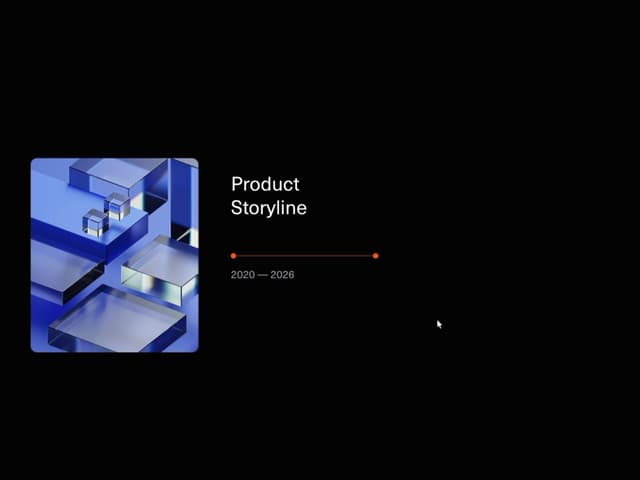

Product Timeline
2.3K
Stack Spread
1.3K
Arrow Fill Button
912
Interactive List Preview
869
Shiny Button
750
Circular Split Roll
641
Zoom Slider
430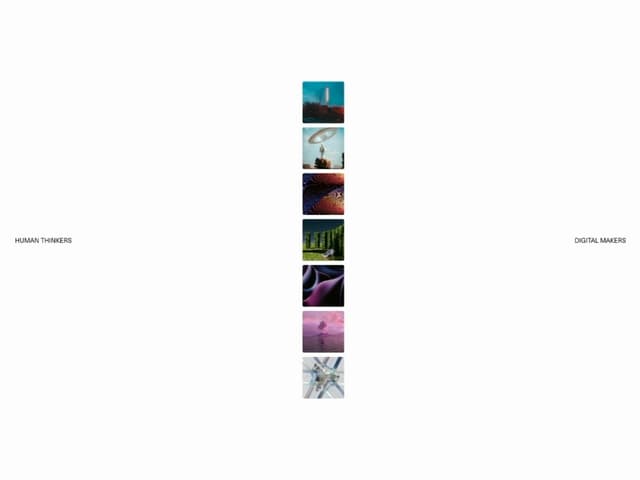
Stack Loader
371
More in Heroes
View all

SaaS Template
2.4K
Centered Hero with Image Fan
930

Hero
1.2K

Responsive Hero Banner
2K

Minimalist Hero Fashion
285

Home Section
66

Hero Section 6
881
Hero Golden Spiral
101
