
About
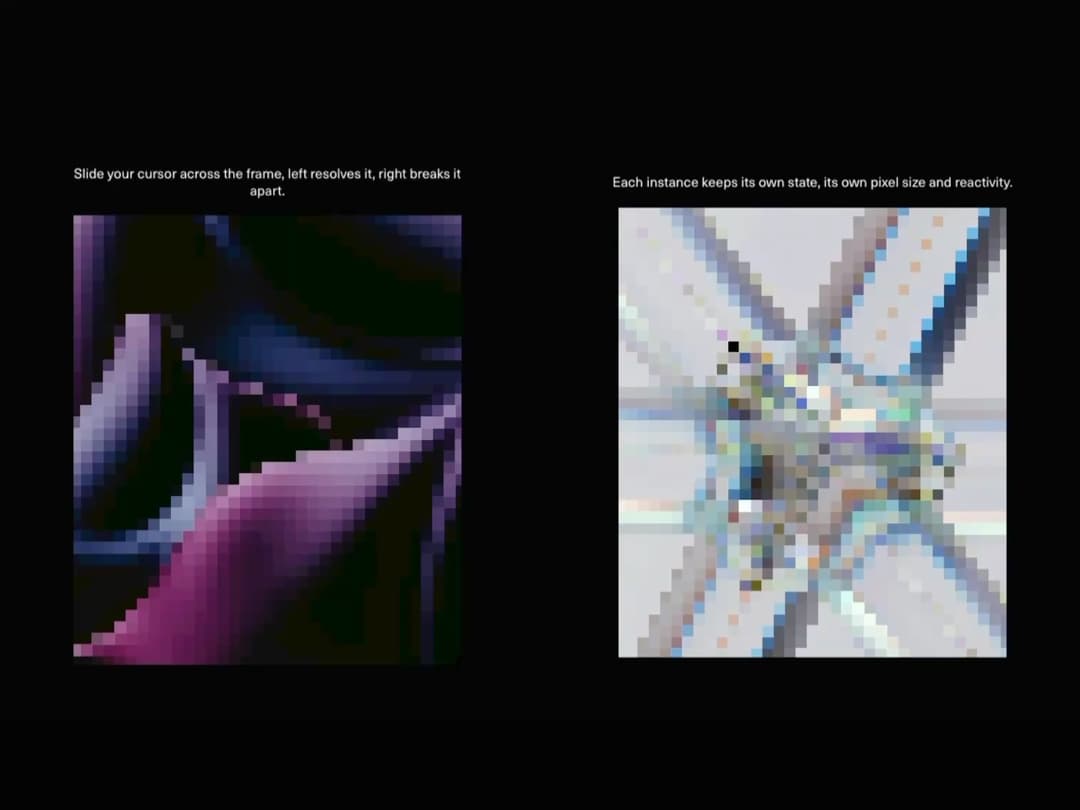
SVG filter-based image pixelation that reacts to cursor position — pixel size tweens between clear and pixelated as you move across the image. Zero dependencies.
Built with React and Tailwind. Copy the prompt and paste it into Claude Code, Cursor or Lovable: your agent adds Pixelated Image Effect to your project and fits it to your theme.
Code
How Pixelated Image Effect is used: the demo's code. The component's own source comes with a free account.
Usage.tsx
"use client";

import PixelatedImageEffect from "@/components/ui/pixelated-image-effect";

export default function PixelatedImageEffectDemo() {
  return (
    <div className="flex h-dvh w-dvw max-[1025px]:h-auto max-[1025px]:min-h-dvh max-[1025px]:flex-col">
      <PixelatedImageEffect
        className="w-1/2 max-[1025px]:w-full"
        src="https://cdn.21st.dev/assets/mirror/ff/ff5a0eafbbe32250367b699e5513dfd2debd0c2fd945d2f1206a63b512e7e1cf.jpg"
        alt="Astronaut standing on a rock under a ringed planet"
        pixelSize={20}
        mouseReactivity={1.3}
        desktopHint="Slide your cursor across the frame, left resolves it, right breaks it apart."
        mobileHint="Tap left in the frame to resolve it, right to break it apart"
      />
      <PixelatedImageEffect
        className="w-1/2 max-[1025px]:w-full"
        src="https://cdn.21st.dev/assets/mirror/5b/5b133dad10568c8eea843378e31ae00b709a562b39b3abf76a51bd110a34d06e.jpg"
        alt="Faceted glass crystal render with light refracting through it"
        pixelSize={12}
        mouseReactivity={0.8}
        desktopHint="Each instance keeps its own state, its own pixel size and reactivity."
        mobileHint="A second image with its own pixel size and reactivity"
      />
    </div>
  );
}
More by Hyperiux Vault
View all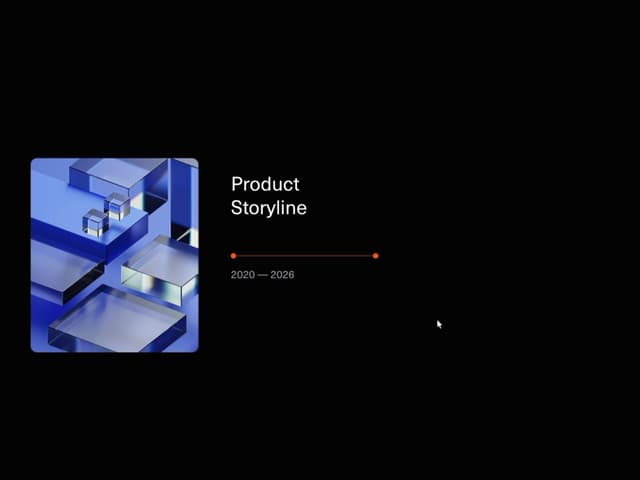

Product Timeline
2.2K
Stack Spread
1.3K
Arrow Fill Button
909
Interactive List Preview
866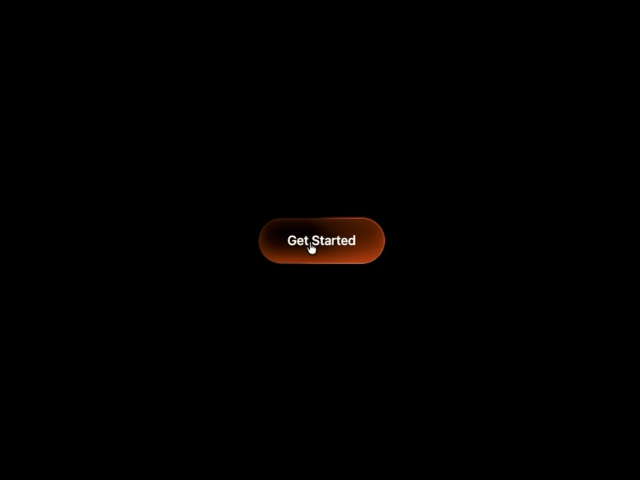
Shiny Button
735
Circular Split Roll
632
Zoom Slider
426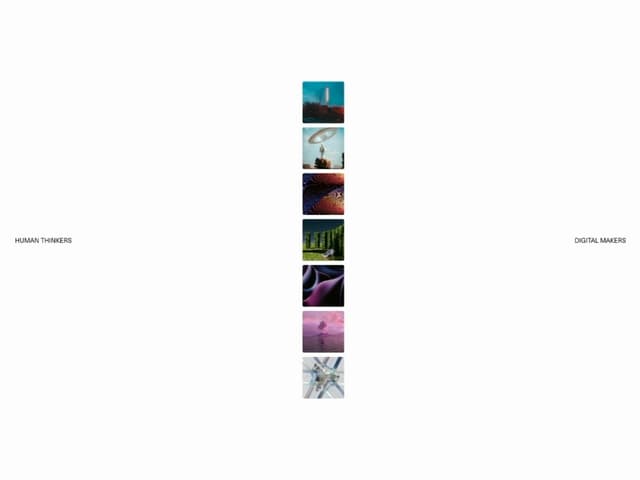
Stack Loader
370