
About
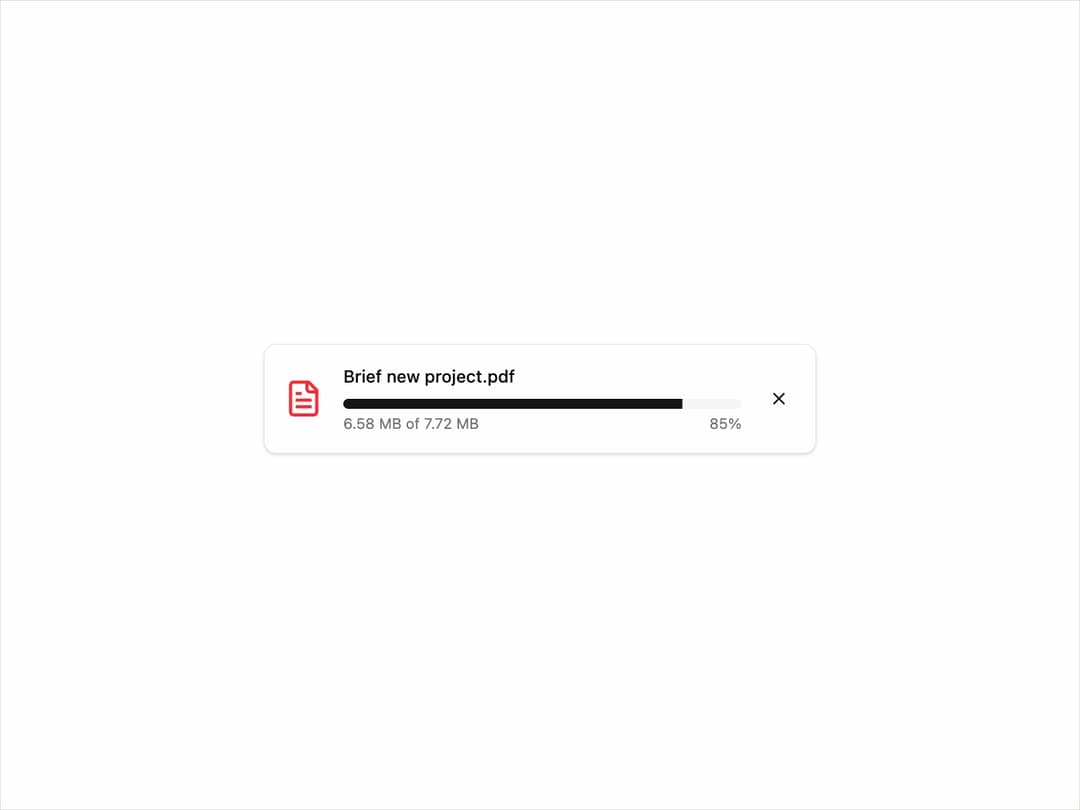
Upload Progress Card This component displays the progress of a file upload, including the filename, size, percentage, and a visual progress bar. It is highly reusable and customizable through props.
Built with React and Tailwind. Copy the prompt and paste it into Claude Code, Cursor or Lovable: your agent adds Progress Card to your project and fits it to your theme.
Code
How Progress Card is used: the demo's code. The component's own source comes with a free account.
Usage.tsx
import React, { useState, useEffect } from "react";
import { UploadProgressCard } from "@/components/ui/progress-card";
import { Button } from "@/components/ui/button";
import { FileText } from "lucide-react";

export default function UploadProgressCardDemo() {
  const [progress, setProgress] = useState(0);
  const [isUploading, setIsUploading] = useState(false);
  const [status, setStatus] = useState<"uploading" | "complete">("uploading");

  // Simulate upload progress
  useEffect(() => {
    let interval: NodeJS.Timeout | null = null;
    if (isUploading && progress < 100) {
      interval = setInterval(() => {
        setProgress((prev) => {
          const next = prev + Math.random() * 10;
          if (next >= 100) {
            clearInterval(interval!);
            setIsUploading(false);
            setStatus("complete");
            return 100;
          }
          return next;
        });
      }, 300);
    }
    return () => {
      if (interval) clearInterval(interval);
    };
  }, [isUploading, progress]);

  const handleStartUpload = () => {
    setProgress(0);
    setStatus("uploading");
    setIsUploading(true);
  };

  const handleCancel = () => {
    setIsUploading(false);
    console.log("Upload cancelled by user.");
  };

  return (
    <div className="flex w-full flex-col items-center space-y-4 p-4">
      {!isUploading && progress === 0 && (
        <Button onClick={handleStartUpload}>Simulate File Upload</Button>
      )}

      {(isUploading || progress > 0) && (
        <UploadProgressCard
          fileName="Brief new project.pdf"
          fileSize={8100000} // 8.1 MB in bytes
          progress={progress}
          status={status}
          onCancel={handleCancel}
          icon={<FileText className="h-8 w-8 text-red-500" />}
        />
      )}
    </div>
  );
}
Dependencies
More by Kavi Katiyar
View all

3D Card
981
Bento Product Features
831
Testimonial Slider
716
Card
607
Order Confirmation Card
504
Project Detail View
408
State
393
Animated Card
393
More in Buttons
View all

Button
14
Button
34
Texture Button
92
Button Save
46

Button
64

Button Group
3

App Store Button
454

Notification Button
103

