
About
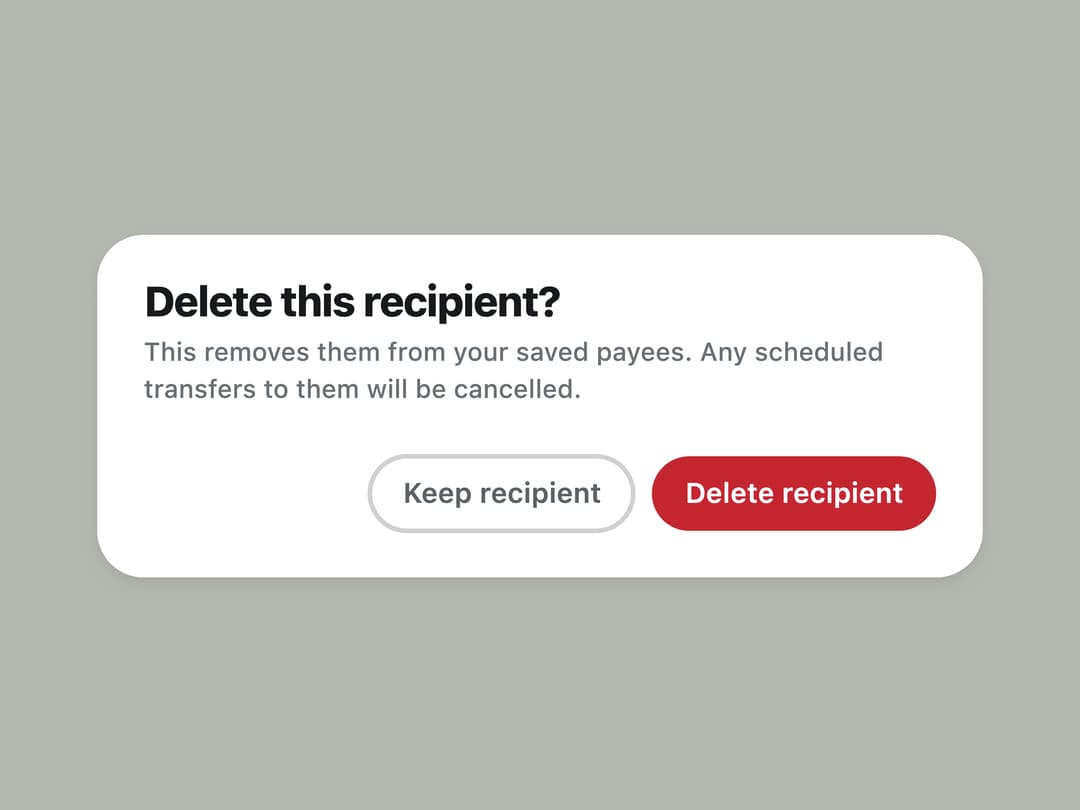
A confirmation dialog that forces a destructive or consequential choice, with no close control and no dismiss-by-accident behavior.
Built with React and Tailwind. Copy the prompt and paste it into Claude Code, Cursor or Lovable: your agent adds Alert Dialog to your project and fits it to your theme.
Code
How Alert Dialog is used: the demo's code. The component's own source comes with a free account.
Usage.tsx
"use client";

import * as React from "react";
import { AlertDialog } from "@/components/ui/alert-dialog";

export default function AlertDialogDemo() {
  const [open, setOpen] = React.useState(false);
  const [busy, setBusy] = React.useState(false);

  function handleConfirm() {
    setBusy(true);
    setTimeout(() => {
      setBusy(false);
      setOpen(false);
    }, 900);
  }

  return (
    <div className="flex min-h-screen w-full items-center justify-center bg-canvas p-8 text-ink">
      <button
        type="button"
        onClick={() => setOpen(true)}
        className="inline-flex h-10 shrink-0 items-center justify-center gap-2 rounded-full bg-danger px-5 text-[13px] font-semibold leading-none text-white transition-colors hover:bg-danger/90"
      >
        Delete recipient
      </button>

      <AlertDialog
        open={open}
        onClose={() => setOpen(false)}
        title="Delete this recipient?"
        description="This removes them from your saved payees. Any scheduled transfers to them will be cancelled."
        confirmLabel="Delete recipient"
        cancelLabel="Keep recipient"
        destructive
        busy={busy}
        onConfirm={handleConfirm}
      />
    </div>
  );
}
More by klyv-ui
View all
Gantt Chart
56
Klyv Animated Beam
47
Pareto Chart
40
Shader Canvas
35
Sunburst Chart
23
Morphing Text
21
Gooey Loader
20
Gravity Tags
17