
About
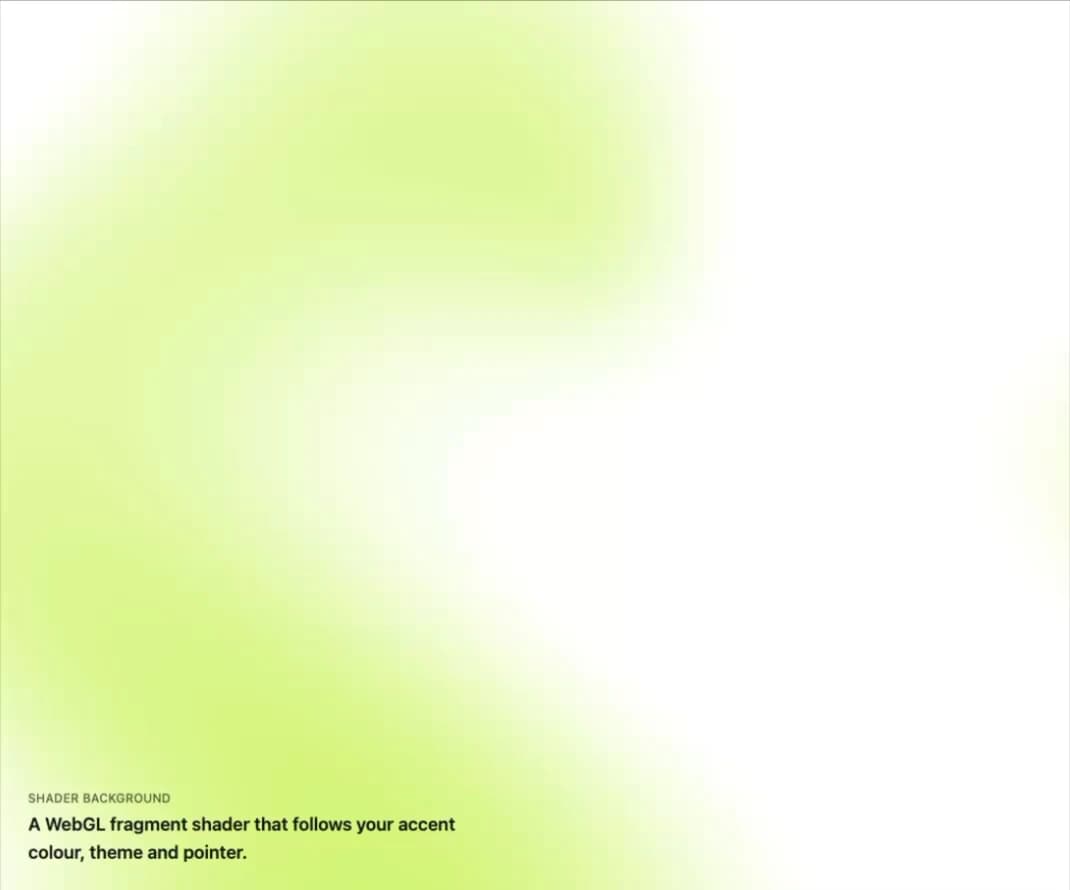
A WebGL fragment-shader background that reads its colours from CSS variables, follows the pointer, pauses off-screen or in hidden tabs, and falls back to a static CSS gradient when WebGL is unavailable or the shader fails to compile.
Built with React and Tailwind. Copy the prompt and paste it into Claude Code, Cursor or Lovable: your agent adds Shader Canvas to your project and fits it to your theme.
Code
How Shader Canvas is used: the demo's code. The component's own source comes with a free account.
Usage.tsx
import { ShaderCanvas } from "@/components/ui/shader-canvas";

export default function ShaderCanvasDemo() {
  return (
    <div className="relative h-screen w-full overflow-hidden bg-[var(--color-surface)] text-[var(--color-ink)]">
      <ShaderCanvas
        label="Animated gradient background"
        className="absolute inset-0 h-full w-full"
      >
        <div className="absolute inset-x-0 bottom-0 p-8">
          <p className="text-xs font-medium uppercase tracking-wide opacity-70">
            Shader background
          </p>
          <p className="mt-1 max-w-md text-lg font-semibold">
            A WebGL fragment shader that follows your accent colour, theme and
            pointer.
          </p>
        </div>
      </ShaderCanvas>
    </div>
  );
}
More by klyv-ui
View all
Gantt Chart
56
Klyv Animated Beam
47
Pareto Chart
40
Sunburst Chart
23
Morphing Text
21
Gooey Loader
19
Gravity Tags
17
Klyv Border Beam
12
More in Heroes
View all

SaaS Template
2.4K
Centered Hero with Image Fan
930

Hero
1.2K

Responsive Hero Banner
2K

Minimalist Hero Fashion
285

Home Section
66

Hero Section 6
881
Hero Golden Spiral
101
