
About
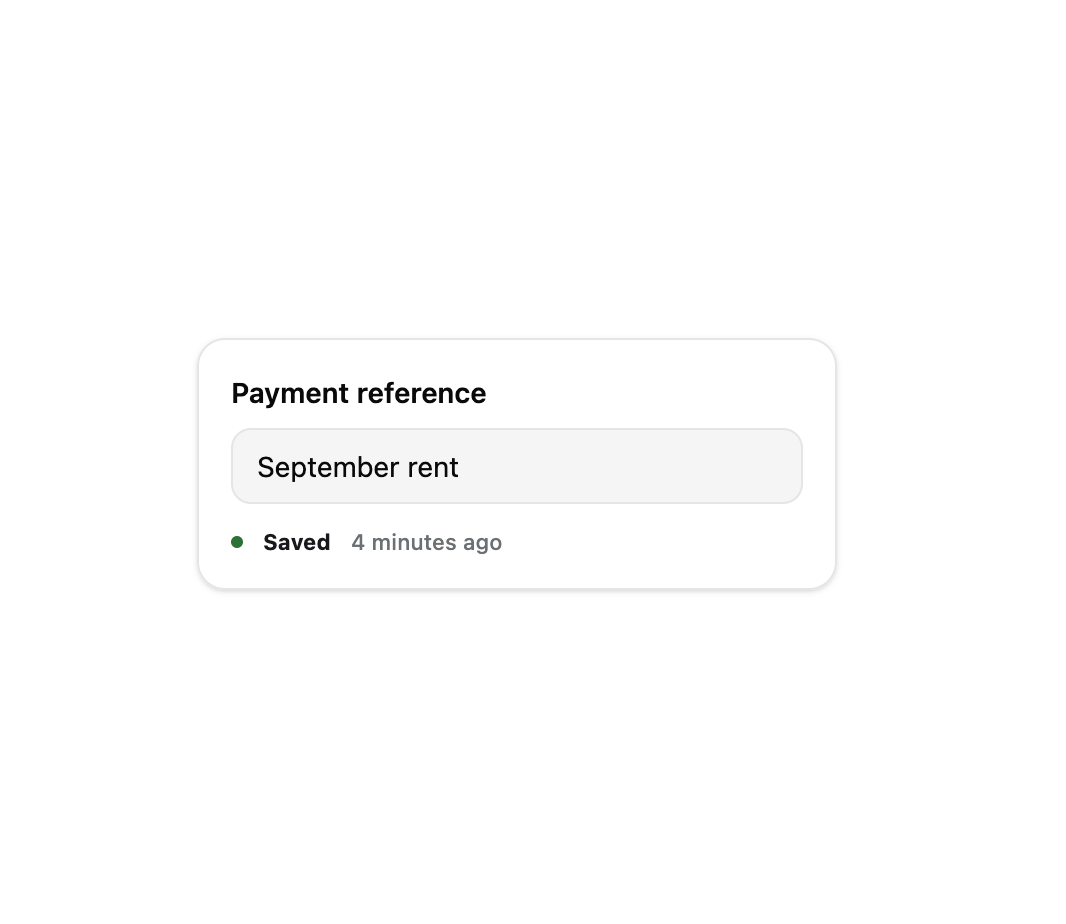
A small inline status readout for a form or document that shows whether changes are saved, saving, unsaved, or failed to save, with a live relative "last saved" timestamp and inline save-now/retry actions.
Built with React and Tailwind. Copy the prompt and paste it into Claude Code, Cursor or Lovable: your agent adds Save Indicator to your project and fits it to your theme.
Code
How Save Indicator is used: the demo's code. The component's own source comes with a free account.
Usage.tsx
"use client";

import { SaveIndicator } from "@/components/ui/save-indicator";
import { useState } from "react";

export default function SaveIndicatorDemo() {
  const [lastSavedAt] = useState(() => new Date(Date.now() - 4 * 60 * 1000));

  return (
    <div className="flex min-h-[260px] w-full items-center justify-center bg-background p-8">
      <div className="w-80 rounded-xl border border-border bg-card p-4 shadow-sm">
        <p className="text-sm font-semibold text-card-foreground">
          Payment reference
        </p>
        <input
          readOnly
          value="September rent"
          className="mt-2 w-full rounded-lg border border-border bg-muted px-3 py-2 text-sm text-foreground"
        />
        <div className="mt-3">
          <SaveIndicator state="saved" lastSavedAt={lastSavedAt} />
        </div>
      </div>
    </div>
  );
}
More by klyv-ui
View all
Gantt Chart
56
Klyv Animated Beam
47
Pareto Chart
40
Shader Canvas
35
Sunburst Chart
23
Morphing Text
21
Gooey Loader
19
Gravity Tags
17
More in Forms
View all

Premium Auth
500

Login 2
7
Authentication Card
47

Login 1
52

Contact Card
1K
Login Form
6

Form
16

Book A Demo 3
83
