
About
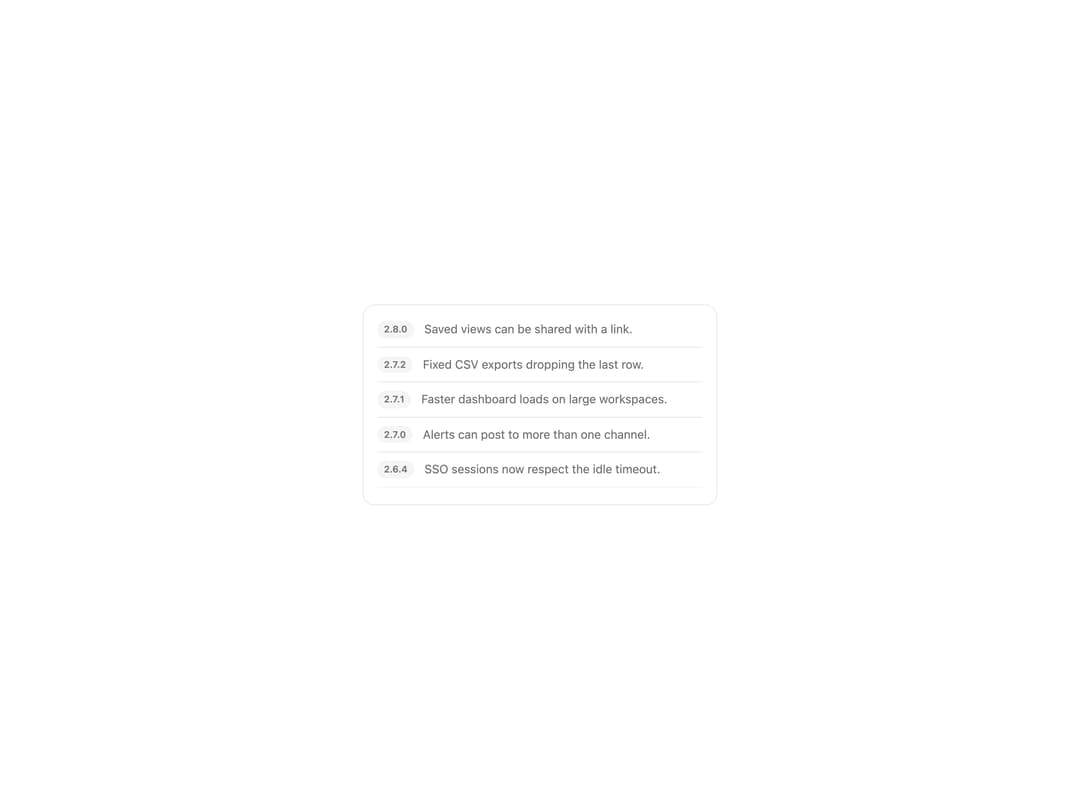
A scrollable container that fades its edges and keeps a visible or hidden scrollbar, so users always know there is more content to scroll past.
Built with React and Tailwind. Copy the prompt and paste it into Claude Code, Cursor or Lovable: your agent adds Fade Scroll Area to your project and fits it to your theme.
Code
How Fade Scroll Area is used: the demo's code. The component's own source comes with a free account.
Usage.tsx
import { ScrollArea } from "@/components/ui/scroll-area";

const RELEASES: [string, string][] = [
  ["2.8.0", "Saved views can be shared with a link."],
  ["2.7.2", "Fixed CSV exports dropping the last row."],
  ["2.7.1", "Faster dashboard loads on large workspaces."],
  ["2.7.0", "Alerts can post to more than one channel."],
  ["2.6.4", "SSO sessions now respect the idle timeout."],
  ["2.6.3", "Chart tooltips no longer clip at the edge."],
  ["2.6.0", "Workflows: run a check every hour."],
  ["2.5.1", "Audit log filters remember your last choice."],
  ["2.5.0", "Team spaces with their own permissions."],
];

export default function ScrollAreaDemo() {
  return (
    <div className="flex w-full items-center justify-center bg-background p-10">
      <div className="w-full max-w-[420px] rounded-xl border border-border bg-card p-2">
        <ScrollArea label="Release notes" maxHeight={220} className="px-2">
          <ul className="m-0 flex list-none flex-col p-0">
            {RELEASES.map(([version, note]) => (
              <li
                key={version}
                className="flex gap-3 border-b border-border py-2.5 last:border-0"
              >
                <span className="h-fit shrink-0 rounded-full bg-muted px-2 py-0.5 text-[11px] font-semibold text-muted-foreground">
                  {version}
                </span>
                <p className="text-sm text-muted-foreground">{note}</p>
              </li>
            ))}
          </ul>
        </ScrollArea>
      </div>
    </div>
  );
}
More by klyv-ui
View all
Gantt Chart
56
Klyv Animated Beam
47
Pareto Chart
40
Shader Canvas
35
Sunburst Chart
23
Morphing Text
21
Gooey Loader
20
Gravity Tags
17