
About
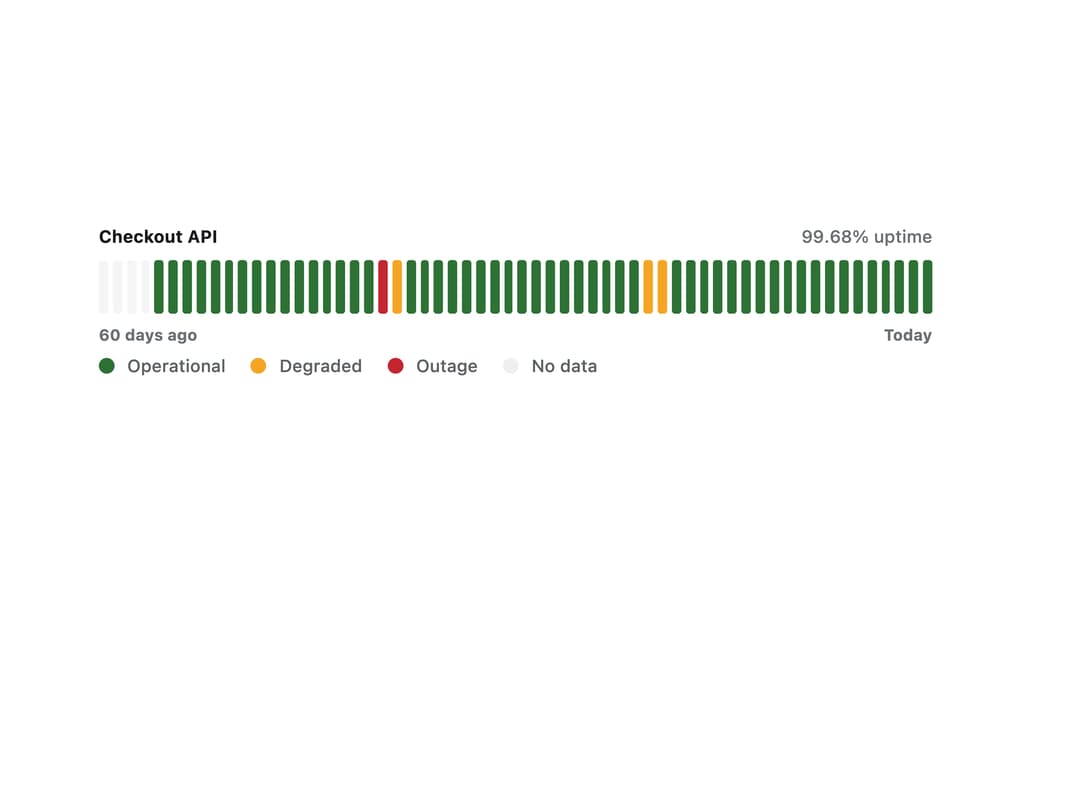
An uptime strip for a status page that shows one coloured bar per time interval, with a hoverable tip, keyboard navigation, and a hidden data table for accessibility.
Built with React and Tailwind. Copy the prompt and paste it into Claude Code, Cursor or Lovable: your agent adds Status Strip to your project and fits it to your theme.
Code
How Status Strip is used: the demo's code. The component's own source comes with a free account.
Usage.tsx
import { StatusStrip, type StatusInterval } from "@/components/ui/status-strip";

const intervals: StatusInterval[] = Array.from({ length: 60 }, (_, i) => {
  const daysAgo = 59 - i;
  if (daysAgo >= 56) return { id: `d-${i}`, missing: true };
  if (daysAgo === 39)
    return {
      id: `d-${i}`,
      status: "outage",
      downtimeMinutes: 192,
      incidents: ["Checkout API returned 5xx for 3h 12m"],
    };
  if (daysAgo === 38)
    return {
      id: `d-${i}`,
      status: "degraded",
      downtimeMinutes: 39,
      incidents: ["Recovering from the outage"],
    };
  if (daysAgo === 20 || daysAgo === 19)
    return {
      id: `d-${i}`,
      status: "degraded",
      downtimeMinutes: 13,
      incidents: ["Elevated latency on write endpoints"],
    };
  return { id: `d-${i}`, uptime: 1 };
});

export default function StatusStripDemo() {
  return (
    <div className="w-full max-w-xl p-6">
      <StatusStrip
        label="Checkout API"
        intervals={intervals}
        from="60 days ago"
        to="Today"
        showLegend
      />
    </div>
  );
}
More by klyv-ui
View all
Gantt Chart
56
Klyv Animated Beam
47
Pareto Chart
40
Shader Canvas
35
Sunburst Chart
23
Morphing Text
21
Gooey Loader
20
Gravity Tags
17