
About
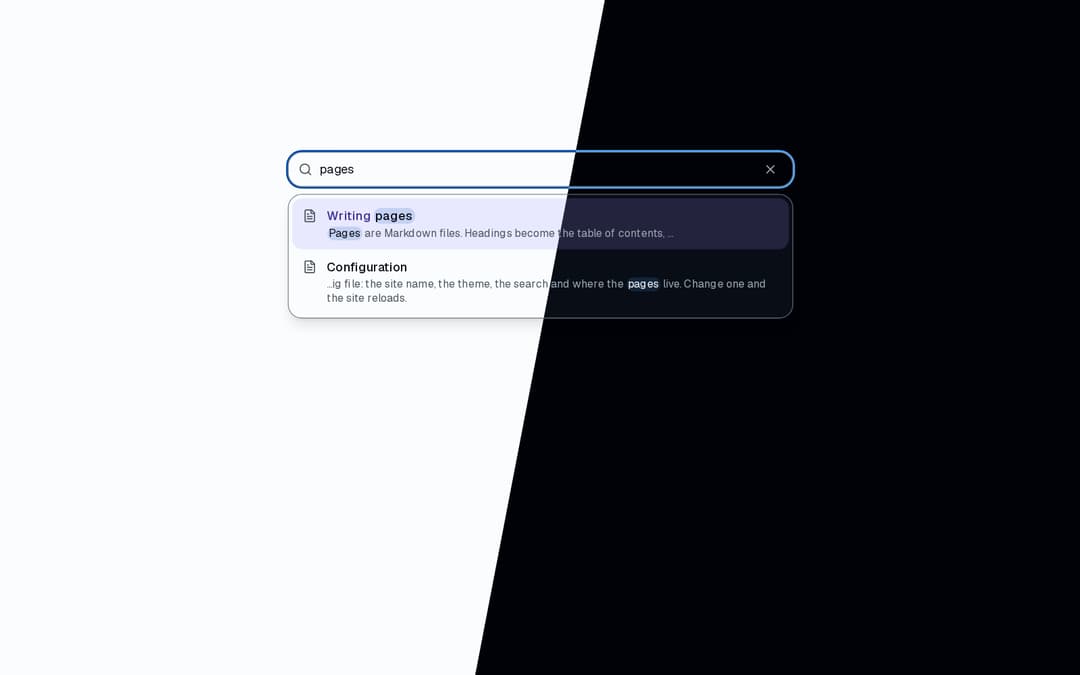
Docs search: pages whose title or text match as you type, title hits first, the words in context, a combobox with arrow keys, Enter and Escape, and / to jump to the field. From the Landing & Docs Starter → ai.osagi.finance/kits/landing-docs
Built with React and Tailwind. Copy the prompt and paste it into Claude Code, Cursor or Lovable: your agent adds Docs Search to your project and fits it to your theme.
Code
How Docs Search is used: the demo's code. The component's own source comes with a free account.
Usage.tsx
"use client";

import { useCallback, useState } from "react";
import { DocsSearch, type DocsSearchPage } from "@/components/ui/docs-search";

const settings = {
  limit: 8,
  placeholder: "Search the docs",
};

const PAGES: DocsSearchPage[] = [
  {
    body: "Install the CLI with pnpm, then run the init command in your project. The command writes a config file and a first page.",
    href: "/docs/install",
    title: "Install",
  },
  {
    body: "Every option of the config file: the site name, the theme, the search and where the pages live. Change one and the site reloads.",
    href: "/docs/configuration",
    title: "Configuration",
  },
  {
    body: "Pages are Markdown files. Headings become the table of contents, code blocks get highlighting and a Copy button, callouts mark notes and warnings.",
    href: "/docs/writing-pages",
    title: "Writing pages",
  },
  {
    body: "The search looks through titles as you type, then through the text of every page, and shows the matching words in context.",
    href: "/docs/search",
    title: "Search",
  },
  {
    body: "Build once, then serve the static files from any host. A standalone build carries what the server needs; put a proxy in front for TLS.",
    href: "/docs/deploying",
    title: "Deploying",
  },
  {
    body: "Release notes, newest first: what changed for the reader in each version, with a link to the page that explains a new feature.",
    href: "/docs/changelog",
    title: "Changelog",
  },
];

/** A docs site's search: type "config" or "build", use the arrow keys and Enter, or press `/`. */
export default function Demo(props: Partial<typeof settings>) {
  const { limit, placeholder } = { ...settings, ...props };
  const [opened, setOpened] = useState("");
  const navigate = useCallback((page: DocsSearchPage) => {
    setOpened(`Opened “${page.title}” (${page.href})`);
  }, []);
  return (
    <div className="flex min-h-[520px] w-full flex-col items-center gap-4 bg-background p-6 pt-12">
      <DocsSearch
        limit={limit}
        onNavigate={navigate}
        pages={PAGES}
        placeholder={placeholder}
      />
      <p className="min-h-5 text-muted-foreground text-sm">{opened}</p>
    </div>
  );
}
Dependencies
More by OSAGI
View all
AI Orb
83
KPI Tile
28
OTP Input
12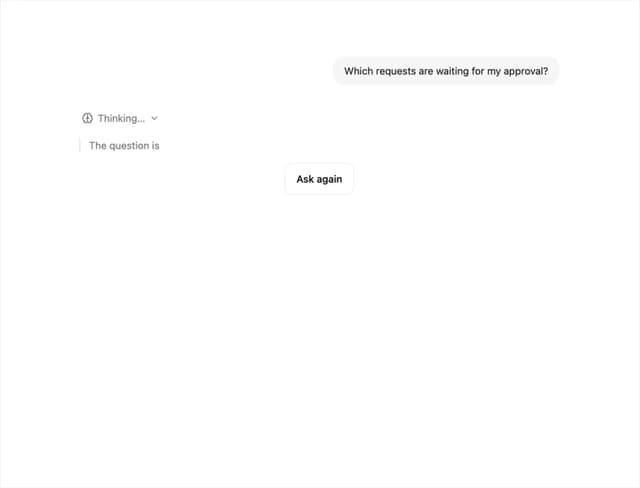
Reasoning Thread
8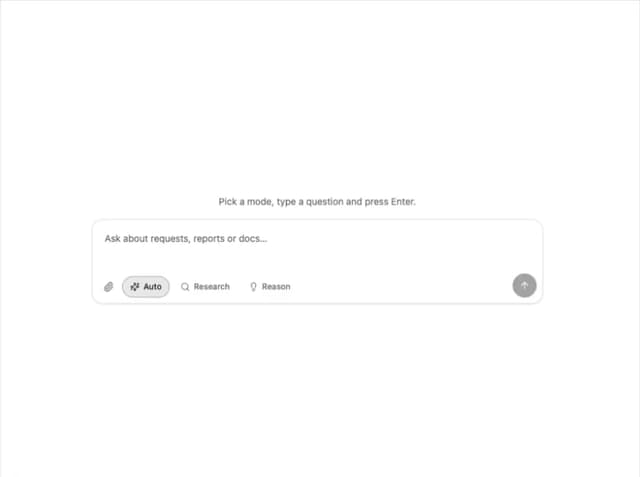
Assistant Composer
8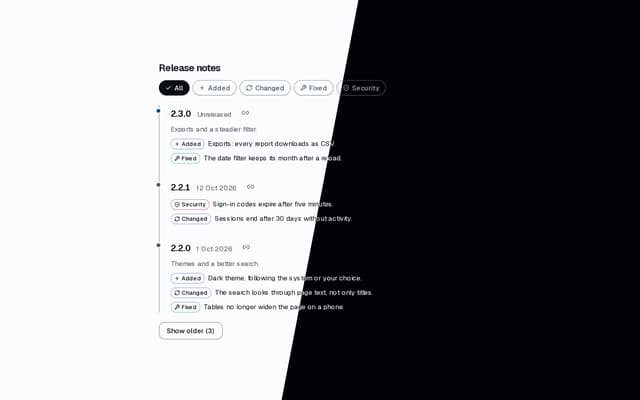
Release Notes
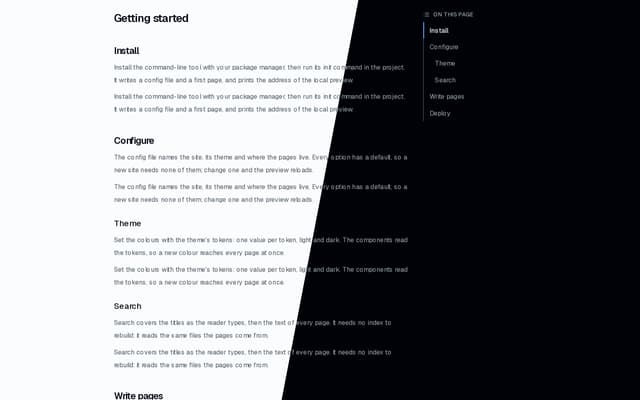
Docs TOC
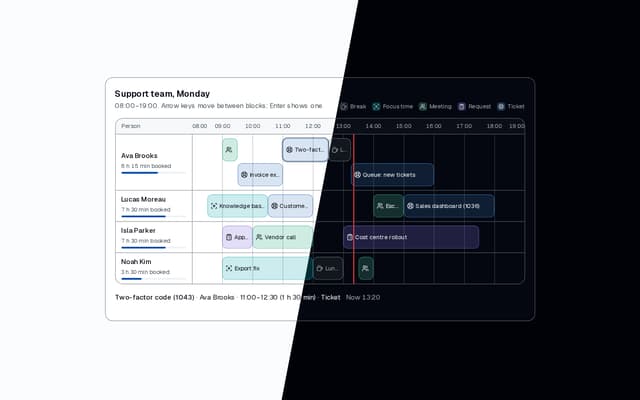
Workload Timeline
More in Navigation
View all

Sidebar
234
Navbar with Theme Toggle
43

Sidebar
339

Tabs
60
Numberless Pagination with Text
11
Oversized 404 Numeral
50
Footer
446
Pagination
43


