

About
Team workload timeline: people by hour with tickets, requests, meetings, focus and breaks, a now line, booked time per person, one tab stop with arrow keys between blocks. From the Support & Requests Kit → ai.osagi.finance/kits/support-requests
Built with React and Tailwind. Copy the prompt and paste it into Claude Code, Cursor or Lovable: your agent adds Workload Timeline to your project and fits it to your theme.
Code
How Workload Timeline is used: the demo's code. The component's own source comes with a free account.
Usage.tsx
"use client";

import {
  type TimelineItem,
  type TimelinePerson,
  WorkloadTimeline,
} from "@/components/ui/workload-timeline";

const settings = {
  dayEnd: 19,
  dayStart: 8,
  /** Where the "now" line stands, in minutes since midnight; -1 hides it. */
  nowMinutes: 13 * 60 + 20,
};

const h = (hours: number, minutes = 0) => hours * 60 + minutes;

const PEOPLE: TimelinePerson[] = [
  { id: "ava", name: "Ava Brooks", role: "Support" },
  { id: "lucas", name: "Lucas Moreau", role: "Support" },
  { id: "isla", name: "Isla Parker", role: "Operations" },
  { id: "noah", name: "Noah Kim", role: "Engineering" },
];

const ITEMS: TimelineItem[] = [
  {
    end: h(9, 30),
    id: "a1",
    kind: "meeting",
    personId: "ava",
    start: h(9),
    title: "Stand-up",
  },
  {
    end: h(11),
    id: "a2",
    kind: "ticket",
    personId: "ava",
    start: h(9, 30),
    title: "Invoice export (1042)",
  },
  {
    end: h(12, 30),
    id: "a3",
    kind: "ticket",
    personId: "ava",
    start: h(11),
    title: "Two-factor code (1043)",
  },
  {
    end: h(13, 15),
    id: "a4",
    kind: "break",
    personId: "ava",
    start: h(12, 30),
    title: "Lunch",
  },
  {
    end: h(16),
    id: "a5",
    kind: "ticket",
    personId: "ava",
    start: h(13, 15),
    title: "Queue: new tickets",
  },
  {
    end: h(10, 30),
    id: "l1",
    kind: "focus",
    personId: "lucas",
    start: h(8, 30),
    title: "Knowledge base",
  },
  {
    end: h(12),
    id: "l2",
    kind: "ticket",
    personId: "lucas",
    start: h(10, 30),
    title: "Customer logs (1039)",
  },
  {
    end: h(15),
    id: "l3",
    kind: "meeting",
    personId: "lucas",
    start: h(14),
    title: "Escalation review",
  },
  {
    end: h(18),
    id: "l4",
    kind: "ticket",
    personId: "lucas",
    start: h(15),
    title: "Sales dashboard (1036)",
  },
  {
    end: h(10),
    id: "i1",
    kind: "request",
    personId: "isla",
    start: h(9),
    title: "Approve laptop request",
  },
  {
    end: h(12),
    id: "i2",
    kind: "meeting",
    personId: "isla",
    start: h(10),
    title: "Vendor call",
  },
  {
    end: h(17, 30),
    id: "i3",
    kind: "request",
    personId: "isla",
    start: h(13),
    title: "Cost centre rollout",
  },
  {
    end: h(12),
    id: "n1",
    kind: "focus",
    personId: "noah",
    start: h(9),
    title: "Export fix",
  },
  {
    end: h(13),
    id: "n2",
    kind: "break",
    personId: "noah",
    start: h(12),
    title: "Lunch",
  },
  {
    end: h(14),
    id: "n3",
    kind: "meeting",
    personId: "noah",
    start: h(13, 30),
    title: "Design review",
  },
];

/** Four people's day: tickets, requests, meetings, focus time and breaks, with the "now" line. */
export default function Demo(props: Partial<typeof settings>) {
  const { dayEnd, dayStart, nowMinutes } = { ...settings, ...props };
  return (
    <div className="flex min-h-[560px] w-full items-start justify-center bg-background p-6">
      <div className="w-full max-w-4xl">
        <WorkloadTimeline
          dayEnd={dayEnd}
          dayStart={dayStart}
          items={ITEMS}
          now={nowMinutes >= 0 ? nowMinutes : undefined}
          people={PEOPLE}
          title="Support team, Monday"
        />
      </div>
    </div>
  );
}
Dependencies
More by OSAGI
View all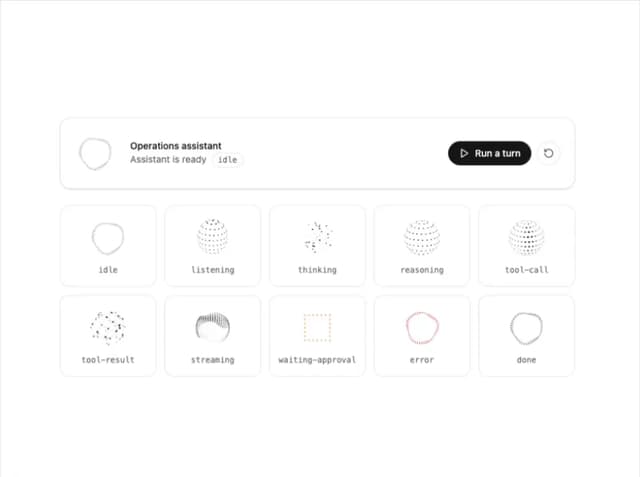
AI Orb
83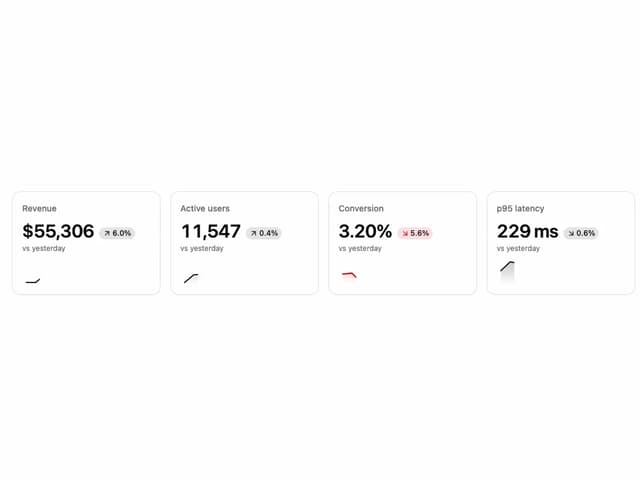
KPI Tile
28
OTP Input
12
Reasoning Thread
8
Assistant Composer
8
Release Notes
Docs TOC
Docs Search