

About
Chat composer for AI assistants: auto-growing field, mode pills, attach button, character counter and one send/stop button that follows the AI SDK status. Enter sends, Shift+Enter adds a line. From the OSAGI Console template: ai.osagi.finance
Built with React and Tailwind. Copy the prompt and paste it into Claude Code, Cursor or Lovable: your agent adds Assistant Composer to your project and fits it to your theme.
Code
How Assistant Composer is used: the demo's code. The component's own source comes with a free account.
Usage.tsx
"use client";

import { Lightbulb, Search, Sparkles } from "lucide-react";
import { useCallback, useEffect, useRef, useState } from "react";
import {
  AssistantComposer,
  type ComposerMode,
  type ComposerStatus,
} from "@/components/ui/assistant-composer";

const settings = {
  maxLength: 2000,
  maxRows: 6,
  placeholder: "Ask about requests, reports or docs…",
  showAttach: true,
  thinkMs: 900,
  wordMs: 70,
};

const MODES: ComposerMode[] = [
  {
    description: "Short, direct answers",
    icon: Sparkles,
    label: "Auto",
    value: "auto",
  },
  {
    description: "Searches every source first",
    icon: Search,
    label: "Research",
    value: "research",
  },
  {
    description: "Thinks longer before answering",
    icon: Lightbulb,
    label: "Reason",
    value: "reason",
  },
];

const REPLY =
  "Three requests wait for your approval. The oldest one, a laptop for the support team, has been open for two days, so it is worth a look first. The other two came in this morning and are within the usual time.";

type Turn = { question: string; answer: string; mode?: string };

/** A scripted assistant: it "thinks", then streams a canned reply word by word. */
export default function Demo(props: Partial<typeof settings>) {
  const s = { ...settings, ...props };
  const [status, setStatus] = useState<ComposerStatus>("ready");
  const [turn, setTurn] = useState<Turn | null>(null);
  const timers = useRef<ReturnType<typeof setTimeout>[]>([]);

  const clear = useCallback(() => {
    for (const timer of timers.current) {
      clearTimeout(timer);
    }
    timers.current = [];
  }, []);
  useEffect(() => clear, [clear]);

  const send = ({ text, mode }: { text: string; mode?: string }) => {
    clear();
    setTurn({ answer: "", mode, question: text });
    setStatus("submitted");
    const words = REPLY.split(" ");
    timers.current.push(setTimeout(() => setStatus("streaming"), s.thinkMs));
    words.forEach((_, index) => {
      timers.current.push(
        setTimeout(
          () => {
            setTurn((current) =>
              current
                ? { ...current, answer: words.slice(0, index + 1).join(" ") }
                : current
            );
            if (index === words.length - 1) {
              setStatus("ready");
            }
          },
          s.thinkMs + (index + 1) * s.wordMs
        )
      );
    });
  };

  const stop = () => {
    clear();
    setStatus("ready");
  };

  return (
    <div className="flex min-h-[460px] w-full items-center justify-center bg-background p-6 text-foreground">
      <div className="flex w-full max-w-2xl flex-col gap-4">
        <div
          aria-live="polite"
          className="flex min-h-40 flex-col justify-end gap-3"
        >
          {turn ? (
            <>
              <p className="max-w-[80%] self-end rounded-2xl bg-secondary px-4 py-2 text-secondary-foreground text-sm">
                {turn.question}
              </p>
              <p className="max-w-[90%] text-sm leading-6">
                {turn.answer ||
                  (status === "submitted" ? (
                    <span className="text-muted-foreground">Thinking…</span>
                  ) : null)}
              </p>
            </>
          ) : (
            <p className="text-center text-muted-foreground text-sm">
              Pick a mode, type a question and press Enter.
            </p>
          )}
        </div>
        <AssistantComposer
          defaultMode="auto"
          maxLength={s.maxLength}
          maxRows={s.maxRows}
          modes={MODES}
          onAttach={s.showAttach ? () => undefined : undefined}
          onSend={send}
          onStop={stop}
          placeholder={s.placeholder}
          status={status}
        />
      </div>
    </div>
  );
}
Dependencies
More by OSAGI
View all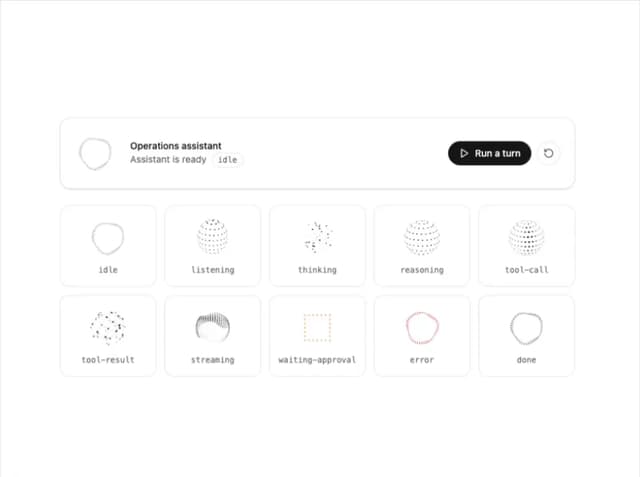
AI Orb
83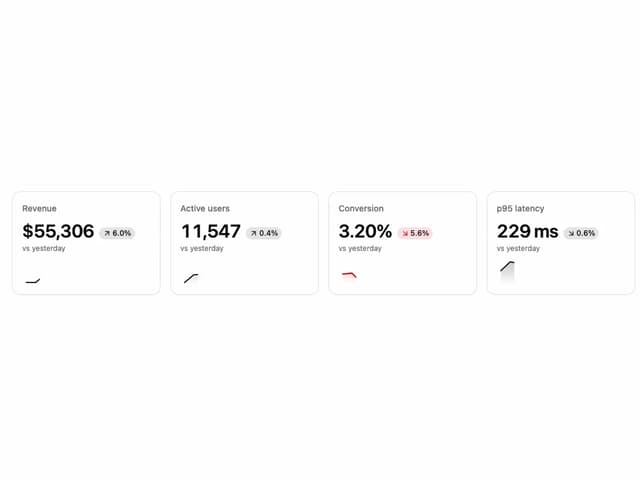
KPI Tile
28
OTP Input
12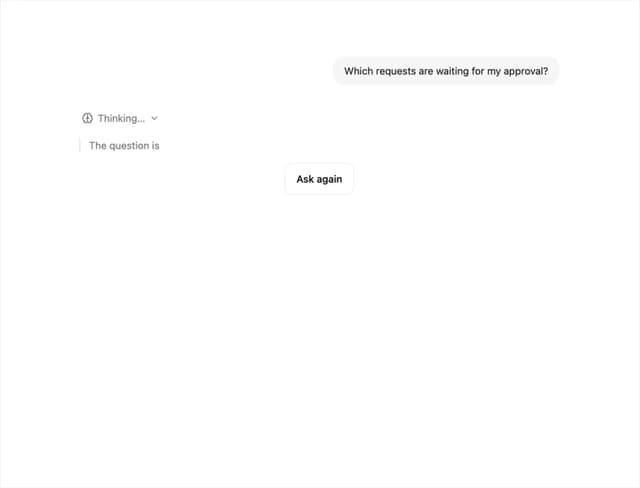
Reasoning Thread
8
Release Notes
Docs TOC
Docs Search
Workload Timeline
More in AI chats
View all

AI Actions
319
Color Picker
81
Agent Chat
17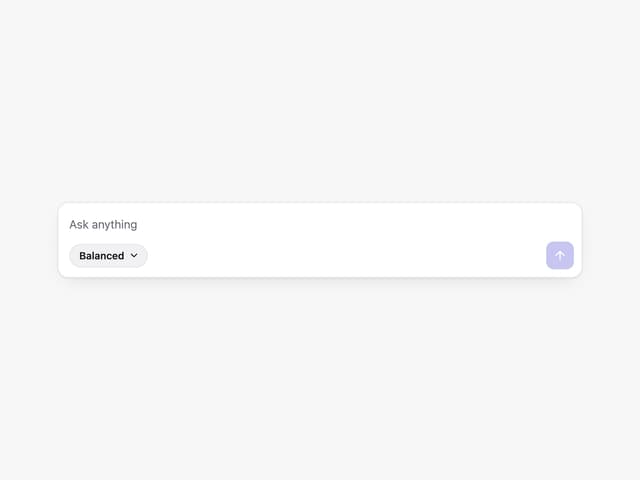
Prompt with Model Picker
2
Message Thread
35

System Message
54
Suggestions
28

Message With Header And Delivery Status
38


