
About
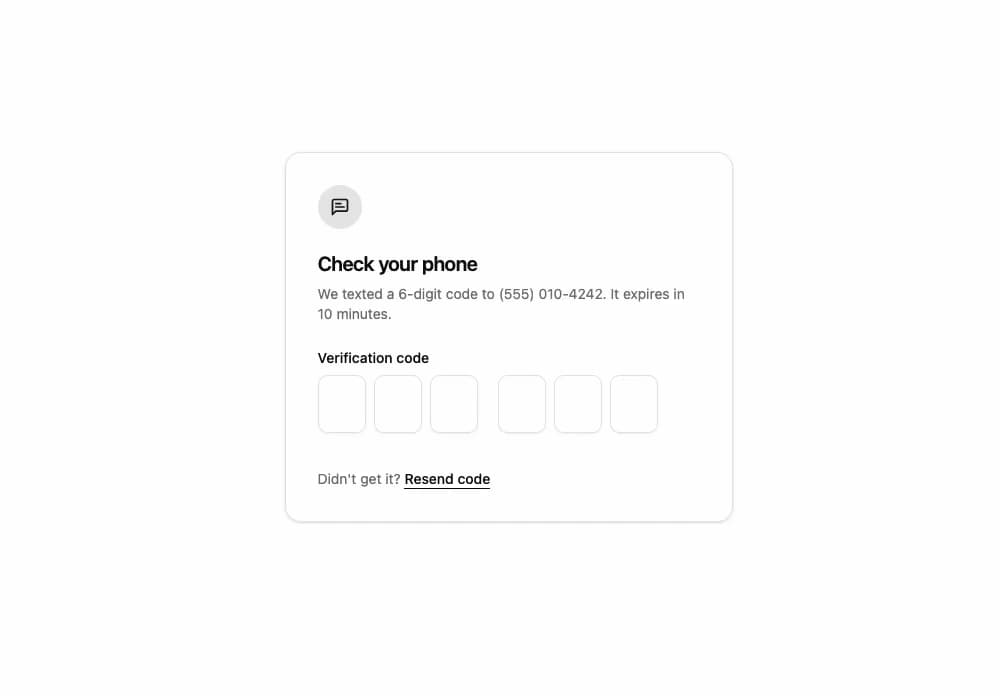
One-time code input: cells over one real field, so paste, autofill and screen readers just work. Click or drag across digits, a caret ring that glides between cells, a shake on a refused code, a wave on success, and a masked mode.
Built with React and Tailwind. Copy the prompt and paste it into Claude Code, Cursor or Lovable: your agent adds OTP Input to your project and fits it to your theme.
Code
How OTP Input is used: the demo's code. The component's own source comes with a free account.
Usage.tsx
"use client";

import { MessageSquareText } from "lucide-react";
import { useCallback, useEffect, useId, useState } from "react";
import { OtpInput, type OtpStatus } from "@/components/ui/otp-input";

const settings = {
  /** The demo types a mistyped code, then the right one, until you take over. */
  autoplay: true,
  /** Digits in the code, 4 to 8. */
  length: 6,
  /** Dots instead of digits. */
  mask: false,
  /** Hold the field in its error state. */
  showError: false,
};

/** The code the text brought, and the same with two digits swapped. */
const SENT = "48291375";
const SLIP = "48219375";
const CHECKING = "Checking the code…";
const WRONG = "That code doesn't match. Check the latest text and try again.";
const RIGHT = "Code accepted. You're signed in.";
const TYPE_MS = 130;
const CHECK_MS = 600;

type Check = { status: OtpStatus; message: string };
const IDLE: Check = { message: "", status: "idle" };

/** One round of the code: typed by the demo itself, or by you once you focus the field. */
function Verification({
  autoplay,
  fieldId,
  mask,
  showError,
  size,
}: {
  autoplay: boolean;
  fieldId: string;
  mask: boolean;
  showError: boolean;
  size: number;
}) {
  const [code, setCode] = useState("");
  const [check, setCheck] = useState(IDLE);
  const [pending, setPending] = useState("");
  const [isPlaying, setPlaying] = useState(autoplay);

  // The demo's own hands: a slip, the refusal, then the right code.
  useEffect(() => {
    if (!isPlaying) {
      return;
    }
    const steps: [number, () => void][] = [];
    let at = 600;
    const typeOut = (digits: string) => {
      for (let count = 1; count <= size; count += 1) {
        const typed = digits.slice(0, count);
        steps.push([at, () => setCode(typed)]);
        at += TYPE_MS;
      }
      steps.push([at, () => setCheck({ message: CHECKING, status: "idle" })]);
      at += CHECK_MS;
    };
    typeOut(SLIP);
    steps.push([at, () => setCheck({ message: WRONG, status: "error" })]);
    at += 1600;
    steps.push([at, () => setCheck(IDLE)]);
    typeOut(SENT);
    steps.push([at, () => setCheck({ message: RIGHT, status: "success" })]);
    const timers = steps.map(([ms, run]) => window.setTimeout(run, ms));
    return () => {
      for (const timer of timers) {
        window.clearTimeout(timer);
      }
    };
  }, [isPlaying, size]);

  // A code you typed: any one passes, after a moment on the "server".
  useEffect(() => {
    if (!pending) {
      return;
    }
    const timer = window.setTimeout(() => {
      setCheck({ message: RIGHT, status: "success" });
      setPending("");
    }, CHECK_MS);
    return () => window.clearTimeout(timer);
  }, [pending]);

  const takeOver = useCallback(() => {
    if (isPlaying) {
      setPlaying(false);
      setCode("");
      setCheck(IDLE);
    }
  }, [isPlaying]);
  const change = useCallback((typed: string) => {
    setCode(typed);
    setCheck(IDLE);
    setPending("");
  }, []);
  const complete = useCallback((typed: string) => {
    setCheck({ message: CHECKING, status: "idle" });
    setPending(typed);
  }, []);

  return (
    <div onFocusCapture={takeOver}>
      <OtpInput
        id={fieldId}
        length={size}
        mask={mask}
        message={showError ? WRONG : check.message}
        onComplete={complete}
        onValueChange={change}
        status={showError ? "error" : check.status}
        value={code}
      />
    </div>
  );
}

/** A sign-in's code step: the six cells, a slip refused, the right code accepted. */
export default function Demo(props: Partial<typeof settings>) {
  const { autoplay, length, mask, showError } = { ...settings, ...props };
  const size = Math.min(Math.max(Math.round(length) || 6, 4), 8);
  const fieldId = useId();
  const [round, setRound] = useState(0);
  const resend = useCallback(() => setRound((count) => count + 1), []);

  return (
    <div className="flex min-h-[480px] w-full items-center justify-center bg-background p-4 sm:p-8">
      <div className="w-full max-w-md rounded-2xl border border-border bg-card p-6 text-card-foreground shadow-sm sm:p-8">
        <span className="flex size-11 items-center justify-center rounded-full bg-primary/10 text-primary">
          <MessageSquareText aria-hidden="true" className="size-5" />
        </span>
        <h2 className="mt-5 font-semibold text-xl tracking-tight">
          Check your phone
        </h2>
        <p className="mt-1.5 text-muted-foreground text-sm">
          We texted a {size}-digit code to (555) 010-4242. It expires in 10
          minutes.
        </p>
        <label
          className="mt-6 mb-2 block font-medium text-sm"
          htmlFor={fieldId}
        >
          Verification code
        </label>
        <Verification
          autoplay={autoplay}
          fieldId={fieldId}
          key={`${round}-${size}-${autoplay}`}
          mask={mask}
          showError={showError}
          size={size}
        />
        <p className="mt-2 text-muted-foreground text-sm">
          Didn't get it?{" "}
          <button
            className="rounded-sm font-medium text-foreground underline underline-offset-4 hover:text-primary focus-visible:outline-hidden focus-visible:ring-2 focus-visible:ring-ring"
            onClick={resend}
            type="button"
          >
            Resend code
          </button>
        </p>
      </div>
    </div>
  );
}
Dependencies
More by OSAGI
View all
AI Orb
83
KPI Tile
28
Reasoning Thread
8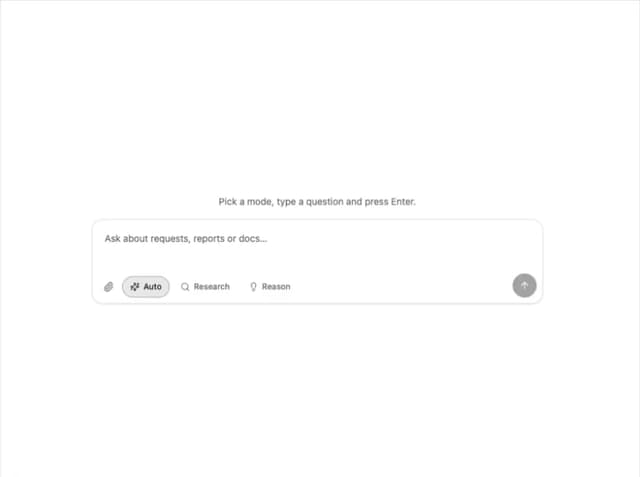
Assistant Composer
8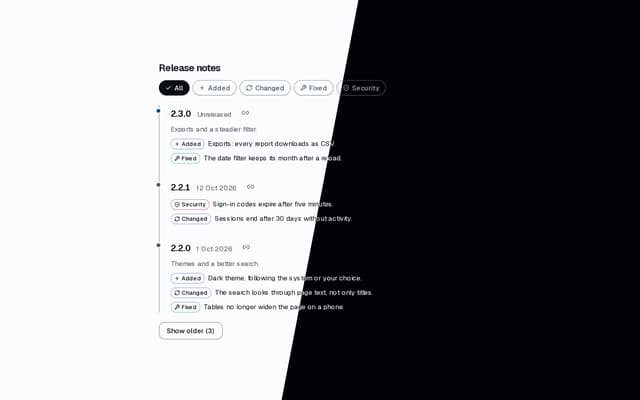
Release Notes
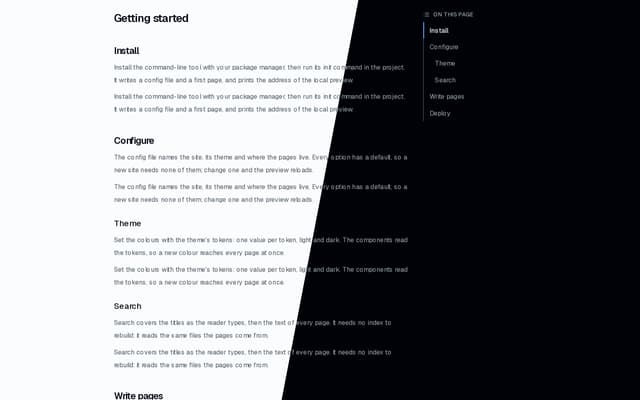
Docs TOC
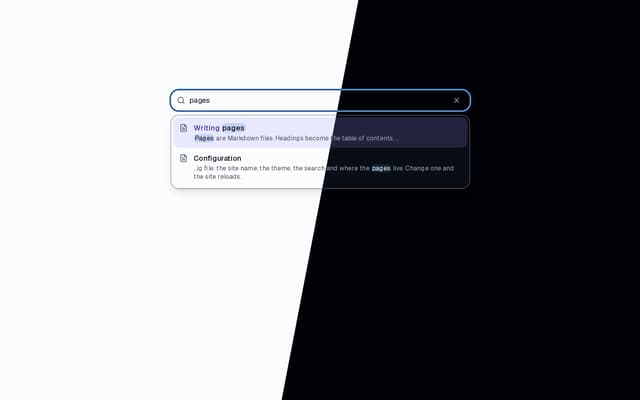
Docs Search
Workload Timeline
More in Forms
View all

Premium Auth
500

Login 1
52

Book A Demo 3
83
Authentication Card
47

Contact Card
1K

Login Card
32
Book A Demo 1
69

Login 2
7
