
About
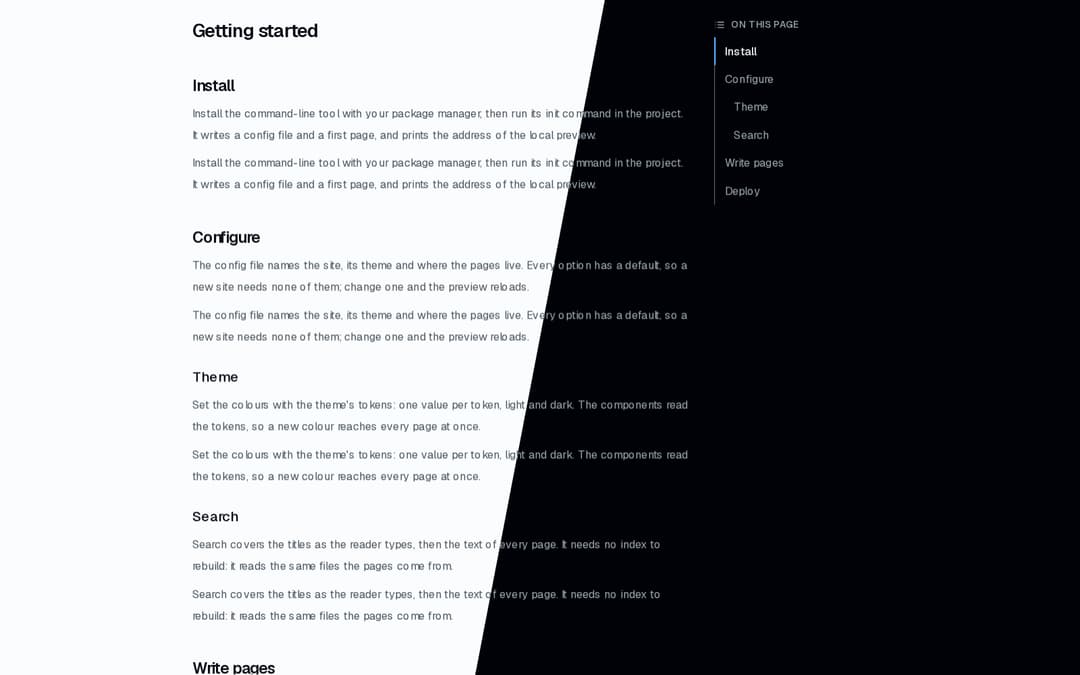
Docs table of contents: the section the reader is in marked as they scroll, smooth jumps that respect reduced motion and move the focus, a folding version for phones. From the Landing & Docs Starter → ai.osagi.finance/kits/landing-docs
Built with React and Tailwind. Copy the prompt and paste it into Claude Code, Cursor or Lovable: your agent adds Docs TOC to your project and fits it to your theme.
Code
How Docs TOC is used: the demo's code. The component's own source comes with a free account.
Usage.tsx
"use client";

import { DocsToc, type TocItem } from "@/components/ui/docs-toc";

const settings = {
  offset: 16,
  title: "On this page",
};

const SECTIONS: (TocItem & { body: string })[] = [
  {
    body: "Install the command-line tool with your package manager, then run its init command in the project. It writes a config file and a first page, and prints the address of the local preview.",
    depth: 2,
    id: "install",
    text: "Install",
  },
  {
    body: "The config file names the site, its theme and where the pages live. Every option has a default, so a new site needs none of them; change one and the preview reloads.",
    depth: 2,
    id: "configure",
    text: "Configure",
  },
  {
    body: "Set the colours with the theme's tokens: one value per token, light and dark. The components read the tokens, so a new colour reaches every page at once.",
    depth: 3,
    id: "theme",
    text: "Theme",
  },
  {
    body: "Search covers the titles as the reader types, then the text of every page. It needs no index to rebuild: it reads the same files the pages come from.",
    depth: 3,
    id: "search",
    text: "Search",
  },
  {
    body: "Pages are Markdown files. Headings become this table of contents, code blocks get highlighting and a Copy button, and callouts mark notes and warnings with an icon and a label.",
    depth: 2,
    id: "write",
    text: "Write pages",
  },
  {
    body: "Build once and serve the files from any host. The build carries what the server needs; put a proxy in front of it to terminate TLS.",
    depth: 2,
    id: "deploy",
    text: "Deploy",
  },
];

/** A docs article with its table of contents: scroll, or pick a section. */
export default function Demo(props: Partial<typeof settings>) {
  const { offset, title } = { ...settings, ...props };
  return (
    <div className="flex w-full justify-center bg-background p-6">
      <div className="grid w-full max-w-4xl gap-8 lg:grid-cols-[minmax(0,1fr)_14rem]">
        {/* First in the page, so it sits above the text on a phone; beside it from lg. */}
        <div className="lg:order-2">
          <div className="lg:sticky lg:top-6">
            <DocsToc items={SECTIONS} offset={offset} title={title} />
          </div>
        </div>
        <article className="flex flex-col gap-4 lg:order-1">
          <h1 className="font-semibold text-2xl">Getting started</h1>
          {SECTIONS.map((section) => {
            const Heading = section.depth === 2 ? "h2" : "h3";
            return (
              <section className="flex flex-col gap-2" key={section.id}>
                <Heading
                  className={
                    section.depth === 2
                      ? "mt-6 font-semibold text-xl"
                      : "mt-2 font-medium text-lg"
                  }
                  id={section.id}
                >
                  {section.text}
                </Heading>
                <p className="text-muted-foreground leading-7">
                  {section.body}
                </p>
                <p className="text-muted-foreground leading-7">
                  {section.body}
                </p>
              </section>
            );
          })}
          <div className="h-[40vh]" />
        </article>
      </div>
    </div>
  );
}
Dependencies
More by OSAGI
View all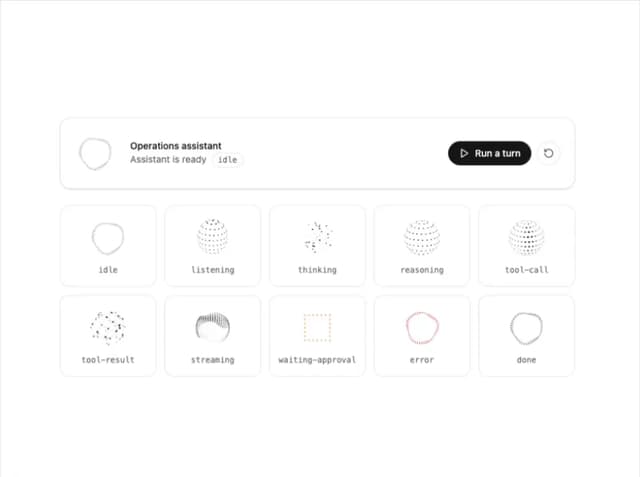
AI Orb
83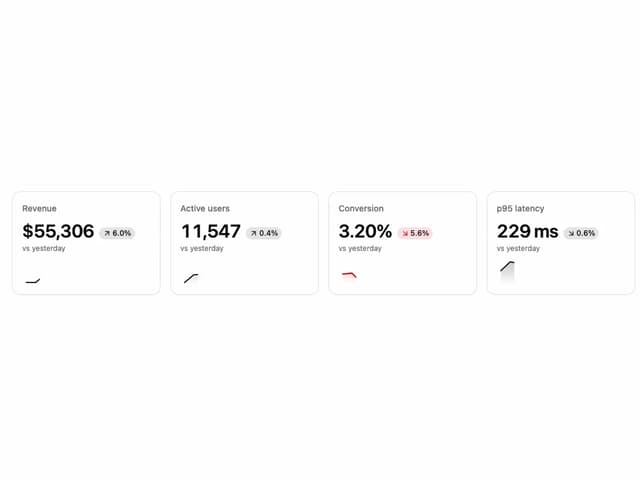
KPI Tile
28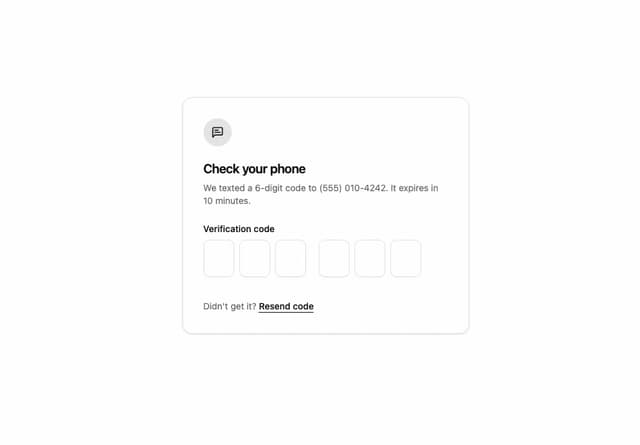
OTP Input
12
Reasoning Thread
8
Assistant Composer
8
Release Notes
Docs Search
Workload Timeline
More in Navigation
View all

Sidebar
234
Navbar with Theme Toggle
43

Sidebar
339

Tabs
60
Numberless Pagination with Text
11
Oversized 404 Numeral
50
Footer
446
Pagination
43


