
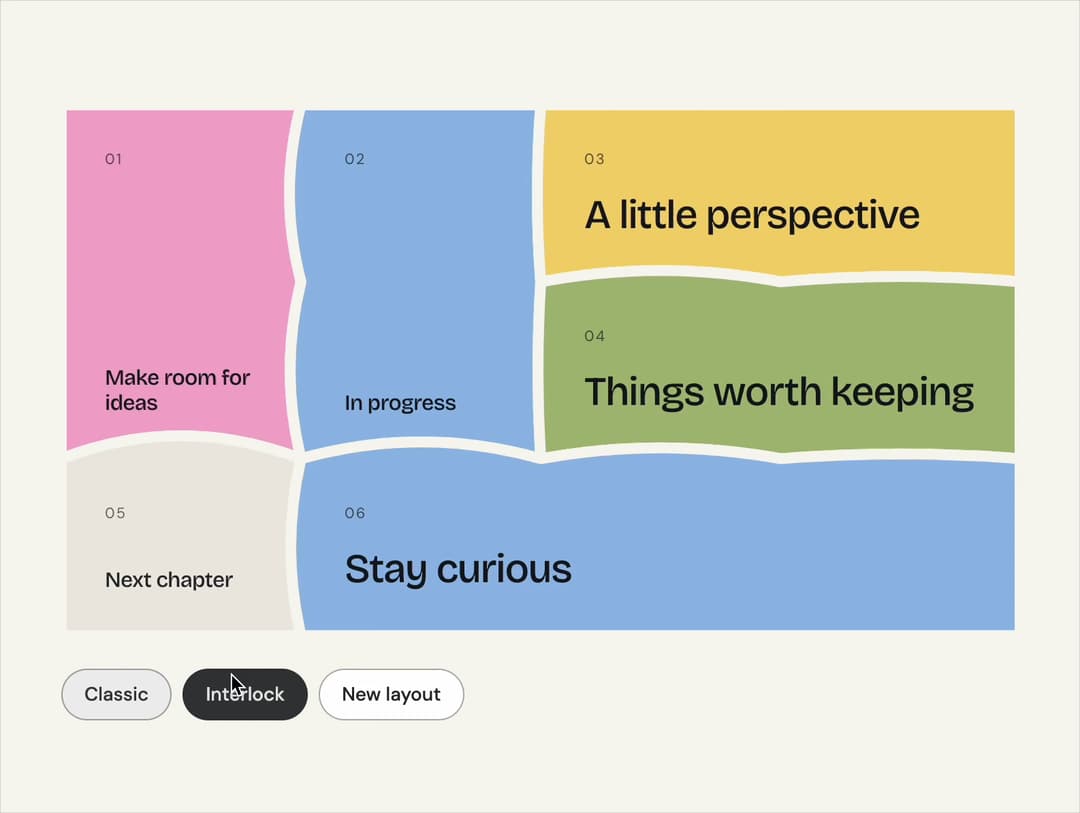
About
A complete canvas of rounded cards or organically interlocking pieces. Compose a layout, then install just the lightweight renderer.
Built with React and Tailwind. Copy the prompt and paste it into Claude Code, Cursor or Lovable: your agent adds Bento Grid to your project and fits it to your theme.
Code
How Bento Grid is used: the demo's code. The component's own source comes with a free account.
Usage.tsx
"use client";

import * as React from "react";
import { BentoGrid, generateBento } from "@/components/ui/bento-grid";

/** The demo brings its own 000h canvas, so it looks right on any host page (the component package sets nothing global). */
function DemoSurface({ children }: { children: import("react").ReactNode }) {
  return <div className="grid min-h-screen w-full place-items-center bg-[var(--v-canvas)] p-4 font-[family-name:var(--font-text)] text-[length:var(--fs-body)] leading-[var(--lh-body)] text-[var(--v-text)]">{children}</div>;
}

export default function Demo() {
  const [variant, setVariant] = React.useState<"classic" | "interlock">("classic");
  const [seed, setSeed] = React.useState(7);
  const layout = React.useMemo(() => generateBento(4, 3, seed), [seed]);
  return (
    <DemoSurface>
      <div className="mx-auto flex w-full max-w-3xl flex-col gap-6 p-8">
        <BentoGrid layout={layout} variant={variant} />
        <div className="flex flex-wrap items-center gap-2">
          {(["classic", "interlock"] as const).map((option) => (
            <button
              key={option}
              type="button"
              aria-pressed={variant === option}
              onClick={() => setVariant(option)}
              className="rounded-full border border-[var(--v-border)] bg-[var(--v-paper)] px-4 py-2 text-sm font-medium capitalize text-[var(--v-text)] transition-colors hover:bg-[var(--v-beige)] aria-pressed:border-[var(--v-ink)] aria-pressed:bg-[var(--v-ink)] aria-pressed:text-[var(--v-on-ink)]"
            >
              {option}
            </button>
          ))}
          <button
            type="button"
            onClick={() => setSeed((value) => value + 1)}
            className="rounded-full border border-[var(--v-border)] bg-[var(--v-paper)] px-4 py-2 text-sm font-medium text-[var(--v-text)] transition-colors hover:bg-[var(--v-beige)]"
          >
            New layout
          </button>
        </div>
      </div>
    </DemoSurface>
  );
}
Dependencies
More by Sanjay Kumar
View all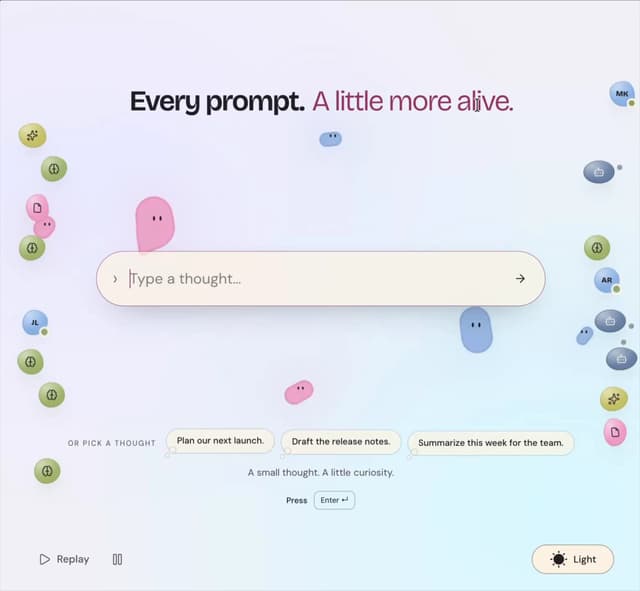
Prompt Bond
94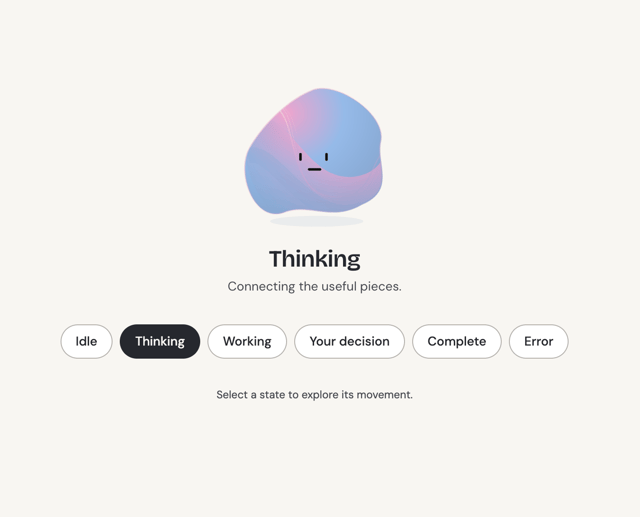
Agent State
47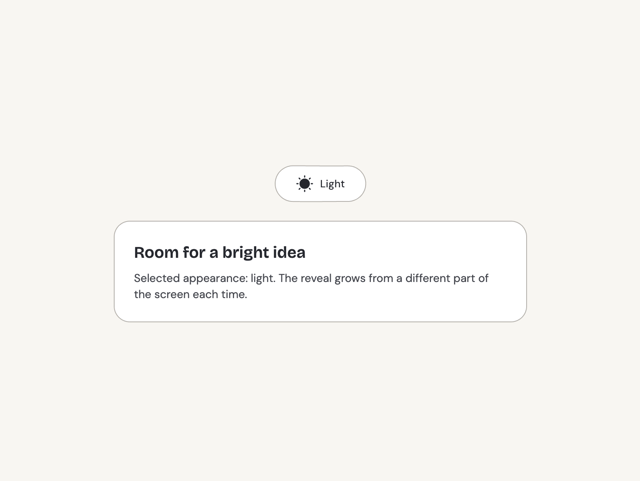
Theme Toggle
23
Variable Proximity
18
Dock
15
Shape
14
Meta Balls
12
Animated Icon
11
More in Cards
View all
Stats cards with links
39

Card
70
Statistics Card 2
263

Course Design Cards
1.1K
The Item one
3

Card Studio
7
Statistics Card 7
292

Item
10
