About
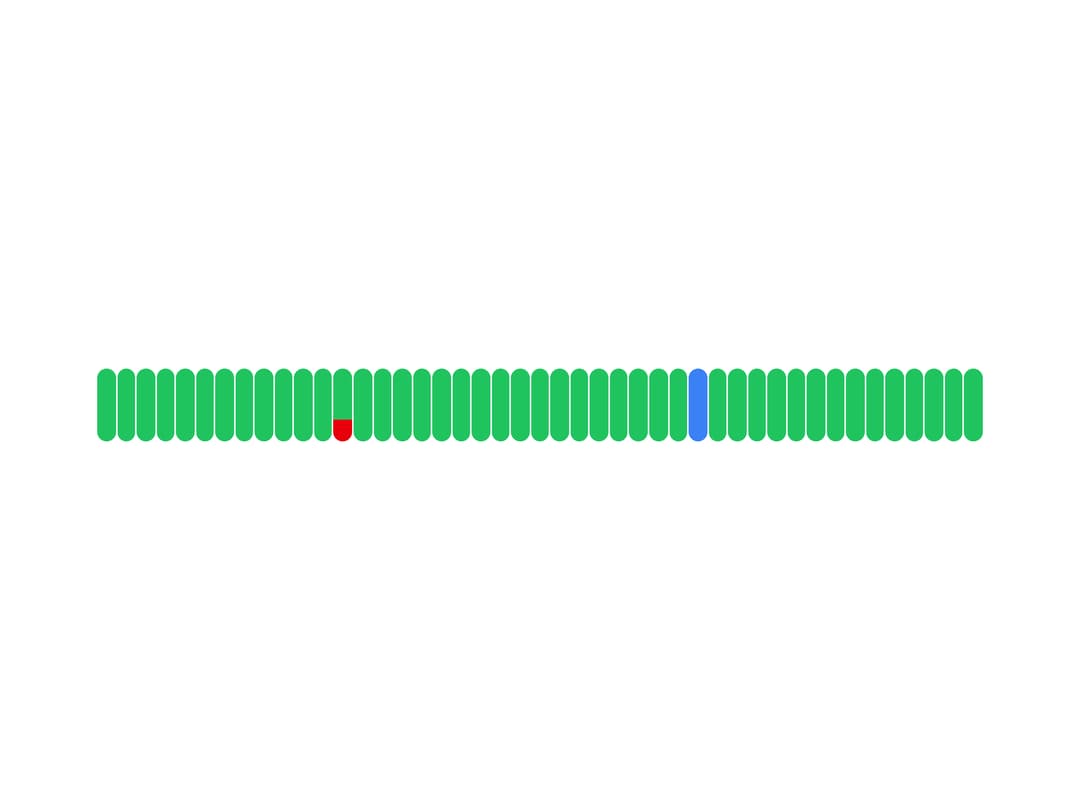
An interactive uptime timeline of color-coded daily status bars with hover cards showing incident/maintenance details, keyboard navigation, and touch support, used on status pages to visualize service history.
Built with React and Tailwind. Copy the prompt and paste it into Claude Code, Cursor or Lovable: your agent adds Status Bar to your project and fits it to your theme.
Code
How Status Bar is used: the demo's code. The component's own source comes with a free account.
Usage.tsx
"use client";

import { StatusBar } from "@/components/ui/status-bar";

function generateData() {
  const days = 45;
  const today = new Date();

  return Array.from({ length: days }, (_, i) => {
    const date = new Date(today);
    date.setDate(today.getDate() - (days - 1 - i));
    const day = date.toISOString().slice(0, 10);

    if (i === 12) {
      return {
        day,
        bar: [
          { status: "success" as const, height: 70 },
          { status: "error" as const, height: 30 },
        ],
        card: [
          { status: "success" as const, value: "70%" },
          { status: "error" as const, value: "30%" },
        ],
        events: [
          {
            id: "inc-1",
            name: "API Response Time Degradation",
            type: "incident" as const,
            from: new Date(`${day}T15:24:00Z`),
            to: new Date(`${day}T17:24:00Z`),
          },
        ],
      };
    }

    if (i === 30) {
      return {
        day,
        bar: [{ status: "info" as const, height: 100 }],
        card: [{ status: "info" as const, value: "100%" }],
        events: [
          {
            id: "maint-1",
            name: "Scheduled Database Maintenance",
            type: "maintenance" as const,
            from: new Date(`${day}T12:24:00Z`),
            to: new Date(`${day}T14:24:00Z`),
          },
        ],
      };
    }

    return {
      day,
      bar: [{ status: "success" as const, height: 100 }],
      card: [{ status: "success" as const, value: "100%" }],
      events: [],
    };
  });
}

export default function StatusBarDemo() {
  const data = generateData();

  return (
    <div className="w-full max-w-2xl p-8">
      <StatusBar data={data} />
    </div>
  );
}
Dependencies
More by OpenStatus
View all

Datetime Picker
47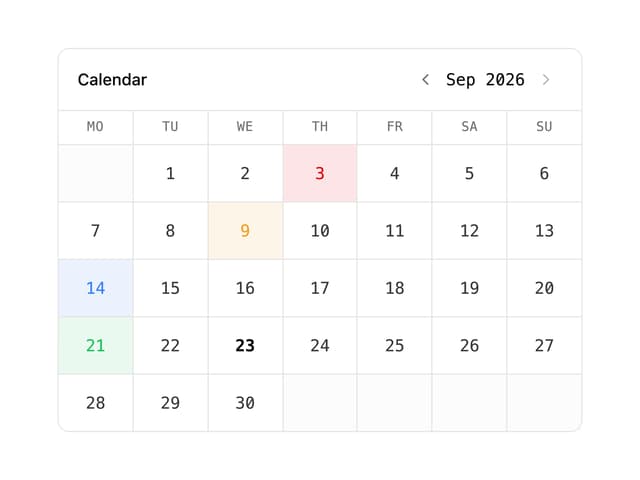
Status Calendar
More in Cards
View all

Course Design Cards
1.1K
Stats cards with links
79

Statistics Card 2
259
Card
56

Card Studio
9
The Item one
3
Statistics Card 7
289

Weather Card
54
