About
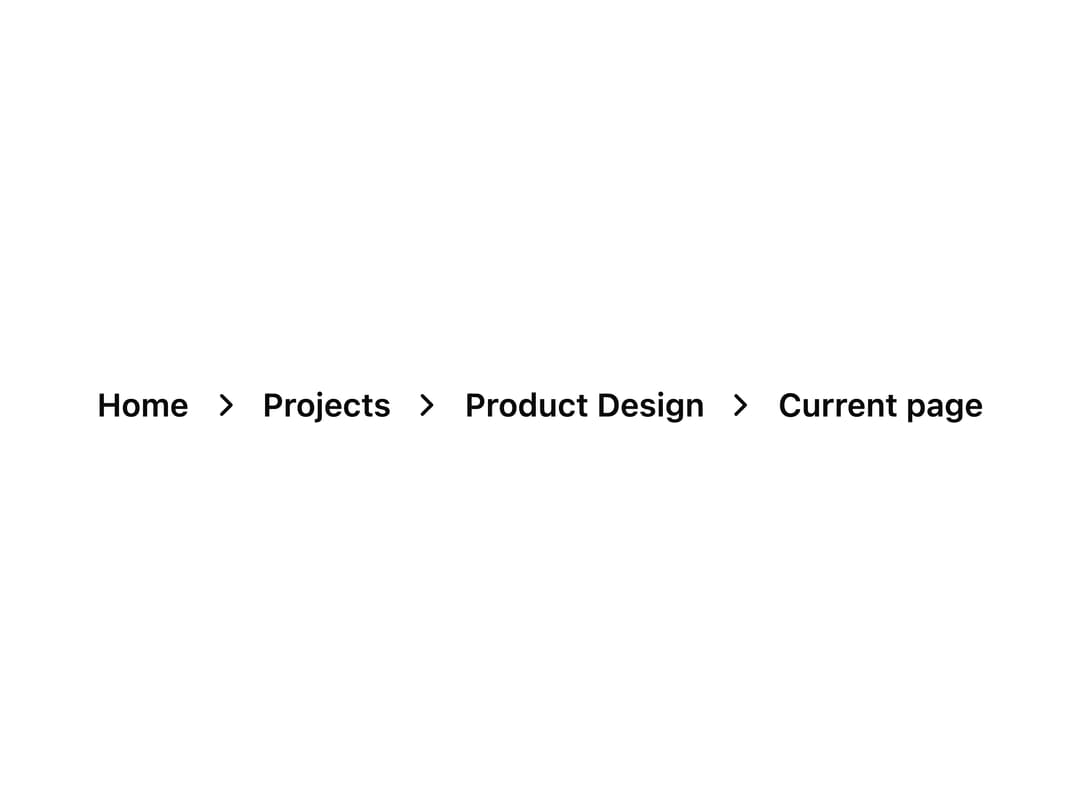
A navigation trail of links showing the user's current location within a site hierarchy, with support for icons, a collapsed overflow menu, and an account switcher.
Built with React and Tailwind. Copy the prompt and paste it into Claude Code, Cursor or Lovable: your agent adds Breadcrumbs to your project and fits it to your theme.
Code
How Breadcrumbs is used: the demo's code. The component's own source comes with a free account.
Usage.tsx
import { Breadcrumbs } from "@/components/ui/breadcrumbs";
import { AVATARS } from "@/components/ui/breadcrumbs-utils/breadcrumbs-demo-assets";

export default function Demo() {
  const account = AVATARS[0];

  return (
    <Breadcrumbs type="text" divider="slash">
      <Breadcrumbs.Item href="#">Home</Breadcrumbs.Item>
      <Breadcrumbs.Item href="#">Projects</Breadcrumbs.Item>
      <Breadcrumbs.AccountMenu
        src={account.src}
        alt={account.alt}
        items={[
          { id: "profile", label: "View profile" },
          { id: "settings", label: "Settings" },
          { id: "logout", label: "Log out" },
        ]}
      >
        {account.name}
      </Breadcrumbs.AccountMenu>
    </Breadcrumbs>
  );
}
Dependencies
More by properui
View all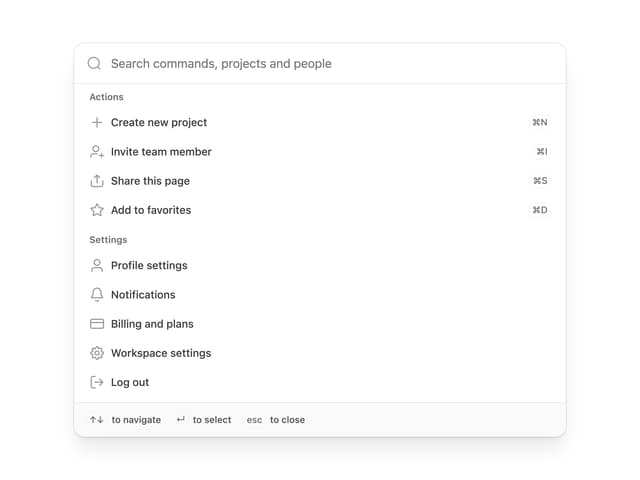

Command Menu
13
Loading Indicator
7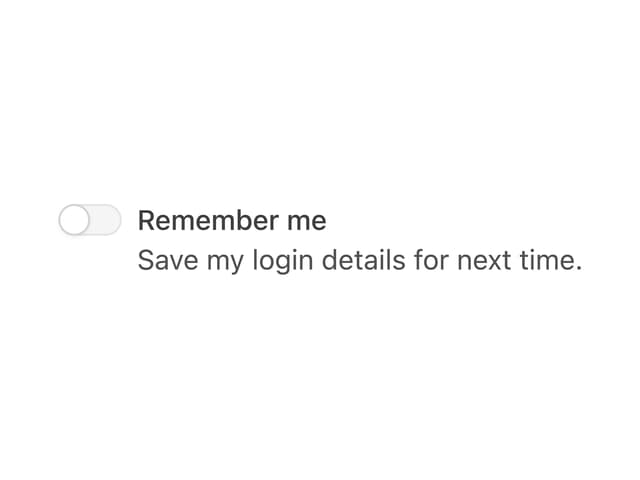
Toggle
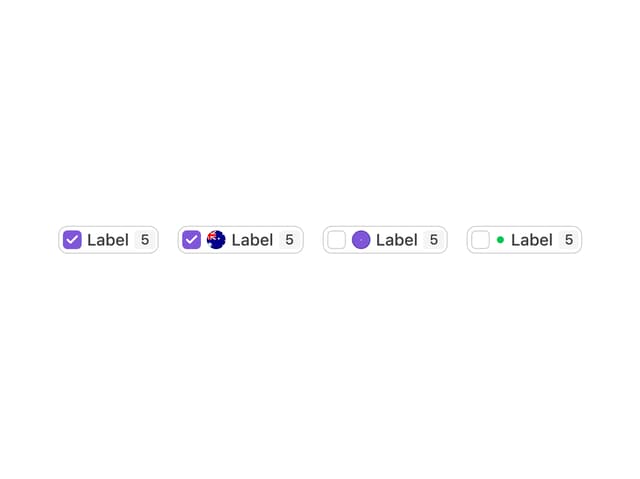
Tags
Progress Indicators

Radio Buttons
Button
Badge
More in Navigation
View all

Sidebar
235
Navbar with Theme Toggle
43

Tabs
60

Sidebar
340
Numberless Pagination with Text
11
Oversized 404 Numeral
50
Footer
446
Pagination
43


