About
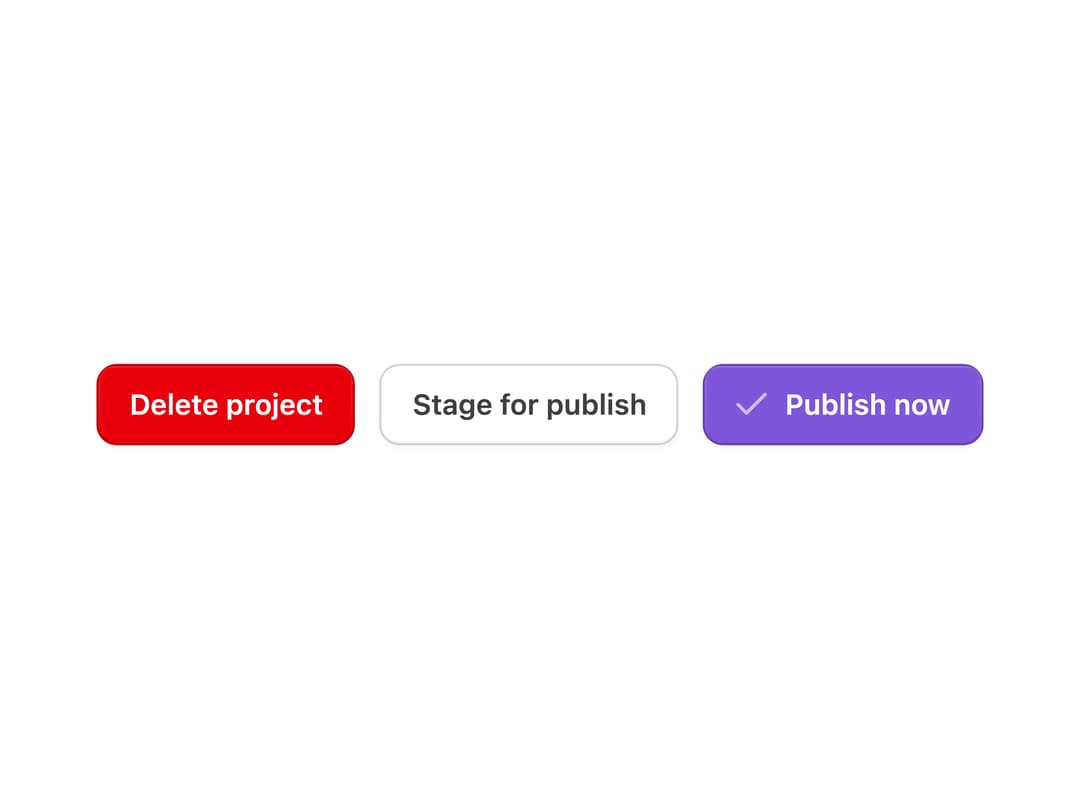
A button built on React Aria with primary, secondary, tertiary, link and destructive color variants, five sizes, plus loading, disabled and icon-only states, used to trigger a single action like submit, confirm or navigate.
Built with React and Tailwind. Copy the prompt and paste it into Claude Code, Cursor or Lovable: your agent adds Button to your project and fits it to your theme.
Code
How Button is used: the demo's code. The component's own source comes with a free account.
Usage.tsx
"use client";

import Button from "@/components/ui/button";
import { Check } from "@untitledui/icons";

export default function ButtonDemo() {
  return (
    <div className="flex flex-col items-start gap-3 md:flex-row md:items-center md:justify-center">
      <Button color="primary-destructive" size="md">
        Delete project
      </Button>
      <Button color="secondary" size="md">
        Stage for publish
      </Button>
      <Button color="primary" size="md" iconLeading={Check}>
        Publish now
      </Button>
    </div>
  );
}
Dependencies
More by properui
View all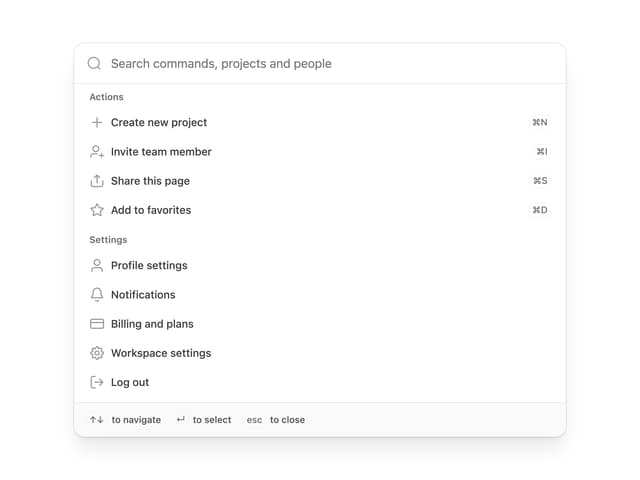

Command Menu
13
Loading Indicator
7
Breadcrumbs
Toggle
Tags
Progress Indicators
Radio Buttons
Badge
More in Buttons
View all
Button Save
46

Button
20

Eclipse Button
5

Button
32

Button
6

Button
14

Button Group
37
Split Button
32

