
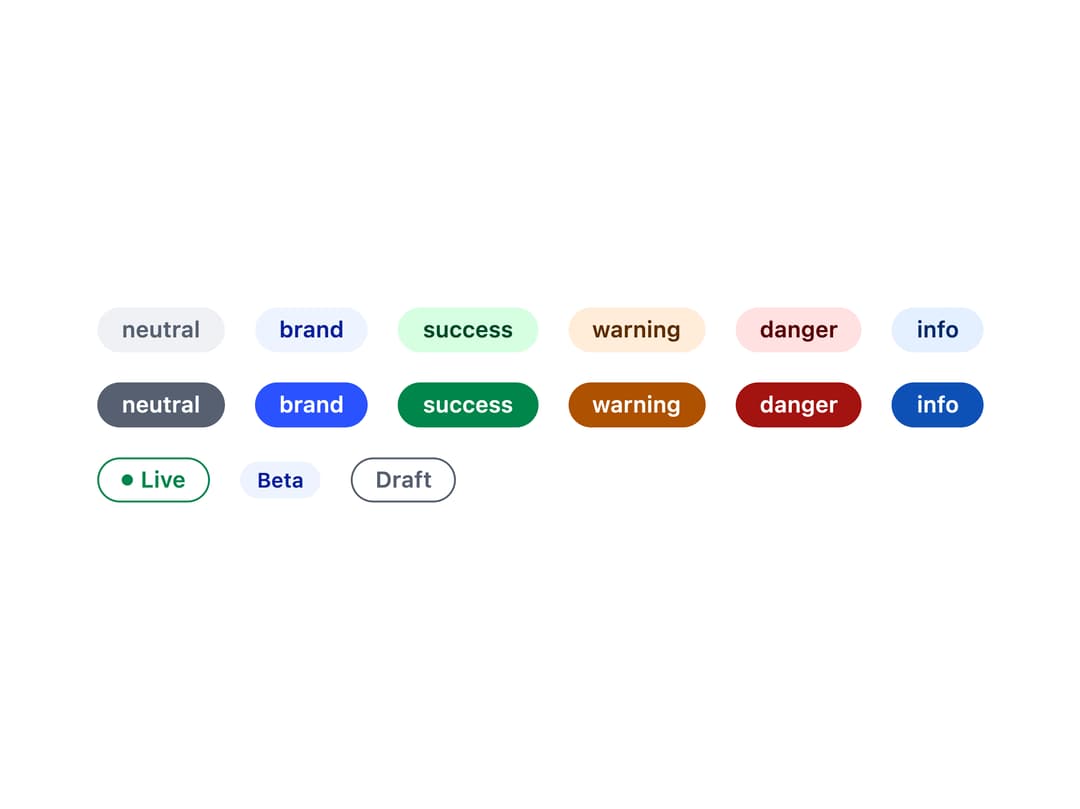
About
A small inline label for showing a status, count, or short state next to other content, with tone, filled/outline/subtle styles, and an optional status dot.
Built with React and Tailwind. Copy the prompt and paste it into Claude Code, Cursor or Lovable: your agent adds Badge to your project and fits it to your theme.
Code
How Badge is used: the demo's code. The component's own source comes with a free account.
Usage.tsx
import Badge from "@/components/ui/badge";

const tones = [
  "neutral",
  "brand",
  "success",
  "warning",
  "danger",
  "info",
] as const;

export default function BadgeDemo() {
  return (
    <div className="flex flex-col gap-4 p-6 text-foreground">
      <div className="flex flex-wrap items-center gap-4">
        {tones.map((t) => (
          <Badge key={t} tone={t}>
            {t}
          </Badge>
        ))}
      </div>
      <div className="flex flex-wrap items-center gap-4">
        {tones.map((t) => (
          <Badge key={t} tone={t} variant="solid">
            {t}
          </Badge>
        ))}
      </div>
      <div className="flex flex-wrap items-center gap-4">
        <Badge tone="success" variant="outline" dot>
          Live
        </Badge>
        <Badge tone="brand" size="sm">
          Beta
        </Badge>
        <Badge tone="neutral" variant="outline">
          Draft
        </Badge>
      </div>
    </div>
  );
}
More by redrob-labs
View all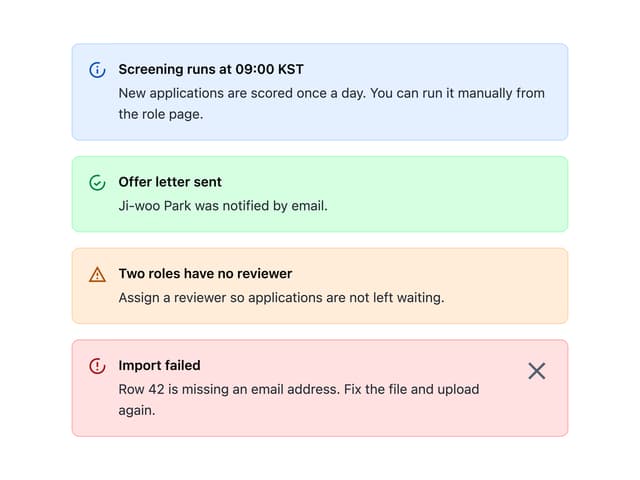
Alert
18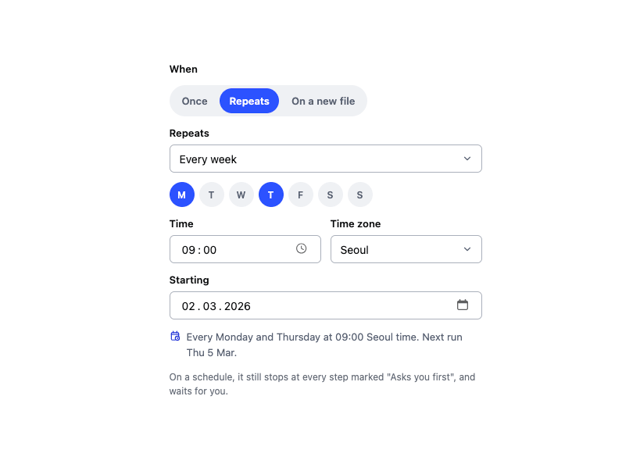
Schedule Picker
15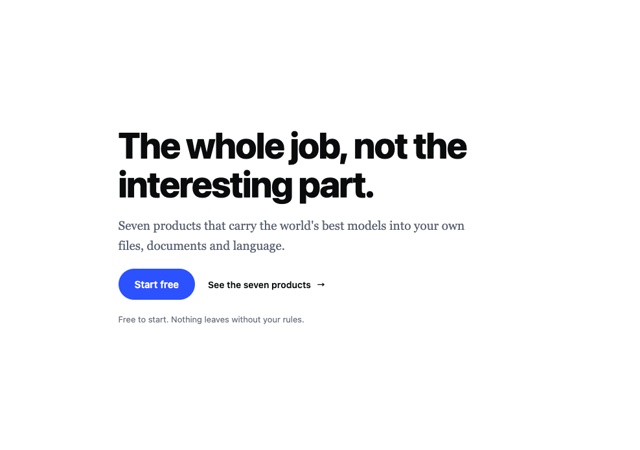
Hero Section
7
Switch
5
Status Card
4
Meter
2
Memory Scope
2
Accordion
2