
About
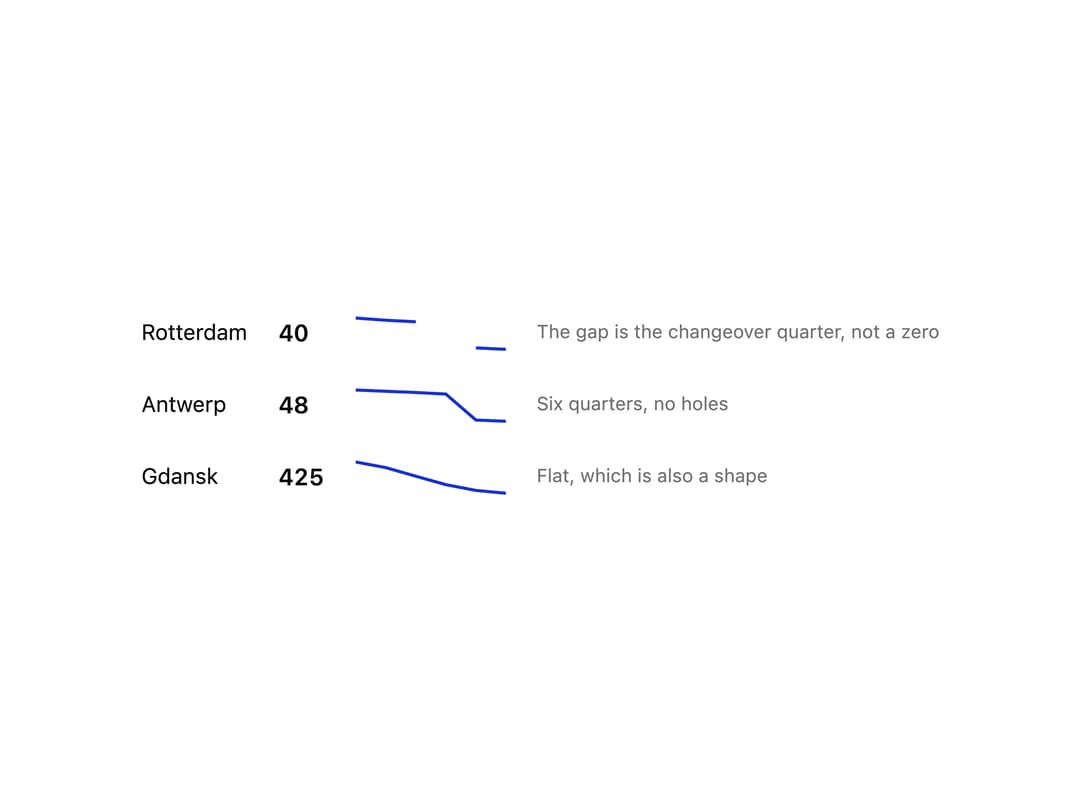
A tiny inline trend-line chart drawn as a minimal SVG line, for showing the shape of a numeric series beside a label or number, with gaps in the data rendered as breaks rather than interpolated.
Built with React and Tailwind. Copy the prompt and paste it into Claude Code, Cursor or Lovable: your agent adds Sparkline to your project and fits it to your theme.
Code
How Sparkline is used: the demo's code. The component's own source comes with a free account.
Usage.tsx
import { Sparkline } from "@/components/ui/sparkline";

const rows: Array<{
  label: string;
  values: Array<number | null>;
  note: string;
}> = [
  {
    label: "Rotterdam",
    values: [540, 505, 480, null, 62, 40],
    note: "The gap is the changeover quarter, not a zero",
  },
  {
    label: "Antwerp",
    values: [612, 590, 566, 540, 71, 48],
    note: "Six quarters, no holes",
  },
  {
    label: "Gdansk",
    values: [480, 470, 455, 440, 430, 425],
    note: "Flat, which is also a shape",
  },
];

export default function SparklineDemo() {
  return (
    <div className="p-7 bg-background text-foreground font-sans">
      <table className="border-collapse">
        <tbody>
          {rows.map((row) => (
            <tr key={row.label}>
              <td className="py-2.5 pr-5 text-sm text-foreground">
                {row.label}
              </td>
              <td className="py-2.5 pr-5 text-[15px] font-semibold tabular-nums text-foreground">
                {row.values.filter((v): v is number => v != null).slice(-1)[0]}
              </td>
              <td className="py-2.5 pr-5 text-blue-600 dark:text-blue-400">
                <Sparkline values={row.values} alt={row.note} />
              </td>
              <td className="py-2.5 text-xs text-muted-foreground">
                {row.note}
              </td>
            </tr>
          ))}
        </tbody>
      </table>
    </div>
  );
}
More by redrob-labs
View all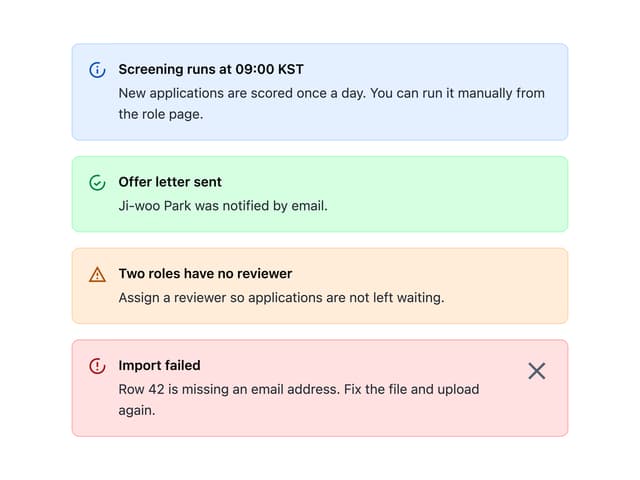
Alert
18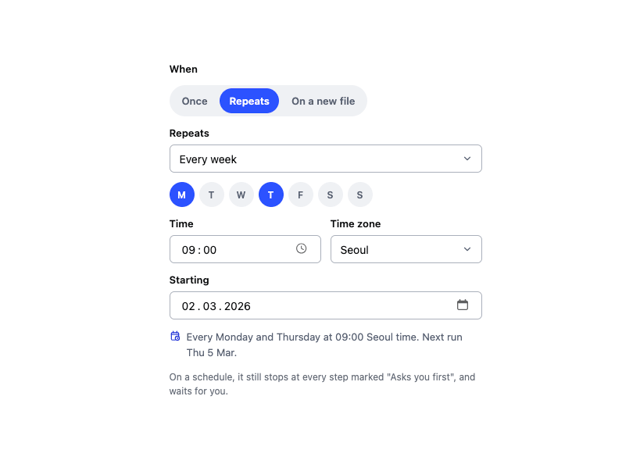
Schedule Picker
15
Hero Section
7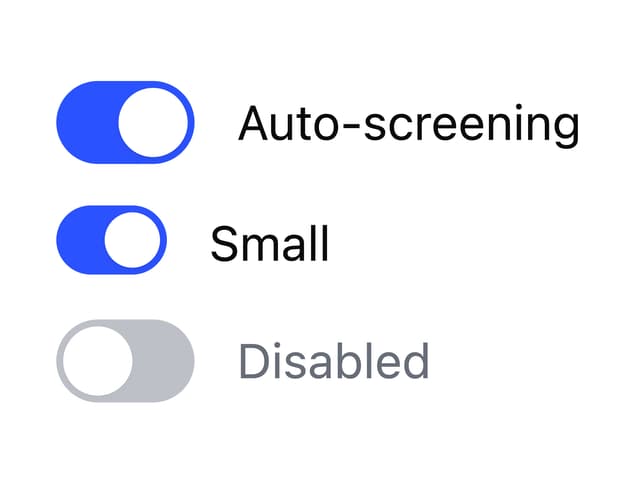
Switch
5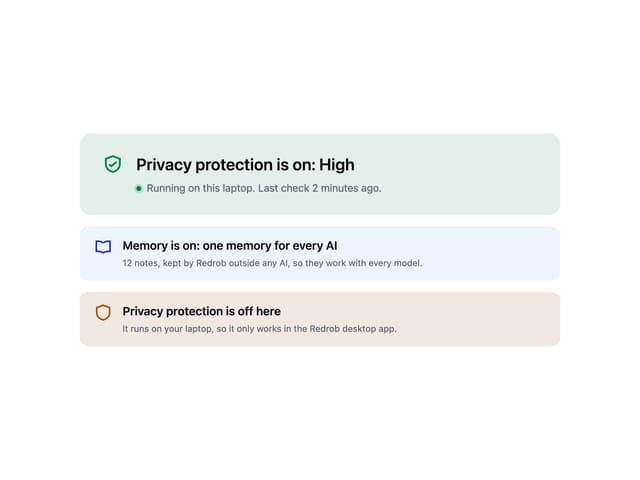
Status Card
4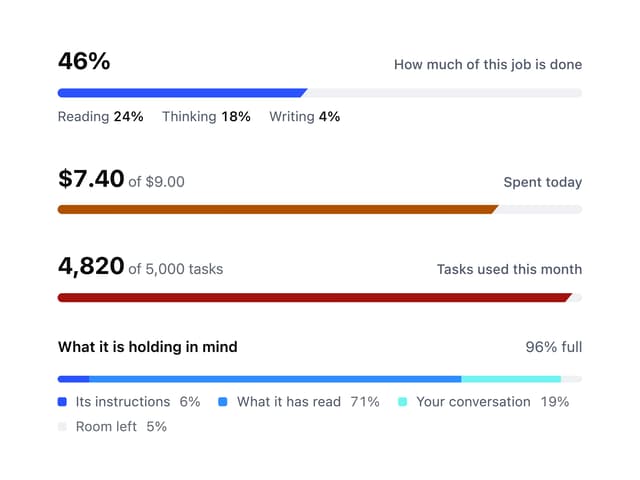
Meter
2
Memory Scope
2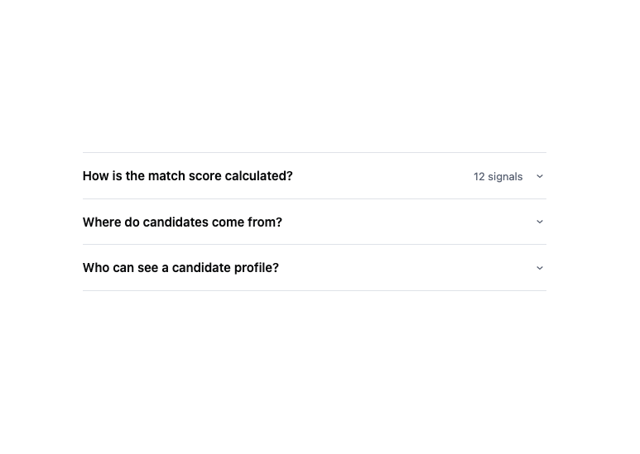
Accordion
2