About
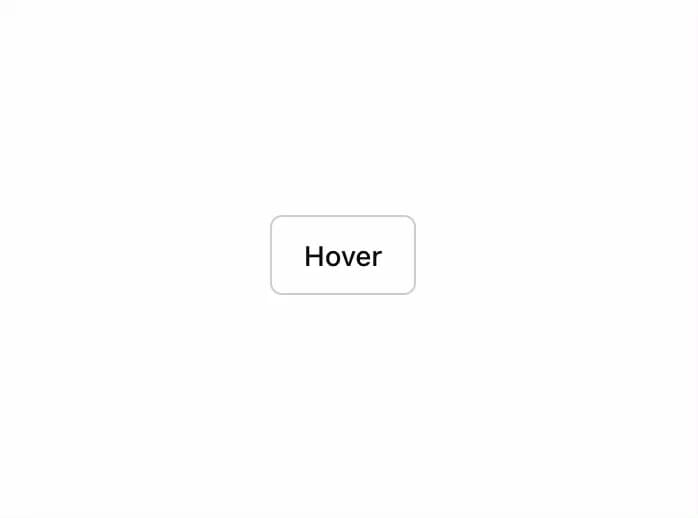
A popup that displays information related to an element when the element receives keyboard focus or the mouse hovers over it.
Built with React and Tailwind. Copy the prompt and paste it into Claude Code, Cursor or Lovable: your agent adds Tooltip to your project and fits it to your theme.
Code
How Tooltip is used: the demo's code. The component's own source comes with a free account.
Usage.tsx
import { Button } from "@/components/ui/button"
import {
  Tooltip,
  TooltipContent,
  TooltipProvider,
  TooltipTrigger,
} from "@/components/ui/tooltip"

export function TooltipDemo() {
  return (
    <TooltipProvider>
      <Tooltip>
        <TooltipTrigger asChild>
          <Button variant="outline">Hover</Button>
        </TooltipTrigger>
        <TooltipContent>
          <p>Add to library</p>
        </TooltipContent>
      </Tooltip>
    </TooltipProvider>
  )
}
Dependencies
More by shadcn
View all

Navigation menu
769
Calendar with time pressets
503
Sidebar
339
Sonner
229
Chart
212
Icons
176
Dropdown Menu
148
Calendar with event slots
116
More in Buttons
View all

Button
5

App Store Button
453
Button
47

Eclipse Button
39

Button
4
Texture Button
92
Split Button
14

Button
32

