
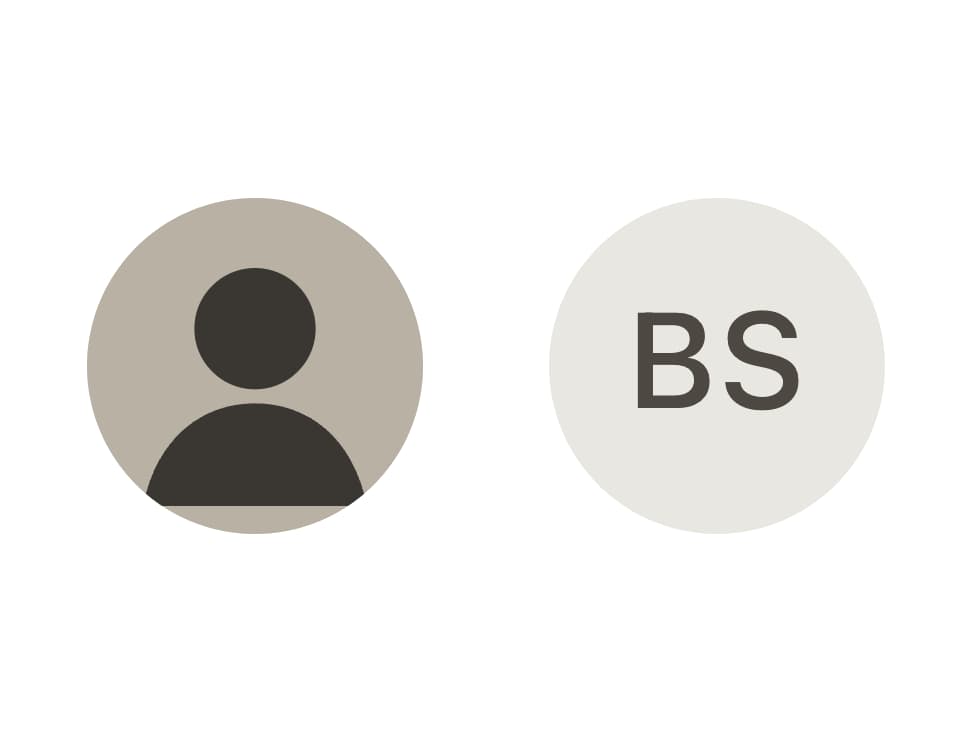
About
A circular user portrait that shows a profile image and automatically falls back to initials text when the image is missing or fails to load.
Built with React and Tailwind. Copy the prompt and paste it into Claude Code, Cursor or Lovable: your agent adds Avatar to your project and fits it to your theme.
Code
How Avatar is used: the demo's code. The component's own source comes with a free account.
Usage.tsx
"use client";

import { Avatar } from "@/components/ui/avatar";

/** A tiny inline portrait: loads instantly, keeps the demo offline. */
const PORTRAIT =
  "data:image/svg+xml;utf8," +
  encodeURIComponent(
    `<svg xmlns="http://www.w3.org/2000/svg" width="144" height="144"><rect width="144" height="144" fill="#b9b2a4" /><circle cx="72" cy="56" r="26" fill="#3a3733" /><path d="M24 132c6-30 26-44 48-44s42 14 48 44" fill="#3a3733" /></svg>`,
  );

export default function AvatarDemo() {
  return (
    <div style={{ display: "flex", gap: "0.75rem", alignItems: "center" }}>
      <Avatar.Root>
        <Avatar.Fallback>S</Avatar.Fallback>
        <Avatar.Image src={PORTRAIT} alt="Portrait of Sage" />
      </Avatar.Root>
      <Avatar.Root>
        <Avatar.Fallback>BS</Avatar.Fallback>
      </Avatar.Root>
    </div>
  );
}
Dependencies
More by bysages
View all
Switch
13
Avatar Group
5
Typography
4
Spinner
4
Grid
Float Button
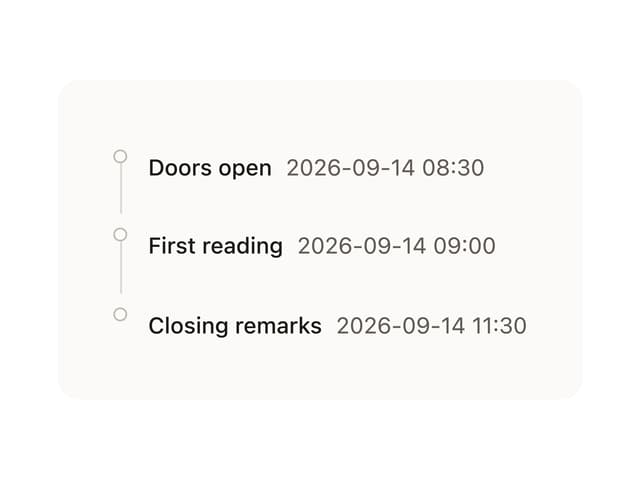
Timeline

Floating Panel