
About
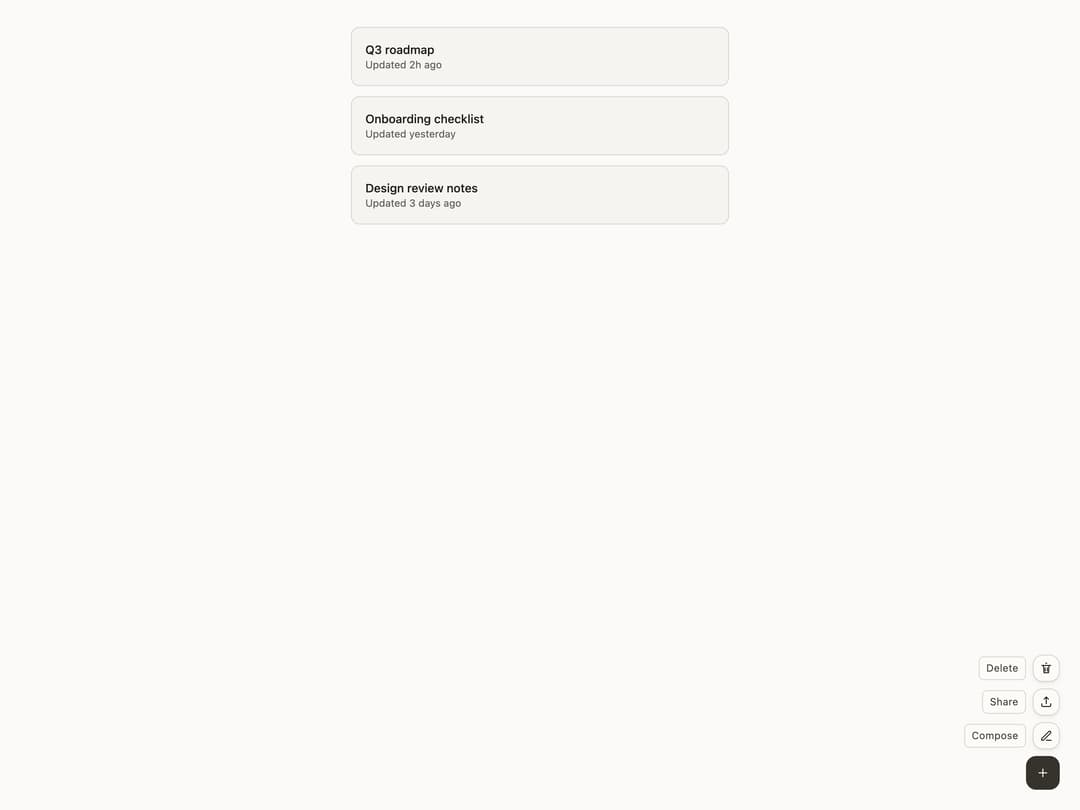
A floating action button that fans out into a speed dial of alternative actions anchored to a page corner.
Built with React and Tailwind. Copy the prompt and paste it into Claude Code, Cursor or Lovable: your agent adds Float Button to your project and fits it to your theme.
Code
How Float Button is used: the demo's code. The component's own source comes with a free account.
Usage.tsx
"use client";

import FloatButton from "@/components/ui/float-button";
import * as BysagesCore from "@bysages/core";
import type { ReactNode } from "react";
import "@bysages/tokens/css";

BysagesCore.applyTheme({ mode: "light", accent: "ink", density: "default" });

function glyph(d: string): ReactNode {
  return (
    <svg
      width={16}
      height={16}
      viewBox="0 0 24 24"
      fill="none"
      stroke="currentColor"
      strokeWidth={1.75}
      strokeLinecap="round"
      strokeLinejoin="round"
      aria-hidden="true"
    >
      <path d={d} />
    </svg>
  );
}

const plus = "M12 5v14m-7-7h14";
const compose = "M12 20h9m-1.5-12.5a2.1 2.1 0 0 0-3-3L4 17v3h3Z";
const share =
  "M12 3v12m0-12 4 4m-4-4-4 4m-4 8v3a2 2 0 0 0 2 2h12a2 2 0 0 0 2-2v-3";
const trash = "M4 7h16m-9-4h2m-6 4 1 13h8l1-13m-7 4v6m4-6v6";

const notes = [
  { title: "Q3 roadmap", updated: "Updated 2h ago" },
  { title: "Onboarding checklist", updated: "Updated yesterday" },
  { title: "Design review notes", updated: "Updated 3 days ago" },
];

export default function FloatButtonDemo() {
  return (
    <div
      className="relative h-screen w-full overflow-hidden p-8"
      style={{
        background: "var(--bs-color-surface-1, #f6f4ee)",
        color: "var(--bs-color-text-primary, #1a1a1a)",
      }}
    >
      <div className="mx-auto max-w-md space-y-3">
        {notes.map((note) => (
          <div
            key={note.title}
            className="rounded-lg border p-4"
            style={{
              borderColor: "var(--bs-color-border, #e5e1d8)",
              background: "var(--bs-color-surface-0, #ffffff)",
            }}
          >
            <p
              className="text-sm font-medium"
              style={{ color: "var(--bs-color-text-primary, #1a1a1a)" }}
            >
              {note.title}
            </p>
            <p
              className="text-xs"
              style={{ color: "var(--bs-color-text-tertiary, #8a8578)" }}
            >
              {note.updated}
            </p>
          </div>
        ))}
      </div>

      <FloatButton placement="bottom-end">
        <FloatButton.Trigger label="Actions">{glyph(plus)}</FloatButton.Trigger>
        <FloatButton.Item label="Compose">{glyph(compose)}</FloatButton.Item>
        <FloatButton.Item label="Share">{glyph(share)}</FloatButton.Item>
        <FloatButton.Item label="Delete">{glyph(trash)}</FloatButton.Item>
      </FloatButton>
    </div>
  );
}
Dependencies
More by bysages
View all
Switch
13
Avatar Group
5
Typography
4
Spinner
4
Grid
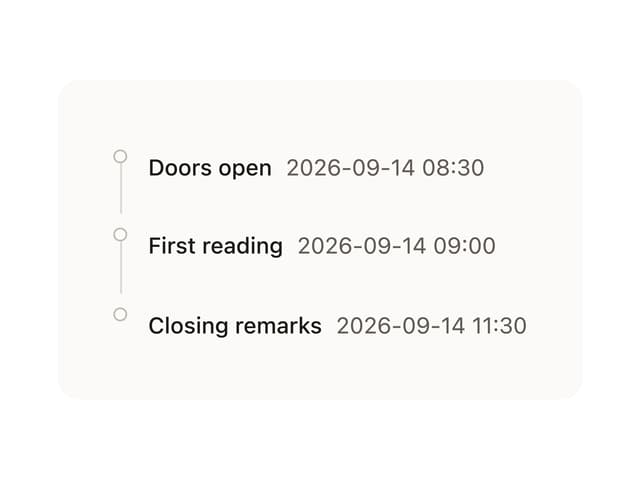
Timeline

Floating Panel
Ellipsis
More in Buttons
View all

Button
14
Button
34
Texture Button
92
Button Save
46

Button
64

Button Group
3

App Store Button
454

Notification Button
103

