
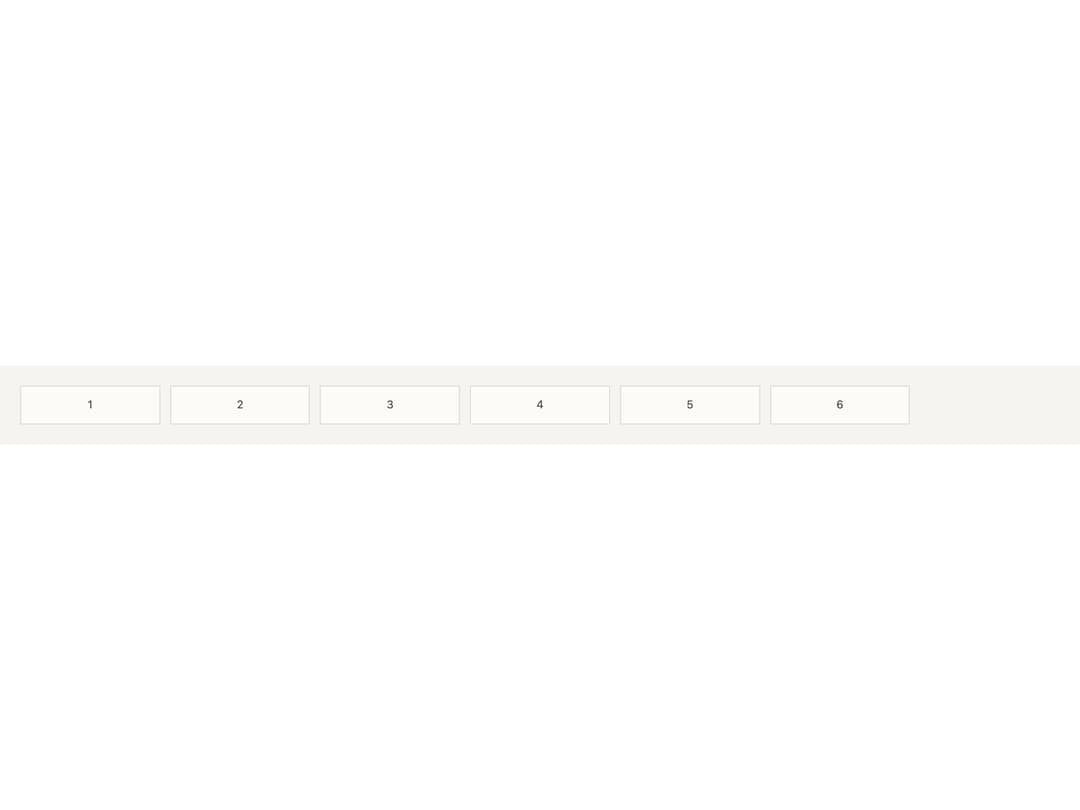
About
A CSS grid layout primitive that arranges children into equal-width tracks by column count, or auto-fills tracks of a minimum width, with a consistent gap scale.
Built with React and Tailwind. Copy the prompt and paste it into Claude Code, Cursor or Lovable: your agent adds Grid to your project and fits it to your theme.
Code
How Grid is used: the demo's code. The component's own source comes with a free account.
Usage.tsx
import { Grid } from "@/components/ui/grid";

const tile = (n: number) => (
  <div
    key={n}
    style={{
      display: "grid",
      placeItems: "center",
      padding: "var(--bs-space-3)",
      background: "var(--bs-color-surface-3)",
      border: "1px solid var(--bs-color-border)",
      fontSize: "var(--bs-font-size-sm)",
      color: "var(--bs-color-text-secondary)",
    }}
  >
    {n}
  </div>
);

const tiles = (count: number) =>
  Array.from({ length: count }, (_, i) => tile(i + 1));

export default function GridAutoFillDemo() {
  return (
    <div
      style={{
        width: "100%",
        padding: "var(--bs-space-6)",
        background: "var(--bs-color-surface)",
        color: "var(--bs-color-text-primary)",
      }}
    >
      <Grid minChildWidth="10rem">{tiles(6)}</Grid>
    </div>
  );
}
Dependencies
More by bysages
View all
Switch
13
Avatar Group
6
Typography
4
Spinner
4
Float Button
Timeline

Floating Panel

Ellipsis