
About
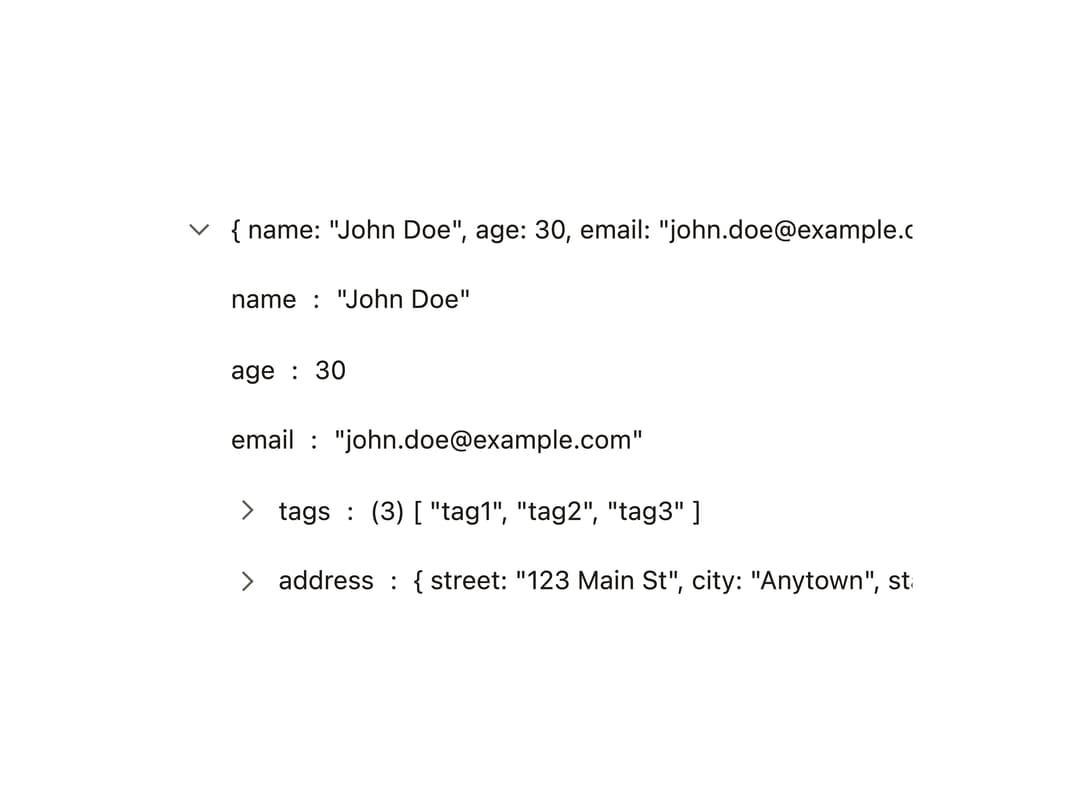
An interactive, collapsible tree component for rendering JSON data (objects, arrays, Maps, Sets, errors, functions, and more) with expandable branches and typed value rendering.
Built with React and Tailwind. Copy the prompt and paste it into Claude Code, Cursor or Lovable: your agent adds Json Tree View to your project and fits it to your theme.
Code
How Json Tree View is used: the demo's code. The component's own source comes with a free account.
Usage.tsx
"use client";

import JsonTreeView from "@/components/ui/json-tree-view";
import { useEffect } from "react";
import { applyTheme, attachDynamicLight } from "@bysages/core";

const data = {
  name: "John Doe",
  age: 30,
  email: "john.doe@example.com",
  tags: ["tag1", "tag2", "tag3"],
  address: {
    street: "123 Main St",
    city: "Anytown",
    state: "CA",
    zip: "12345",
  },
};

function Chevron() {
  return (
    <svg
      width={14}
      height={14}
      viewBox="0 0 24 24"
      fill="none"
      stroke="currentColor"
      strokeWidth={1.75}
      aria-hidden="true"
    >
      <path d="m9 5 7 7-7 7" />
    </svg>
  );
}

function JsonTreeViewTree(extraProps: Record<string, any> = {}) {
  return <JsonTreeView.Tree {...extraProps} arrow={<Chevron />} />;
}

export default function JsonTreeViewDemo() {
  useEffect(() => {
    applyTheme({ mode: "light" });
    attachDynamicLight();
  }, []);

  return (
    <div className="w-full max-w-md p-6">
      <JsonTreeView.Root data={data} defaultExpandedDepth={1}>
        {JsonTreeViewTree()}
      </JsonTreeView.Root>
    </div>
  );
}
Dependencies
More by bysages
View all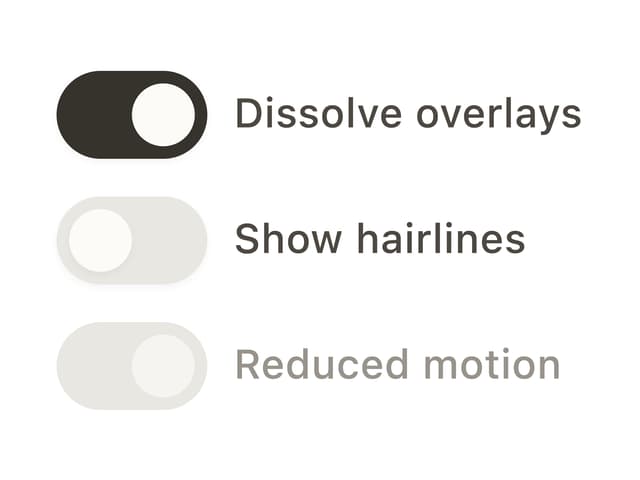
Switch
13
Avatar Group
5
Typography
4
Spinner
4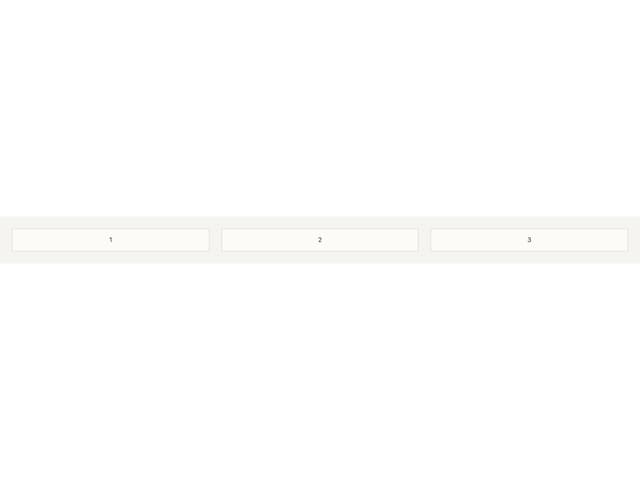
Grid

Float Button
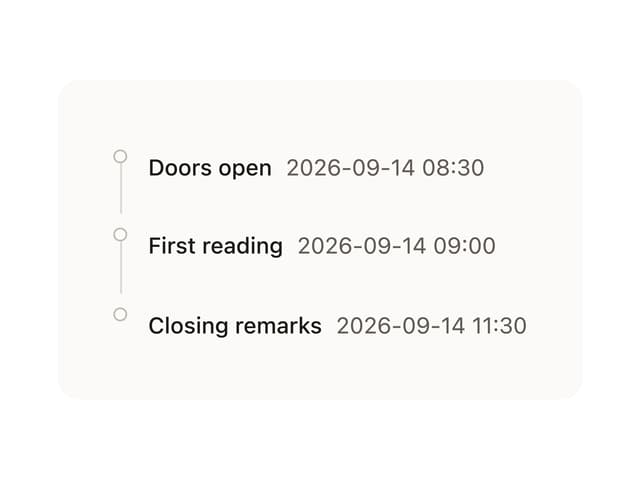
Timeline

Floating Panel