
About
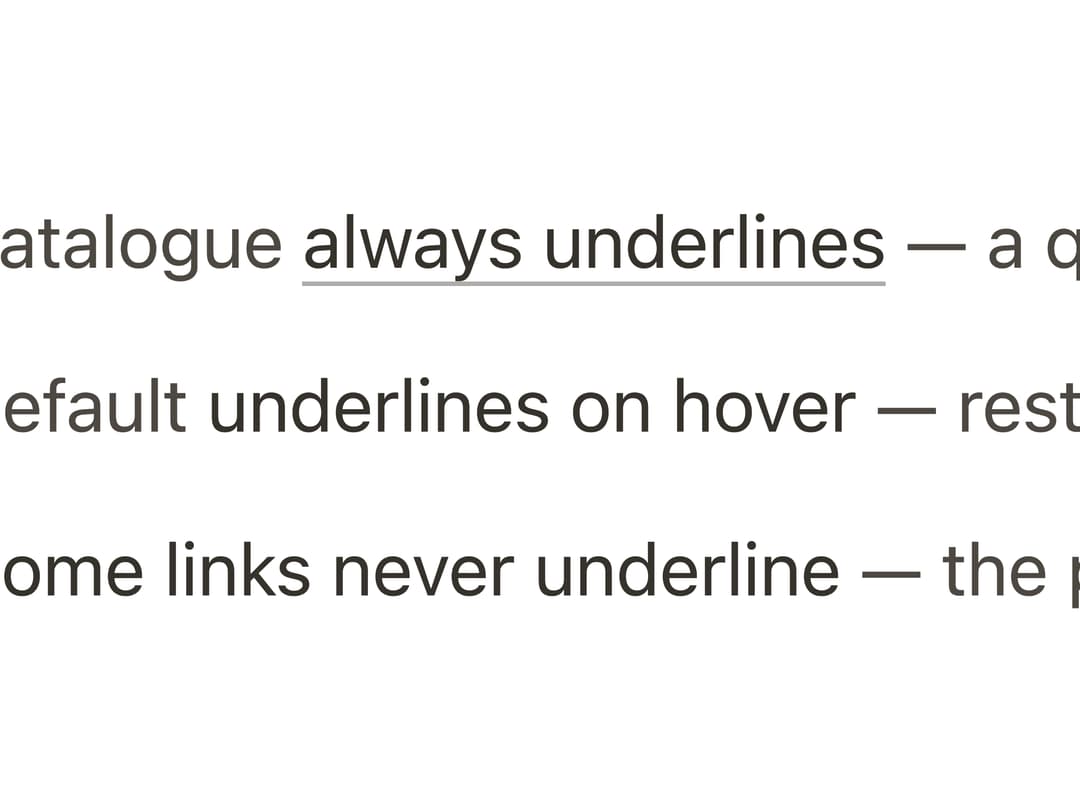
An anchor/link element with configurable underline behavior (always, on hover, or never) for inline text navigation.
Built with React and Tailwind. Copy the prompt and paste it into Claude Code, Cursor or Lovable: your agent adds Link to your project and fits it to your theme.
Code
How Link is used: the demo's code. The component's own source comes with a free account.
Usage.tsx
"use client";

import Link from "@/components/ui/link";

/** Adapted verbatim from the component's own Storybook story
 * (packages/react/src/components/link/link.stories.tsx, "Underlines")
 * — the three underline settings, resting in a line of prose. */
export default function LinkDemo() {
  return (
    <div
      style={{ display: "grid", gap: "var(--bs-space-3)", maxWidth: "28rem" }}
    >
      <p style={{ margin: 0, color: "var(--bs-color-text-secondary)" }}>
        The catalogue{" "}
        <Link href="#" underline="always">
          always underlines
        </Link>{" "}
        — a quiet rail under the ink.
      </p>
      <p style={{ margin: 0, color: "var(--bs-color-text-secondary)" }}>
        The default <Link href="#">underlines on hover</Link> — rest keeps the
        page still.
      </p>
      <p style={{ margin: 0, color: "var(--bs-color-text-secondary)" }}>
        And{" "}
        <Link href="#" underline="none">
          some links never underline
        </Link>{" "}
        — the pigment alone carries them.
      </p>
    </div>
  );
}
Dependencies
More by bysages
View all
Switch
13
Avatar Group
5
Typography
4
Spinner
4
Grid
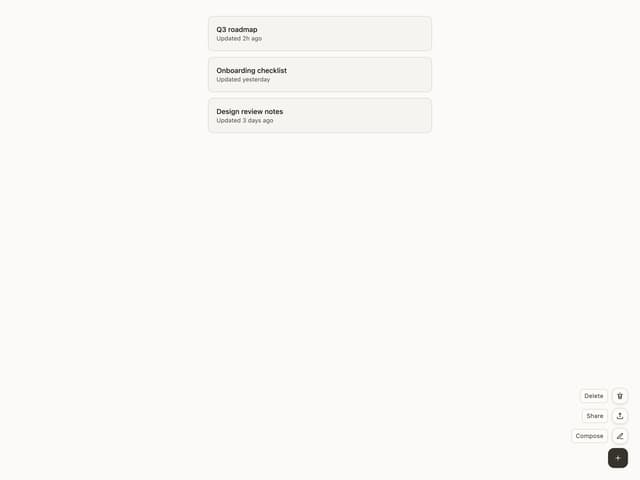
Float Button
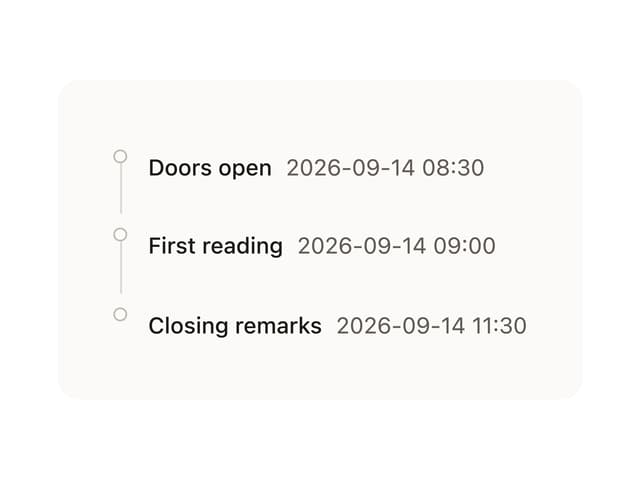
Timeline

Floating Panel
More in Navigation
View all

Sidebar
235
Navbar with Theme Toggle
43

Sidebar
339

Tabs
60
Numberless Pagination with Text
11
Oversized 404 Numeral
50
Footer
446
Pagination
43


