
About
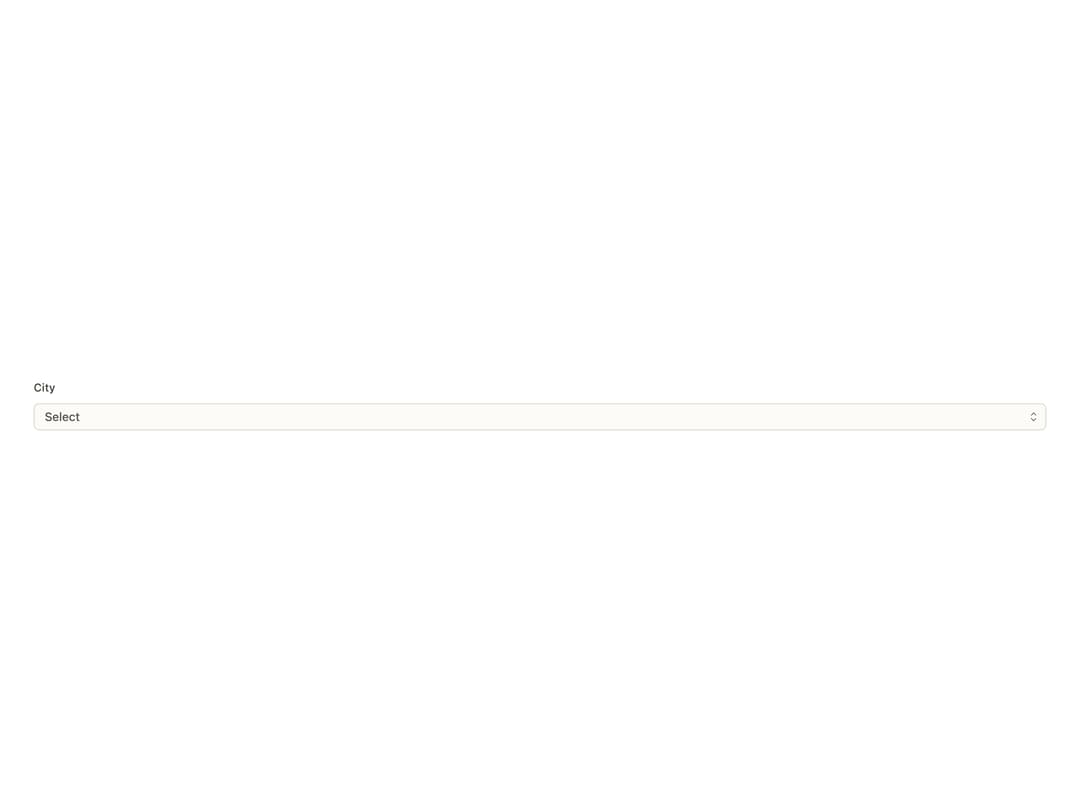
An accessible dropdown select control with a styled trigger, searchable item list, grouping, multi-select and a native-select fallback, for choosing one or more options from a list in a form.
Built with React and Tailwind. Copy the prompt and paste it into Claude Code, Cursor or Lovable: your agent adds Select to your project and fits it to your theme.
Code
How Select is used: the demo's code. The component's own source comes with a free account.
Usage.tsx
"use client";

import { Select } from "@/components/ui/select";
import { useEffect } from "react";
import { createListCollection } from "@ark-ui/react/select";
import { applyTheme } from "@bysages/core";

interface CityItem {
  label: string;
  value: string;
  region: string;
}

const cities = createListCollection<CityItem>({
  items: [
    { label: "Suzhou", value: "suzhou", region: "Jiangnan" },
    { label: "Hangzhou", value: "hangzhou", region: "Jiangnan" },
    { label: "Chengdu", value: "chengdu", region: "Shu" },
    { label: "Chongqing", value: "chongqing", region: "Shu" },
  ],
  groupBy: (item) => item.region,
});

function ChevronsUpDown() {
  return (
    <svg
      width={14}
      height={14}
      viewBox="0 0 24 24"
      fill="none"
      stroke="currentColor"
      strokeWidth={1.75}
      aria-hidden="true"
    >
      <path d="m7 9 5-5 5 5M7 15l5 5 5-5" />
    </svg>
  );
}

function Check() {
  return (
    <svg
      width={14}
      height={14}
      viewBox="0 0 24 24"
      fill="none"
      stroke="currentColor"
      strokeWidth={2}
      aria-hidden="true"
    >
      <path d="m4 12.5 5 5L20 6.5" />
    </svg>
  );
}

function X() {
  return (
    <svg
      width={14}
      height={14}
      viewBox="0 0 24 24"
      fill="none"
      stroke="currentColor"
      strokeWidth={1.75}
      aria-hidden="true"
    >
      <path d="M6 6l12 12M18 6 6 18" />
    </svg>
  );
}

export default function SelectGroupedDemo() {
  useEffect(() => {
    applyTheme({ mode: "light" });
  }, []);

  return (
    <div className="flex min-h-[20rem] w-full items-center justify-center bg-background p-10 text-foreground">
      <Select.Root collection={cities}>
        <Select.Label>City</Select.Label>
        <Select.Control>
          <Select.Trigger>
            <Select.ValueText placeholder="Select" />
          </Select.Trigger>
          <Select.ClearTrigger>
            <X />
          </Select.ClearTrigger>
          <Select.Indicator>
            <ChevronsUpDown />
          </Select.Indicator>
        </Select.Control>
        <Select.Positioner>
          <Select.Content>
            {(cities.group() as [string, CityItem[]][]).map(
              ([region, items]) => (
                <Select.ItemGroup key={region}>
                  <Select.ItemGroupLabel>{region}</Select.ItemGroupLabel>
                  {items.map((item) => (
                    <Select.Item key={item.value} item={item}>
                      <Select.ItemText>{item.label}</Select.ItemText>
                      <Select.ItemIndicator>
                        <Check />
                      </Select.ItemIndicator>
                    </Select.Item>
                  ))}
                </Select.ItemGroup>
              ),
            )}
          </Select.Content>
        </Select.Positioner>
        <Select.HiddenSelect />
      </Select.Root>
    </div>
  );
}
Dependencies
More by bysages
View all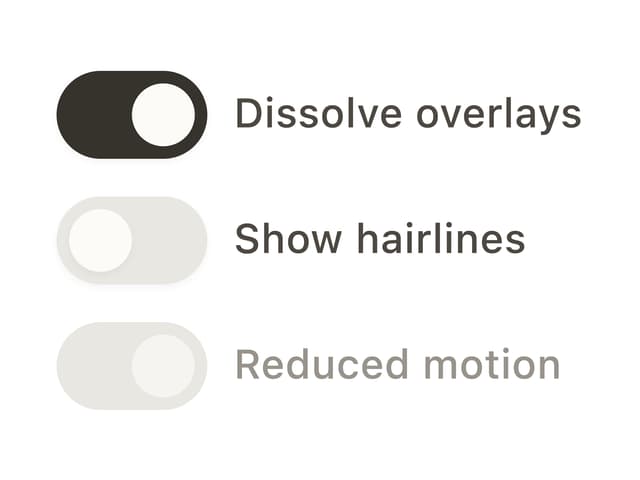
Switch
13
Avatar Group
5
Typography
4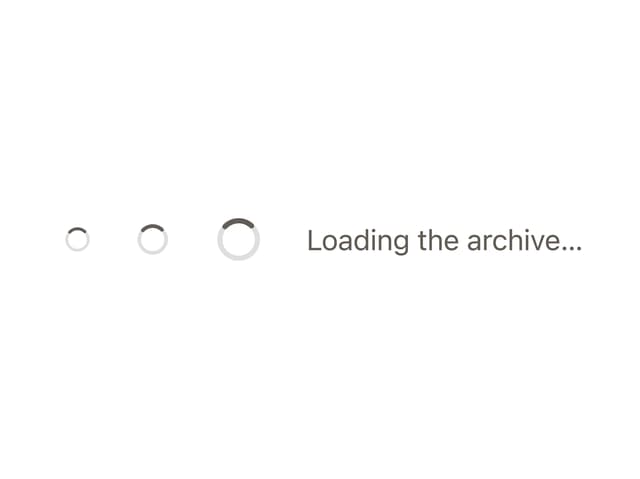
Spinner
4
Grid
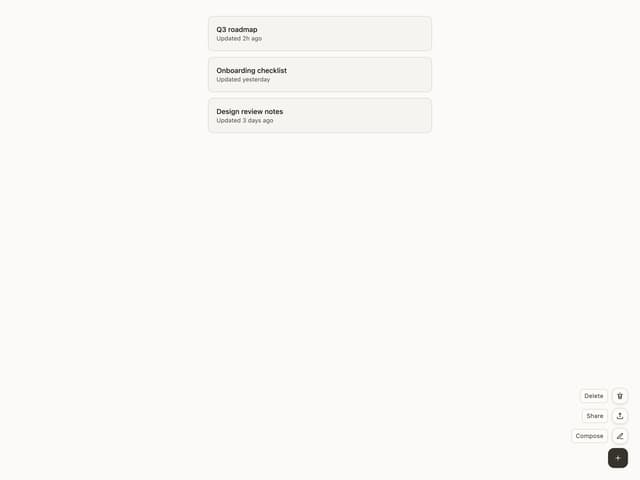
Float Button
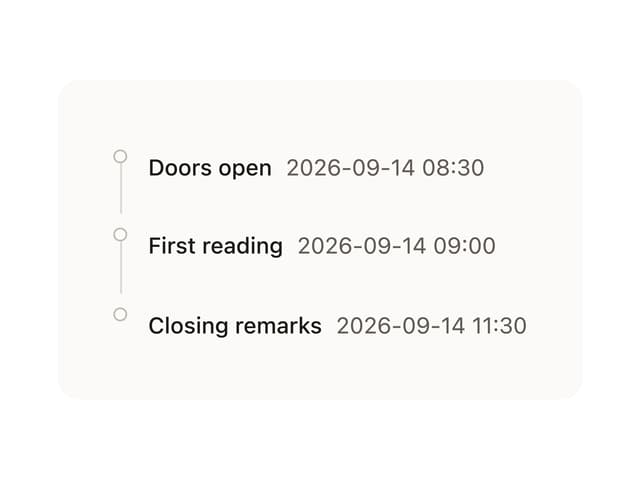
Timeline

Floating Panel
More in Forms
View all

Premium Auth
500

Login 1
52

Book A Demo 3
83
Authentication Card
47
Book A Demo 1
69

Contact Card
1K

Login Card
32

Login 2
7
