
About
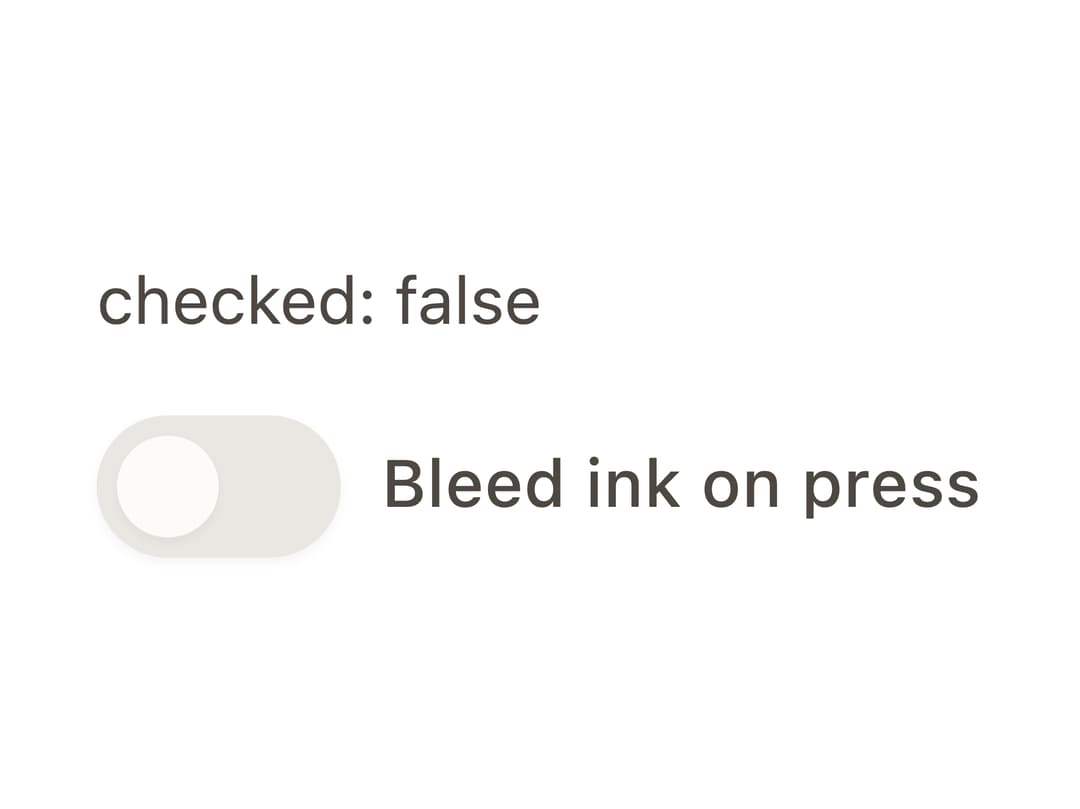
An accessible on/off toggle control built on Ark UI's headless switch machine, styled with CSS custom-property design tokens for light/dark themes.
Built with React and Tailwind. Copy the prompt and paste it into Claude Code, Cursor or Lovable: your agent adds Switch to your project and fits it to your theme.
Code
How Switch is used: the demo's code. The component's own source comes with a free account.
Usage.tsx
"use client";

import { Switch } from "@/components/ui/switch";
import { useState } from "react";

export default function SwitchControlledDemo() {
  const [checked, setChecked] = useState(false);
  return (
    <div style={{ display: "grid", gap: "0.75rem", maxWidth: "20rem" }}>
      <output
        style={{
          fontSize: "var(--bs-font-size-sm)",
          color: "var(--bs-color-text-secondary)",
        }}
      >
        checked: {String(checked)}
      </output>
      <Switch.Root
        checked={checked}
        onCheckedChange={(e: { checked: boolean }) => setChecked(e.checked)}
      >
        <Switch.Control>
          <Switch.Thumb />
        </Switch.Control>
        <Switch.Label>Bleed ink on press</Switch.Label>
        <Switch.HiddenInput />
      </Switch.Root>
    </div>
  );
}
Dependencies
More by bysages
View all
Avatar Group
5
Typography
4
Spinner
4
Grid
Float Button
Timeline

Floating Panel

Ellipsis
More in Forms
View all

Premium Auth
500

Login 2
7
Authentication Card
47

Login 1
52

Contact Card
1K
Login Form
6

Form
16

Book A Demo 3
83
