About
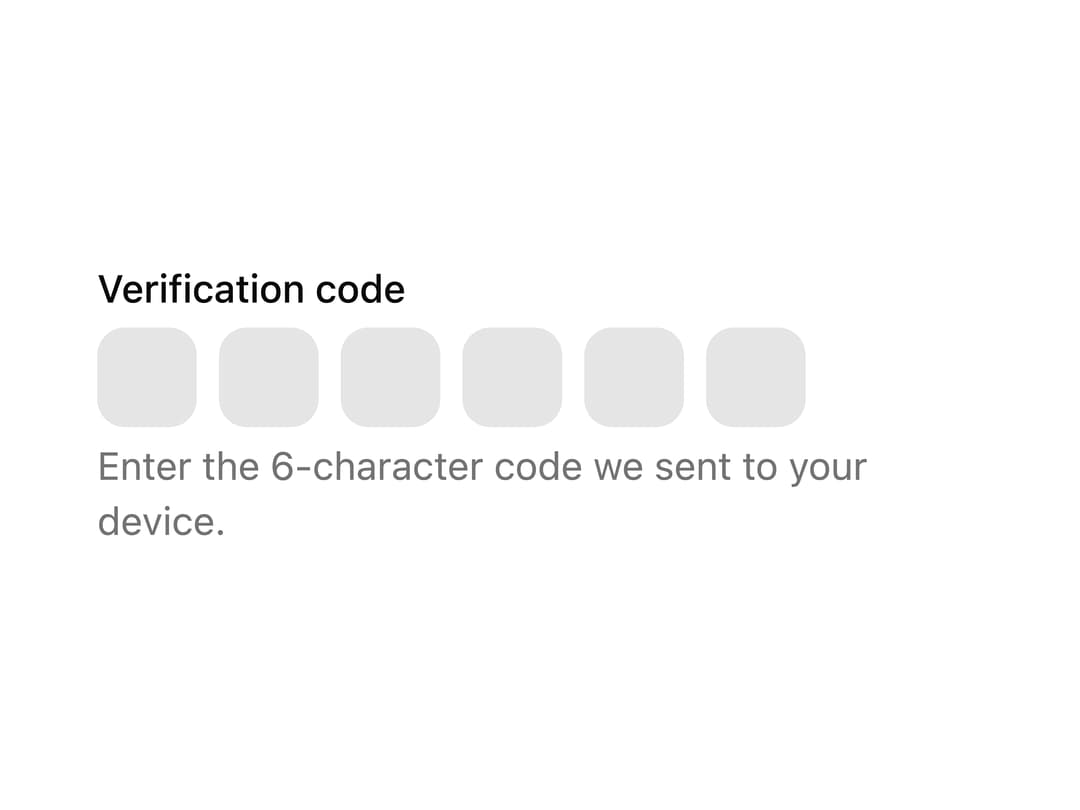
A one-time-password input split into individual character slots with paste and auto-advance handled for you, used for two-factor codes, email verification, or recovery codes.
Built with React and Tailwind. Copy the prompt and paste it into Claude Code, Cursor or Lovable: your agent adds OTP Field to your project and fits it to your theme.
Code
How OTP Field is used: the demo's code. The component's own source comes with a free account.
Usage.tsx
"use client";

import * as React from "react";
import { OTPField, OTPFieldInput } from "@/components/ui/otp-field";

const OTP_LENGTH = 6;

export default function OtpFieldBasic() {
  const id = React.useId();
  const descriptionId = `${id}-description`;

  return (
    <div className="flex w-full max-w-80 flex-col items-start gap-1">
      <label htmlFor={id} className="text-sm font-medium">
        Verification code
      </label>
      <OTPField id={id} length={OTP_LENGTH} aria-describedby={descriptionId}>
        {Array.from({ length: OTP_LENGTH }, (_, index) => (
          <OTPFieldInput
            key={index}
            aria-label={`Character ${index + 1} of ${OTP_LENGTH}`}
          />
        ))}
      </OTPField>
      <p id={descriptionId} className="text-muted-foreground m-0 text-sm">
        Enter the 6-character code we sent to your device.
      </p>
    </div>
  );
}
Dependencies
More by cubby-ui
View all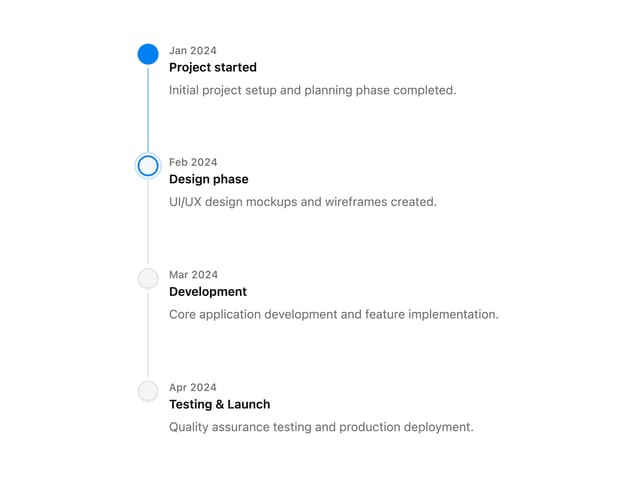
Timeline
171
Copy Button
6
Autocomplete
4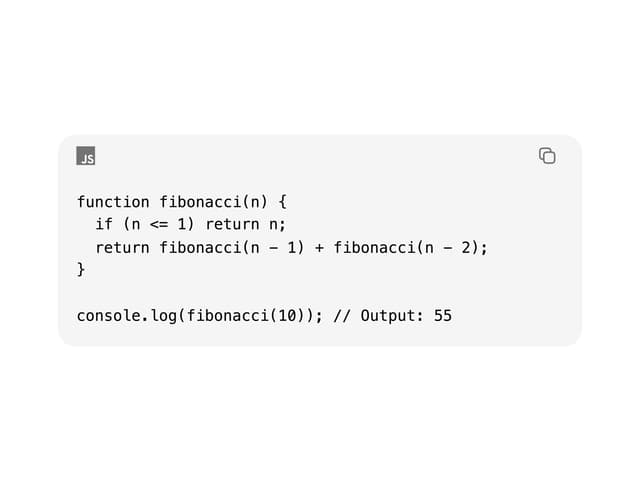
Code Block
Date Range Picker
Tree
Toolbar

Fancy Button
More in Forms
View all

Premium Auth
500

Login 1
52

Book A Demo 3
83
Authentication Card
47

Contact Card
1K

Login Card
32
Book A Demo 1
69

Login 2
7
