About
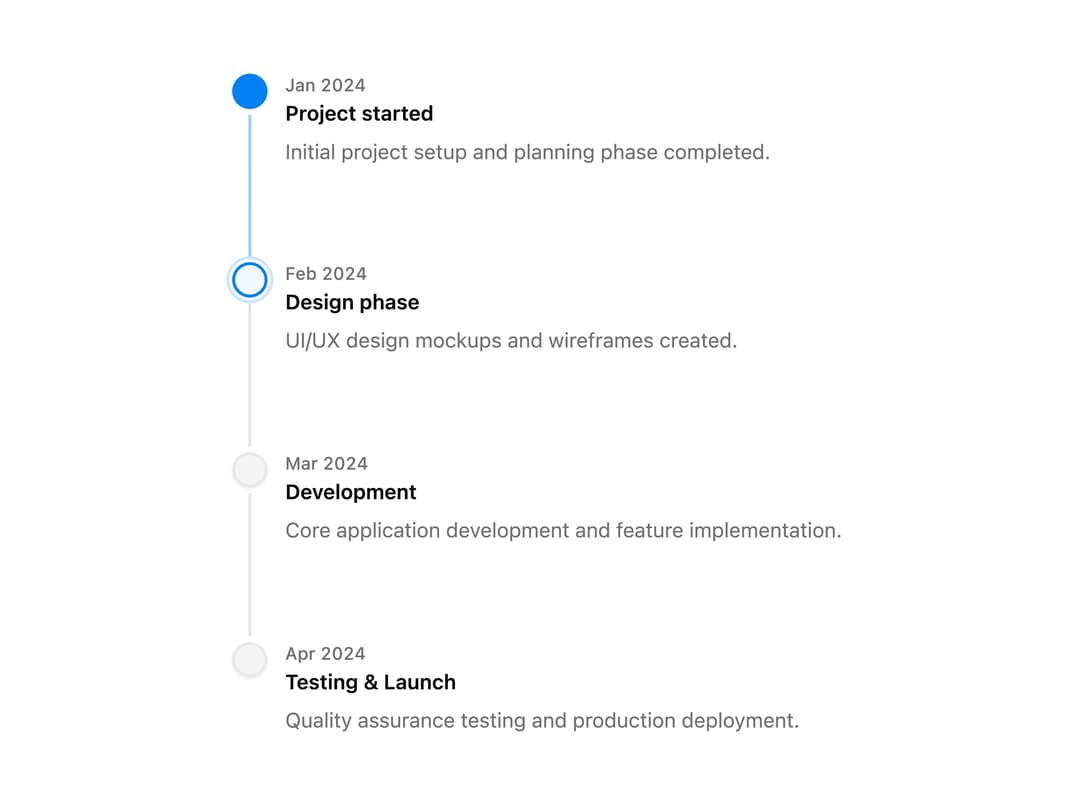
A composable timeline that displays a sequence of dated events connected by a line, usable for activity feeds, changelogs, or as a controlled step progress indicator.
Built with React and Tailwind. Copy the prompt and paste it into Claude Code, Cursor or Lovable: your agent adds Timeline to your project and fits it to your theme.
Code
How Timeline is used: the demo's code. The component's own source comes with a free account.
Usage.tsx
import {
  Timeline,
  TimelineContent,
  TimelineDate,
  TimelineHeader,
  TimelineIndicator,
  TimelineItem,
  TimelineSeparator,
  TimelineTitle,
} from "@/components/ui/timeline";

export default function TimelineBasic() {
  return (
    <Timeline defaultValue={2}>
      <TimelineItem step={1}>
        <TimelineIndicator />
        <TimelineSeparator />
        <TimelineHeader>
          <TimelineDate>Jan 2024</TimelineDate>
          <TimelineTitle>Project started</TimelineTitle>
        </TimelineHeader>
        <TimelineContent>
          Initial project setup and planning phase completed.
        </TimelineContent>
      </TimelineItem>

      <TimelineItem step={2}>
        <TimelineIndicator />
        <TimelineSeparator />
        <TimelineHeader>
          <TimelineDate>Feb 2024</TimelineDate>
          <TimelineTitle>Design phase</TimelineTitle>
        </TimelineHeader>
        <TimelineContent>
          UI/UX design mockups and wireframes created.
        </TimelineContent>
      </TimelineItem>

      <TimelineItem step={3}>
        <TimelineIndicator />
        <TimelineSeparator />
        <TimelineHeader>
          <TimelineDate>Mar 2024</TimelineDate>
          <TimelineTitle>Development</TimelineTitle>
        </TimelineHeader>
        <TimelineContent>
          Core application development and feature implementation.
        </TimelineContent>
      </TimelineItem>

      <TimelineItem step={4}>
        <TimelineIndicator />
        <TimelineHeader>
          <TimelineDate>Apr 2024</TimelineDate>
          <TimelineTitle>Testing & Launch</TimelineTitle>
        </TimelineHeader>
        <TimelineContent>
          Quality assurance testing and production deployment.
        </TimelineContent>
      </TimelineItem>
    </Timeline>
  );
}
Dependencies
More by cubby-ui
View all
Copy Button
6
Autocomplete
4
Code Block
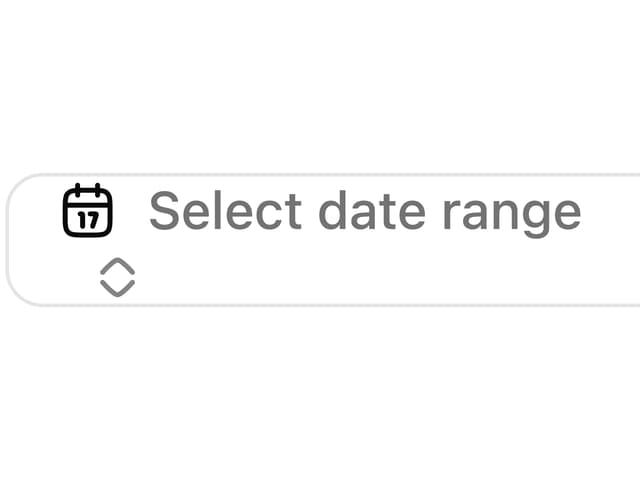
Date Range Picker
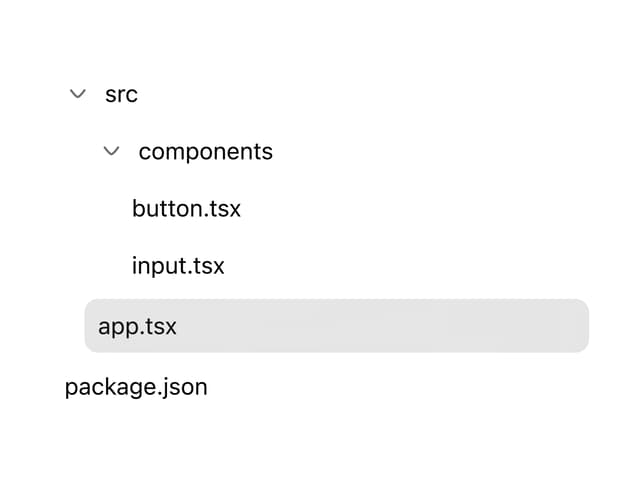
Tree
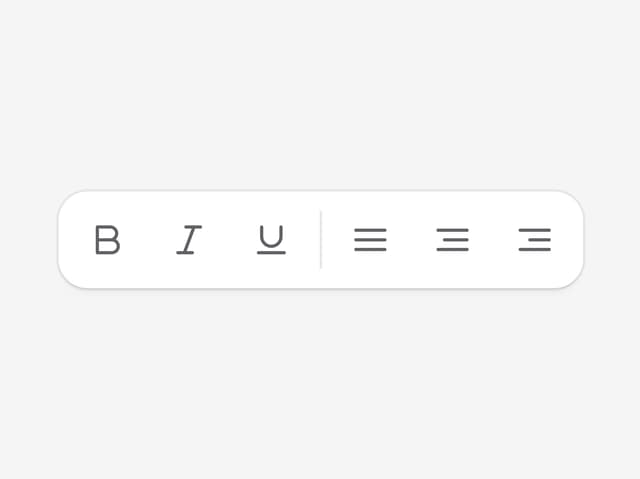
Toolbar
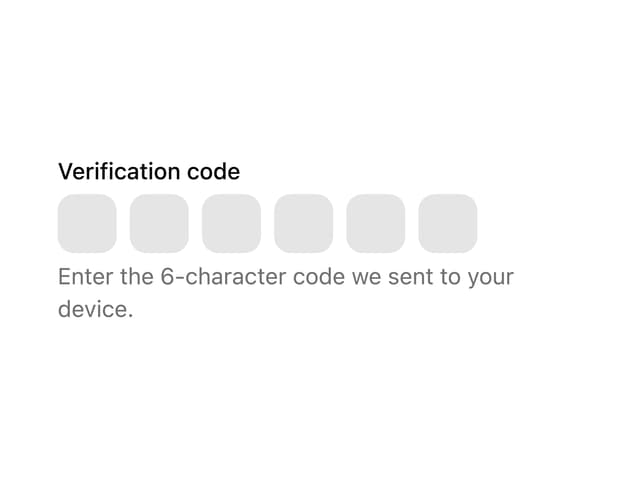
OTP Field
Fancy Button