
About
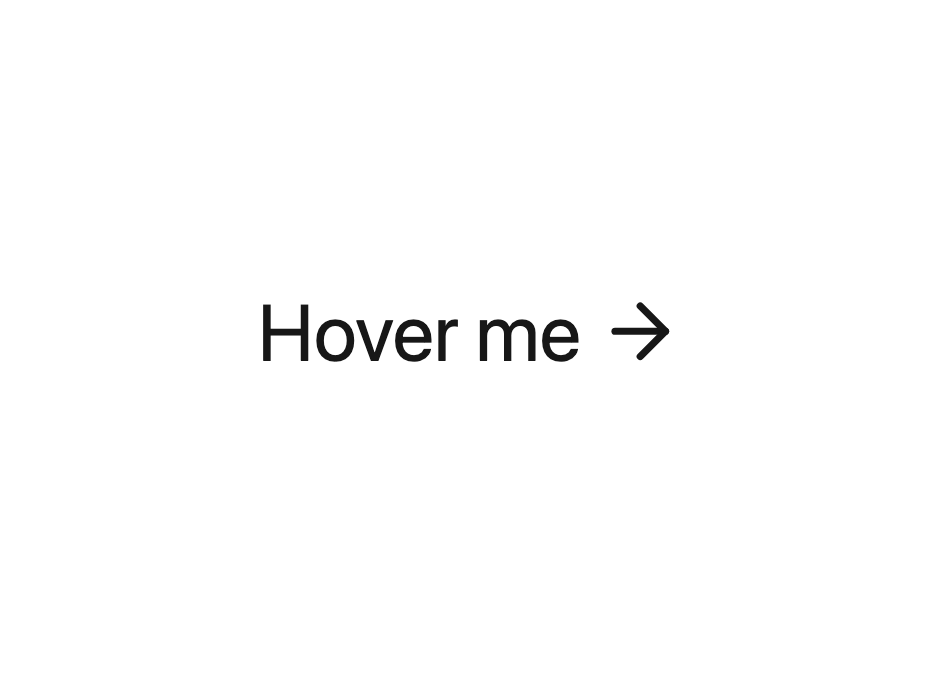
Minimal link button with an animated underline and a rotating arrow icon; use it for inline text links and CTAs that need a bit of motion.
Built with React and Tailwind. Copy the prompt and paste it into Claude Code, Cursor or Lovable: your agent adds Link Button to your project and fits it to your theme.
Code
How Link Button is used: the demo's code. The component's own source comes with a free account.
Usage.tsx
"use client";

import LinkButton from "@/components/ui/link-button";

export default function LinkButtonDemo() {
  return (
    <div className="flex min-h-64 w-full items-center justify-center p-12 text-neutral-900 dark:text-neutral-50">
      <LinkButton
        btnText="Hover me"
        mobileText="Hover me"
        href="https://vault.hyperiux.com"
        textColor="currentColor"
        hoverColor="#ff6b00"
        compact={false}
        disableNavigation
      />
    </div>
  );
}
Dependencies
More by Hyperiux Vault
View all

Product Timeline
2.3K
Stack Spread
1.3K
Arrow Fill Button
912
Interactive List Preview
869
Shiny Button
750
Circular Split Roll
641
Zoom Slider
430
Stack Loader
371
More in Buttons
View all

Button
14
Button
34
Texture Button
92
Button Save
46

Button
64

Button Group
3

App Store Button
454

Notification Button
103

