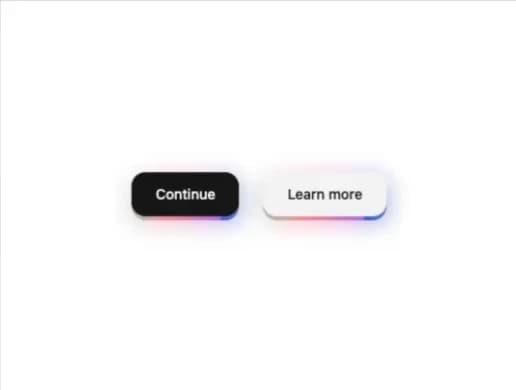
About
A pushable 3D button with a layered shadow/edge that lifts on hover and dips on press, with an optional animated rainbow-gradient edge glow.
Built with React and Tailwind. Copy the prompt and paste it into Claude Code, Cursor or Lovable: your agent adds Magic Button to your project and fits it to your theme.
Code
How Magic Button is used: the demo's code. The component's own source comes with a free account.
Usage.tsx
import { MagicButton } from "@/components/ui/magic-button";

export default function MagicButtonVariantsDemo() {
  return (
    <div className="flex flex-wrap items-center justify-center gap-6">
      <MagicButton variant="default">Continue</MagicButton>
      <MagicButton variant="secondary">Learn more</MagicButton>
    </div>
  );
}
More by lucasbassetti
View all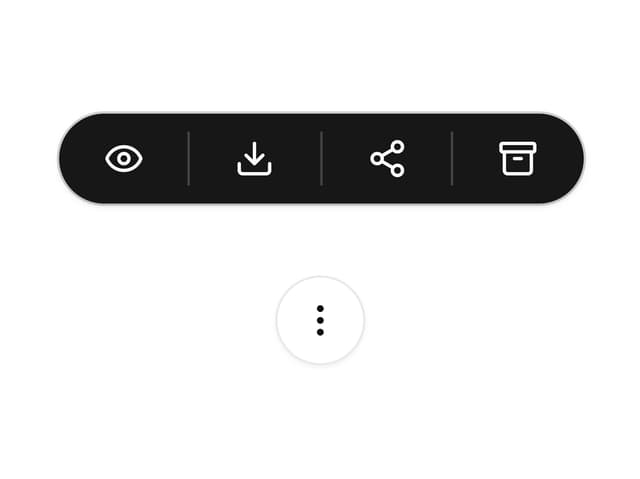

Multi Button
19
Mask Button
7
Animated Tooltip
6
Progress Fold Button
3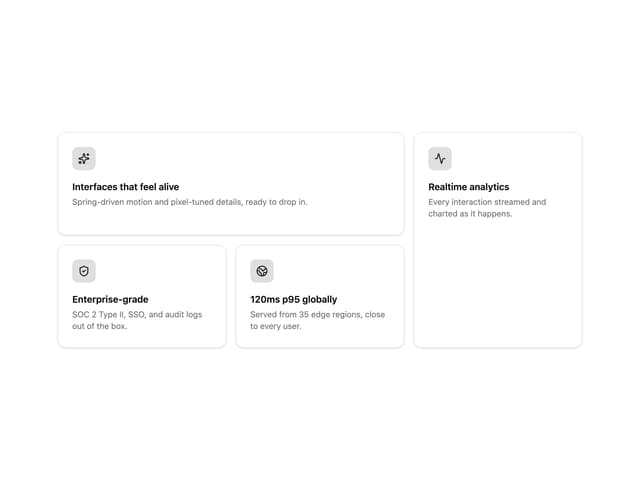
Bento Grid
More in Buttons
View all

Button
5

App Store Button
453

Button
47

Eclipse Button
39
Texture Button
92

Button
4
Split Button
14

Button
32

