
About
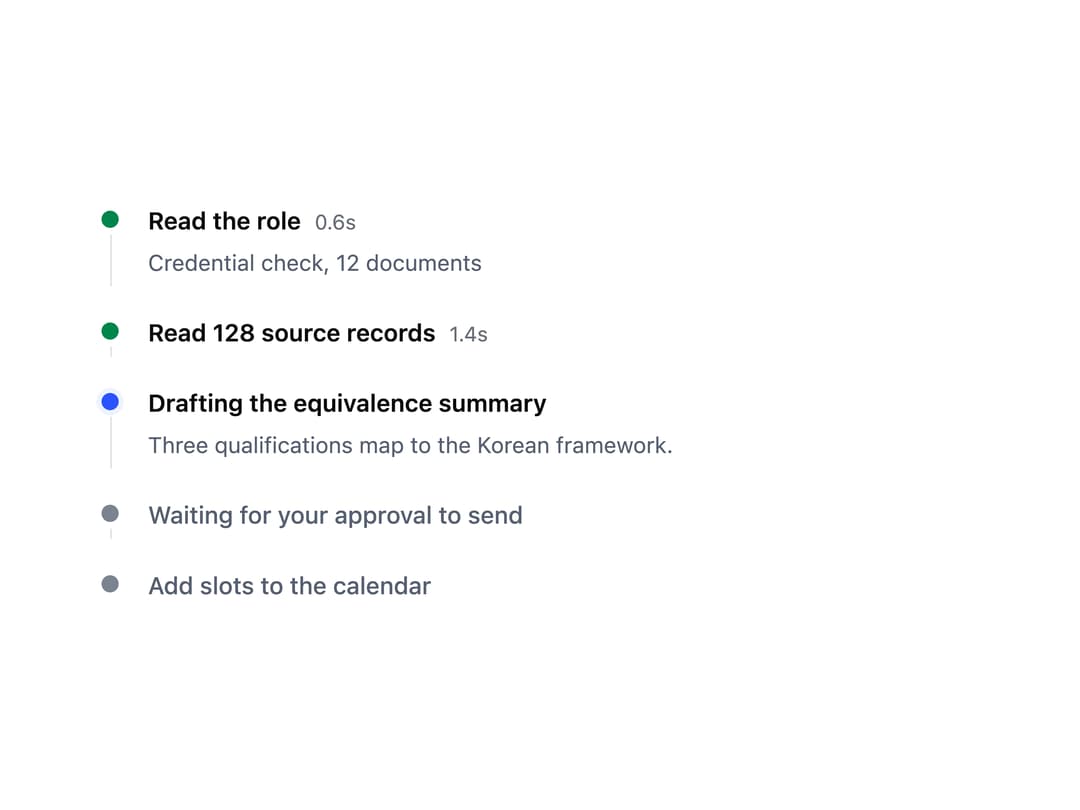
An ordered, step-by-step timeline that shows what an AI agent is doing right now, with each step marked done, active, waiting, or errored.
Built with React and Tailwind. Copy the prompt and paste it into Claude Code, Cursor or Lovable: your agent adds Agent Timeline to your project and fits it to your theme.
Code
How Agent Timeline is used: the demo's code. The component's own source comes with a free account.
Usage.tsx
import AgentTimeline from "@/components/ui/agent-timeline";

export default function AgentTimelineDemo() {
  const steps = [
    {
      id: 1,
      state: "done" as const,
      label: "Read the role",
      meta: "0.6s",
      detail: "Credential check, 12 documents",
    },
    {
      id: 2,
      state: "done" as const,
      label: "Read 128 source records",
      meta: "1.4s",
    },
    {
      id: 3,
      state: "active" as const,
      label: "Drafting the equivalence summary",
      detail: "Three qualifications map to the Korean framework.",
    },
    {
      id: 4,
      state: "todo" as const,
      label: "Waiting for your approval to send",
    },
    { id: 5, state: "todo" as const, label: "Add slots to the calendar" },
  ];

  return (
    <div className="flex min-h-screen w-full items-center justify-center bg-background p-8">
      <div style={{ maxWidth: 520, width: "100%" }}>
        <AgentTimeline steps={steps} />
      </div>
    </div>
  );
}
More by redrob-labs
View all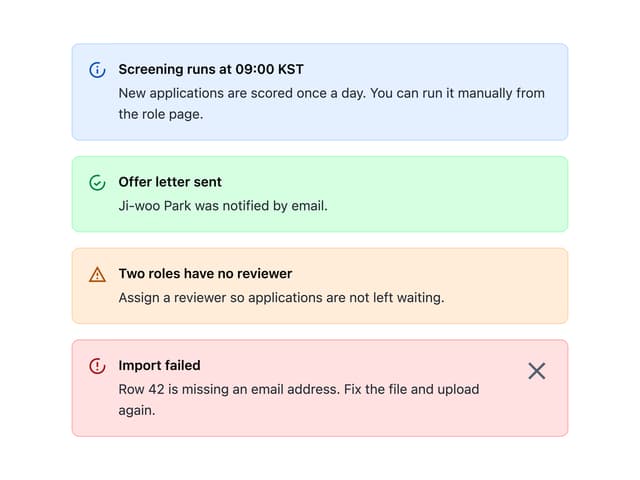
Alert
18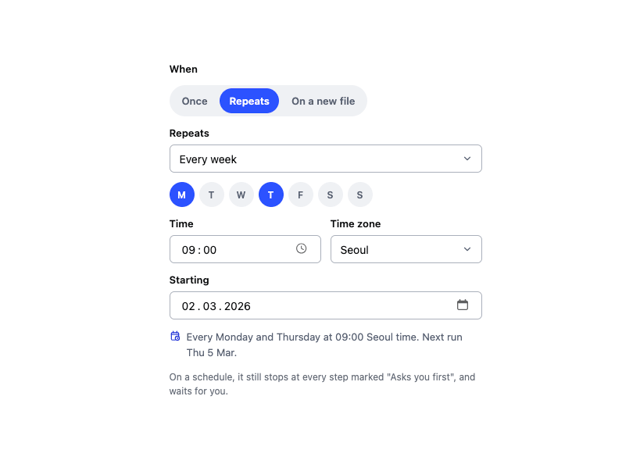
Schedule Picker
15
Hero Section
7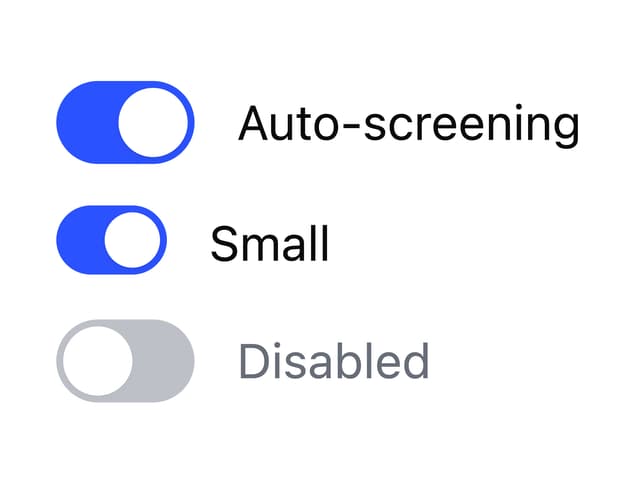
Switch
5
Status Card
4
Meter
2
Memory Scope
2
Accordion
2
More in AI chats
View all

AI Actions
318
Color Picker
77
Agent Chat
17
Approval Card
13

System Message
53
Prompt with Model Picker
2

Message
48

AI Task List
159


